Switch
Switch presents one boolean setting as a native on/off control.
Complete example
Declare a boolean property on the native component, then bind it with native:model:
<?php

namespace App\NativeComponents;

use Illuminate\View\View;
use Native\Mobile\Edge\NativeComponent;

class NotificationSettings extends NativeComponent
{
    public bool $notifications = false;

    public function render(): View
    {
        return view('native.notification-settings');
    }
}
<firstlight:switch
    native:model="notifications"
    label="Notifications"
    helper="Receive account updates."
    a11y-hint="Controls notification delivery"
/>
Props
| API | Accepted type | Purpose |
|---|---|---|
value |
bool |
Accepted value. Defaults to false when omitted. |
native:model |
a boolean component property | Synchronises the accepted boolean value through NativePHP. native:model.live is also accepted. |
label |
string |
Visible setting label. |
helper |
string |
Supporting text below the setting. |
error |
string |
Error text and error semantics; shown instead of helper when non-empty. |
disabled |
bool |
Prevents interaction and change events. |
a11y-label |
string |
Explicit accessibility label when a visible label is inappropriate. |
a11y-hint |
string |
Additional VoiceOver and TalkBack guidance. |
class |
string |
External EDGE layout utilities. |
Events
@change receives the proposed boolean value. Use it when the server decides whether to accept a change:
public bool $notifications = false;

public function updateNotifications(bool $value): void
{
    $this->notifications = $value;
}
<firstlight:switch
    :value="$notifications"
    @change="updateNotifications"
    label="Notifications"
/>
native:model normally supplies the same callback for property synchronisation.
Accepted values
Switch accepts only strict PHP booleans: true and false. Bind a literal Boolean with ::
<firstlight:switch :value="false" label="Notifications" />
value="false" is invalid because Blade passes it as a string. null, integers, string booleans, arrays, and objects are also rejected.
State timing
Switch is server-authoritative. A native interaction immediately emits its proposed Boolean, but the visible on/off state remains the last value published by PHP. A response that accepts the proposal changes the visible state; a response that rejects it leaves the visible state unchanged. Every server publication clears a pending proposal, including one that republishes the same value. Programmatic publications update the accepted state without emitting @change.
Use native:model or native:model.live. Deferred blur, lazy, and debounce sync modes are rejected.
Disabled behaviour
When disabled is true, Switch stays visible with its accepted on/off state and cannot emit a proposal or @change event.
Accessibility
Provide a visible label or an explicit a11y-label; Firstlight warns during development when both are blank. The native controls expose the setting name, on/off value, disabled state, optional hint, and error semantics. SwiftUI provides a minimum 44-point target; the Material 3 row provides a minimum 48-dp target and one TalkBack switch focus stop.
Validation and failure behaviour
Contract exceptions still reject non-Boolean values, unsupported required or
placement, and deferred sync modes before publication. User validation is
separate: screens that use ValidatesFields auto-bind the first MessageBag
message for the field's native:model or error-for name. An authored
error wins. See Validate fields. An error
takes precedence over helper text and is included in accessibility semantics.
Platform behaviour
iOS uses a genuine SwiftUI Toggle with the native switch style and system motion. Android uses a genuine Material 3 Switch inside a row-owned switch semantic target, preserving Material state layers and TalkBack behaviour. The public EDGE API and server-authoritative state contract are shared; native geometry, presentation, and interaction remain platform-specific.
Compatibility
Switch supports the versions listed in the current compatibility reference and requires both native renderers to be compiled into the host application.
Screenshots
| Platform | Light | Dark |
|---|---|---|
| iOS | 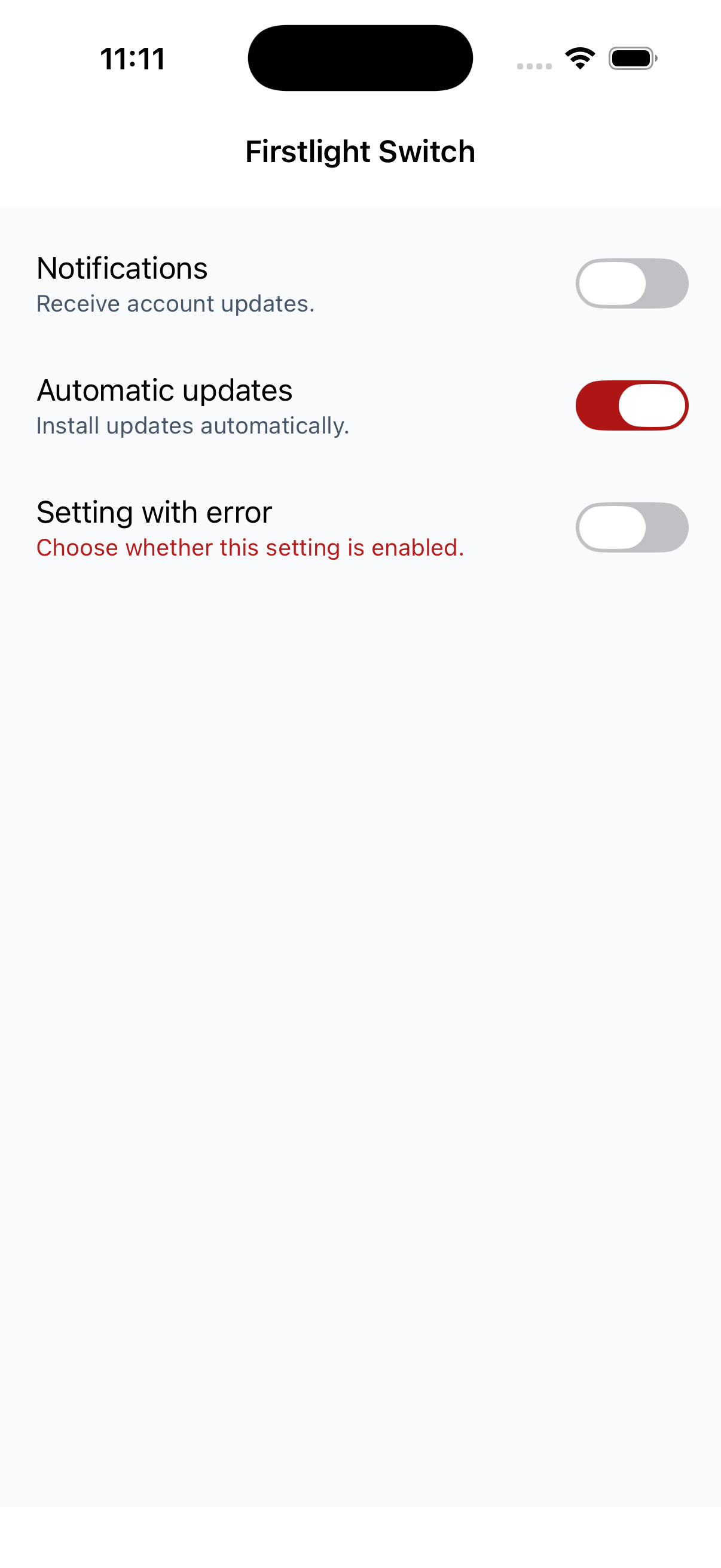 |
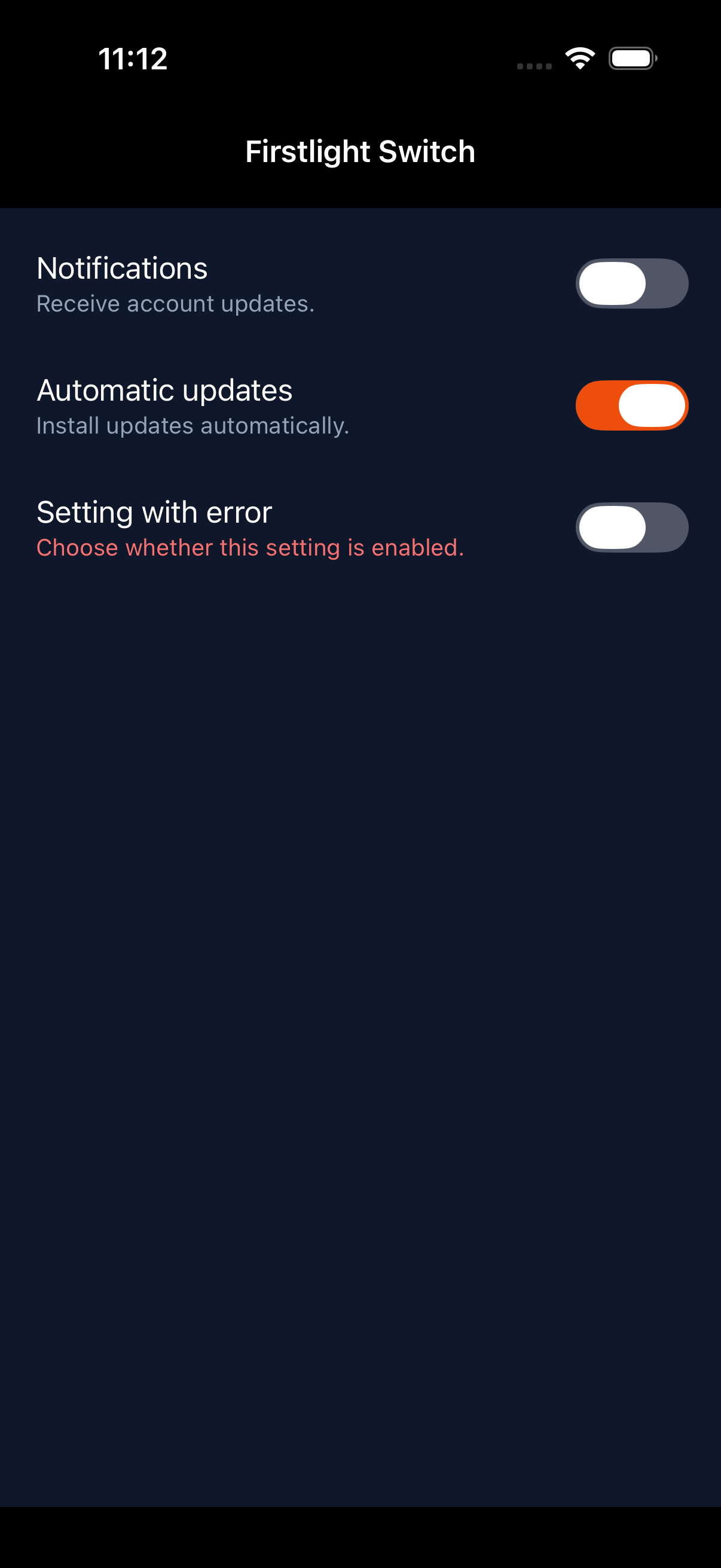 |
| Android | 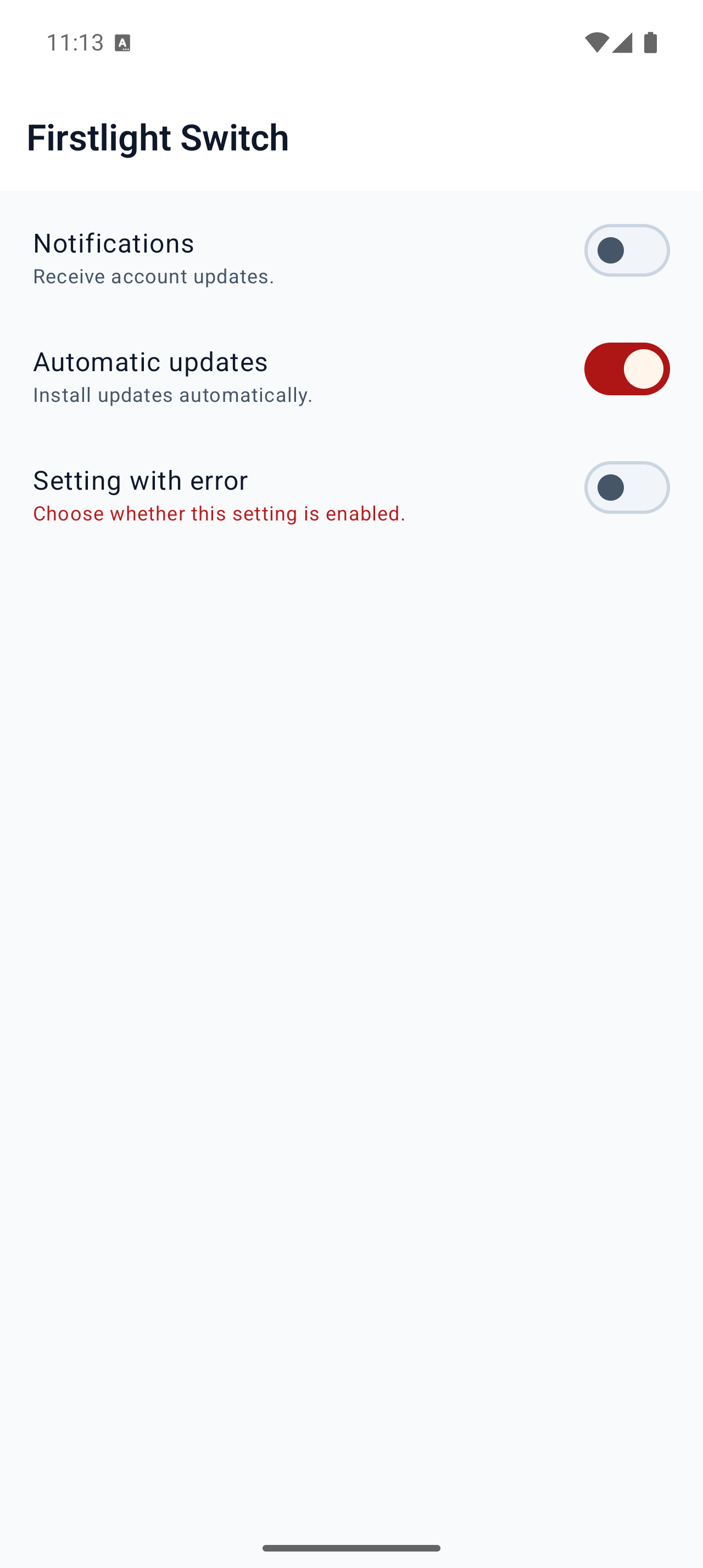 |
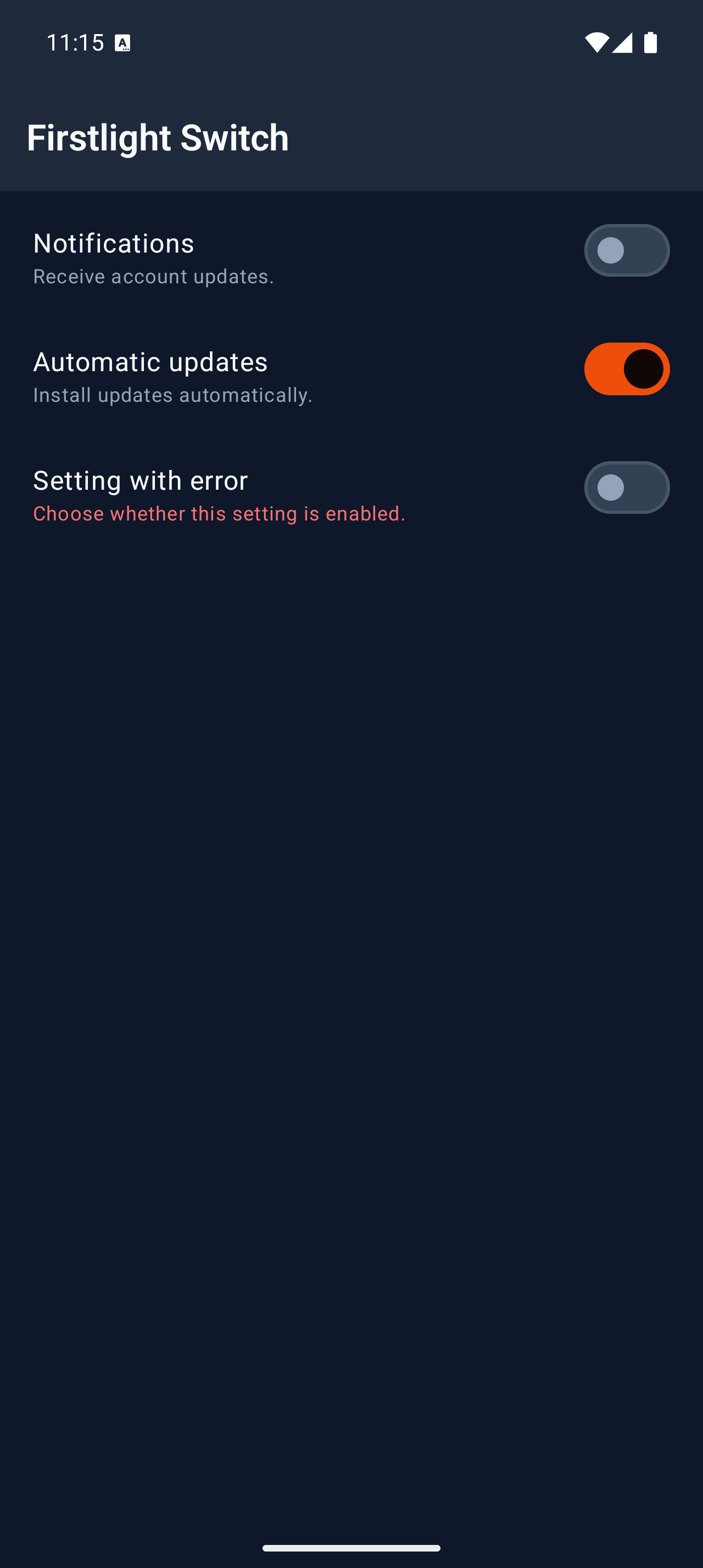 |