
Metric
Metric displays a named statistic, such as an event count or response time. Its label, value and optional detail form one screen-reader element, not three text fragments. It does not draw a tile, panel or grid; use Mobile UI for outer layout.
<native:column class="w-full gap-4">
    <firstlight:metric label="Events" value="5" detail="last 10h ago" />
    <firstlight:metric label="Users" value="0" detail="affected" />
    <firstlight:metric label="Response" value="234 ms" detail="last check" tone="success" />
</native:column>
Props
| Prop | Contract |
|---|---|
label |
Required nonempty string naming the measurement. |
value |
Required nonempty string, already formatted in PHP. "0" is valid. |
detail |
Optional string; omitted or empty means no supporting line. |
tone |
neutral (default), info, success, warning, or danger; colours the value using semantic theme tokens. |
a11y-label |
Optional nonempty name replacing the default label: value, detail. Use it for localized full sentences or pronunciation. |
a11y-hint |
Optional nonempty supplementary description. |
class |
External EDGE layout only. Do not impose a fixed height that clips large text. |
CamelCase a11yLabel and a11yHint aliases are accepted. Format units, dates,
numbers and relative times in the application; Metric does not parse them or run a
timer. For bound numeric counts, format explicitly, for example :value="(string) $events".
Programmatic roots can use Metric::make('Events', '5') from
FirstlightUI\Elements\Metric. applyAttributes() accepts the same props.
Events, values and state
Metric is static: there is no native:model, @change, @press, selected,
disabled, loading or error state. New PHP publications update the text without
emitting an event. It accepts no children. Put a labelled Button alongside a
metric when an action is needed; it does not make a generic container accessible.
Accessibility and platforms
SwiftUI uses native text styles and monospaced digits. Compose uses Material text
styles and tabular figures (tnum). Values wrap at large Dynamic Type/font scales;
they are not shrunk or ellipsized. Available width and font glyph support determine
line wrapping. The component is a single static accessibility element, with no
button role or duplicate child announcements. Android appends the hint to its
content description; iOS supplies a separate accessibility hint.
All five tones inherit the application's theme, including package warning tokens. Tone is supplementary; always communicate the measurement in text as well.
Validation and compatibility
Missing/blank labels or values, non-string content, unsupported tones, empty
explicit accessibility text and interaction/field-state attributes throw
InvalidArgumentException. Metric uses the ordinary Firstlight installation and
the supported NativePHP versions.
Screenshot evidence
The stable showcase route is /captures/metric. These native captures use
iPhone 17 Pro / iOS 26.5 and an Android 17 (API 37) emulator.
| Platform | Light | Dark |
|---|---|---|
| iOS | 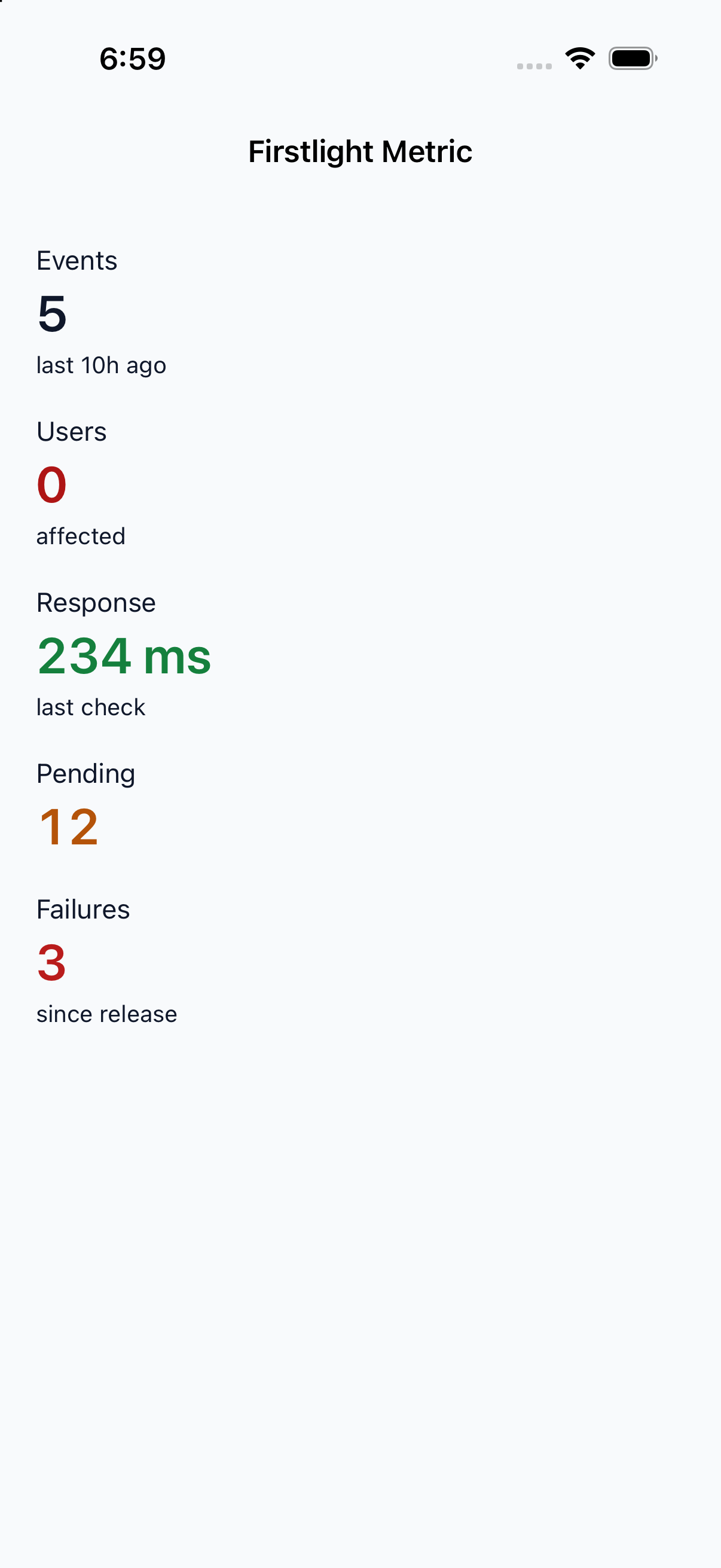 |
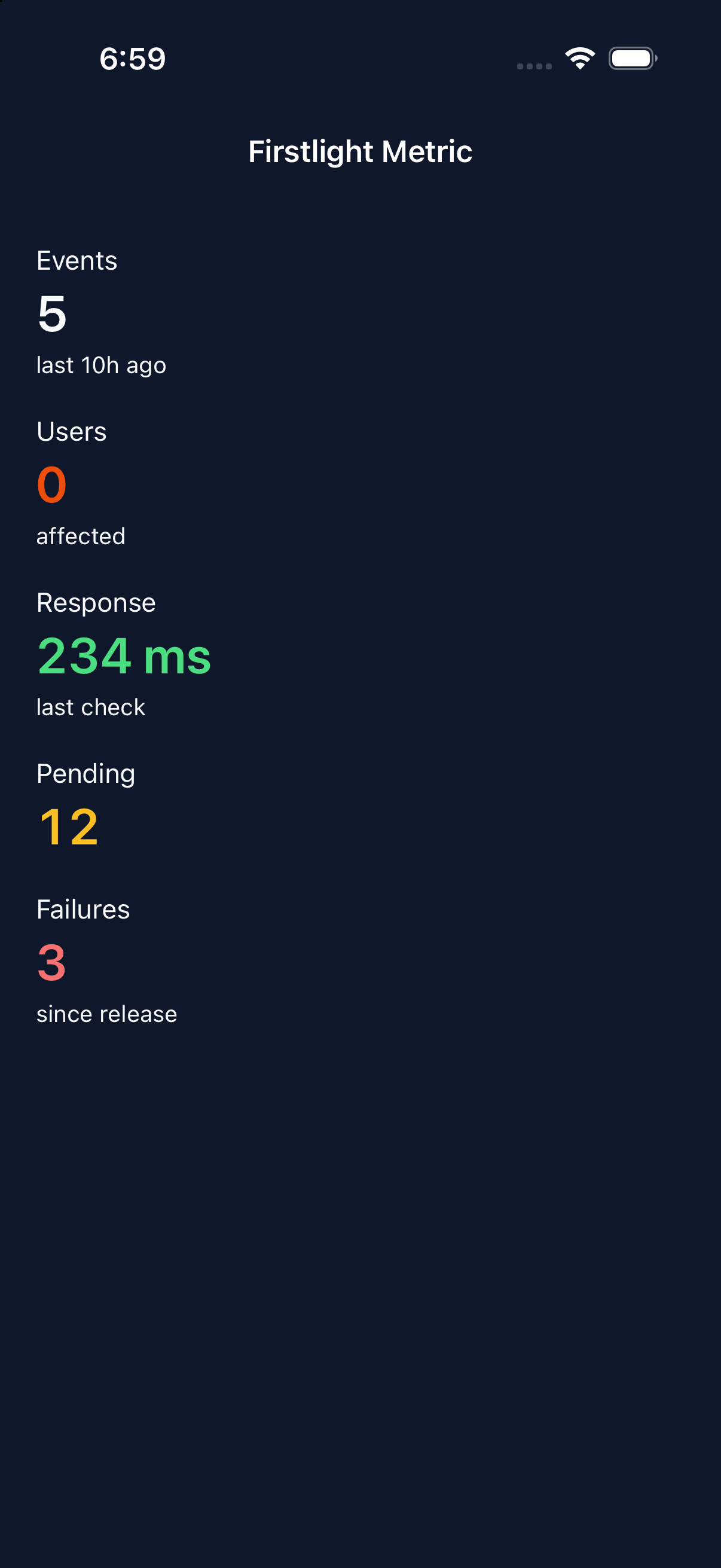 |
| Android | 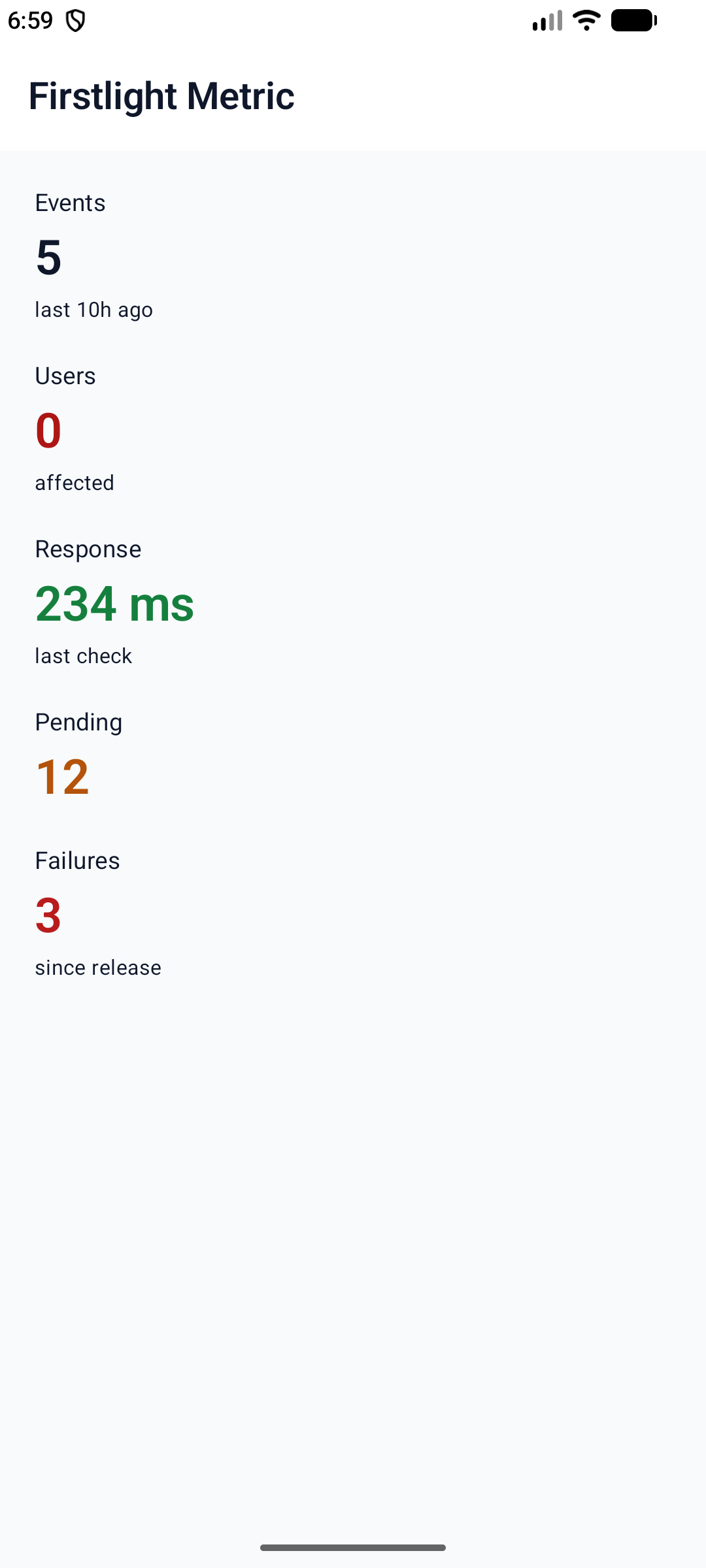 |
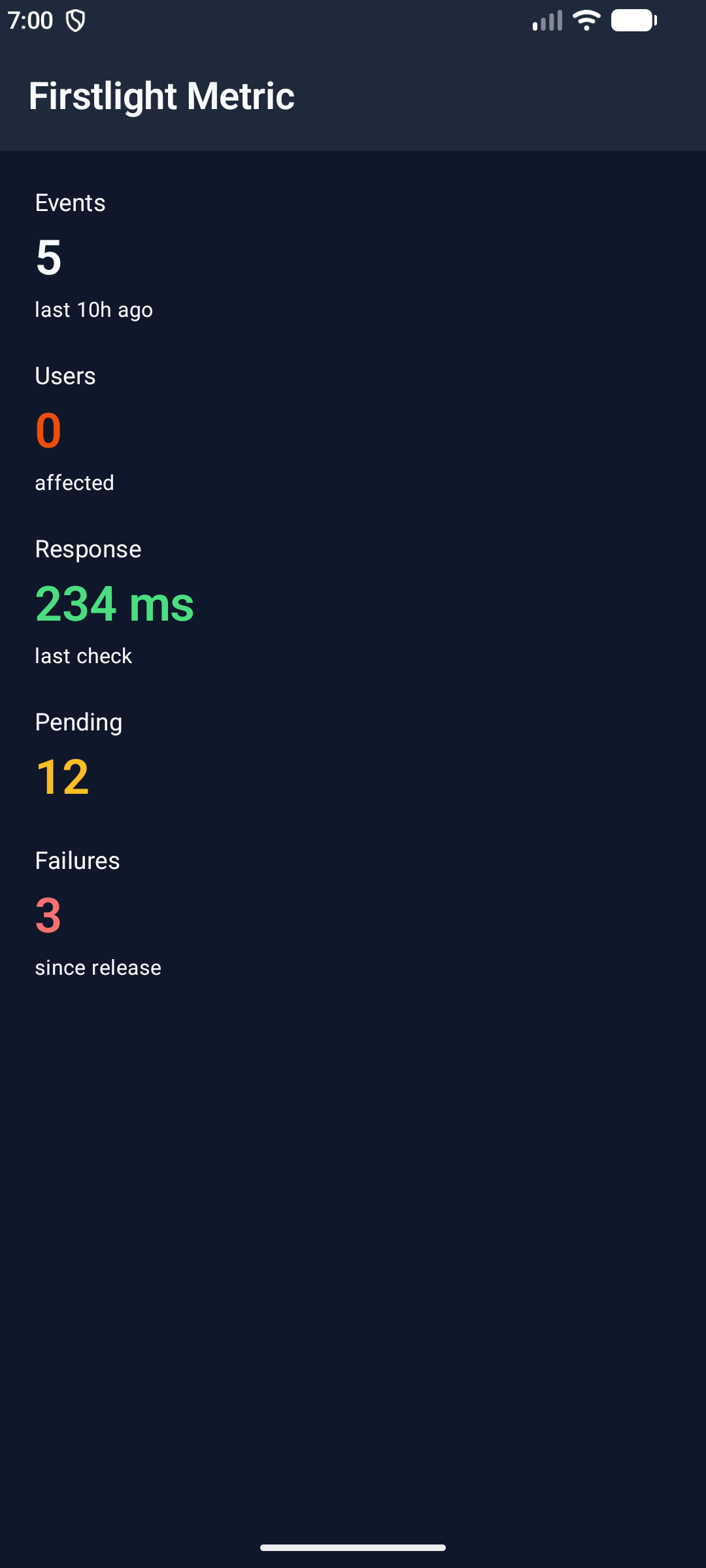 |
The interactive showcase's longer value remains complete at maximum iOS accessibility text size and Android font scale 2.0. The iOS capture is scrolled to show the wrapped value; content behind native navigation chrome is outside the current viewport, not truncated by Metric.
| iOS maximum accessibility text | Android font scale 2.0 |
|---|---|
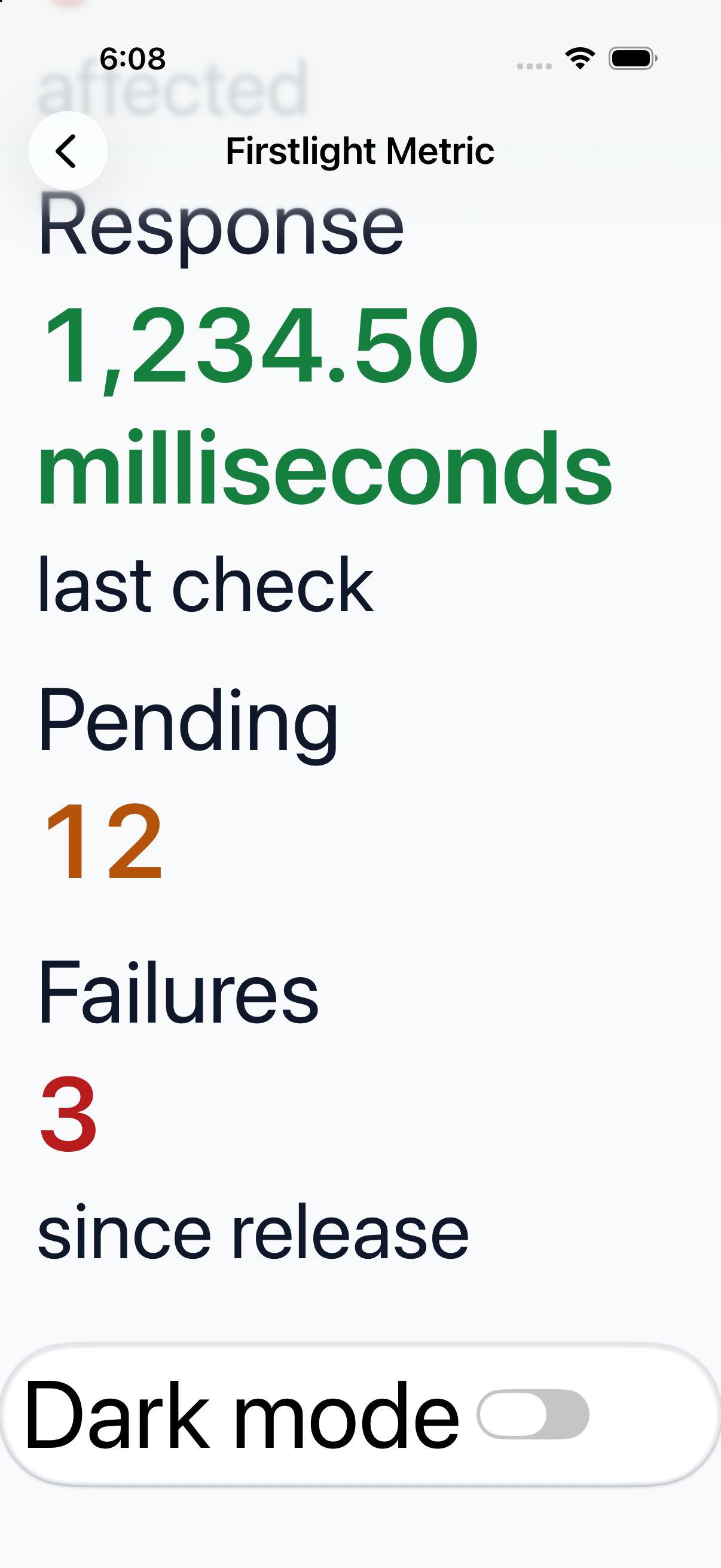 |
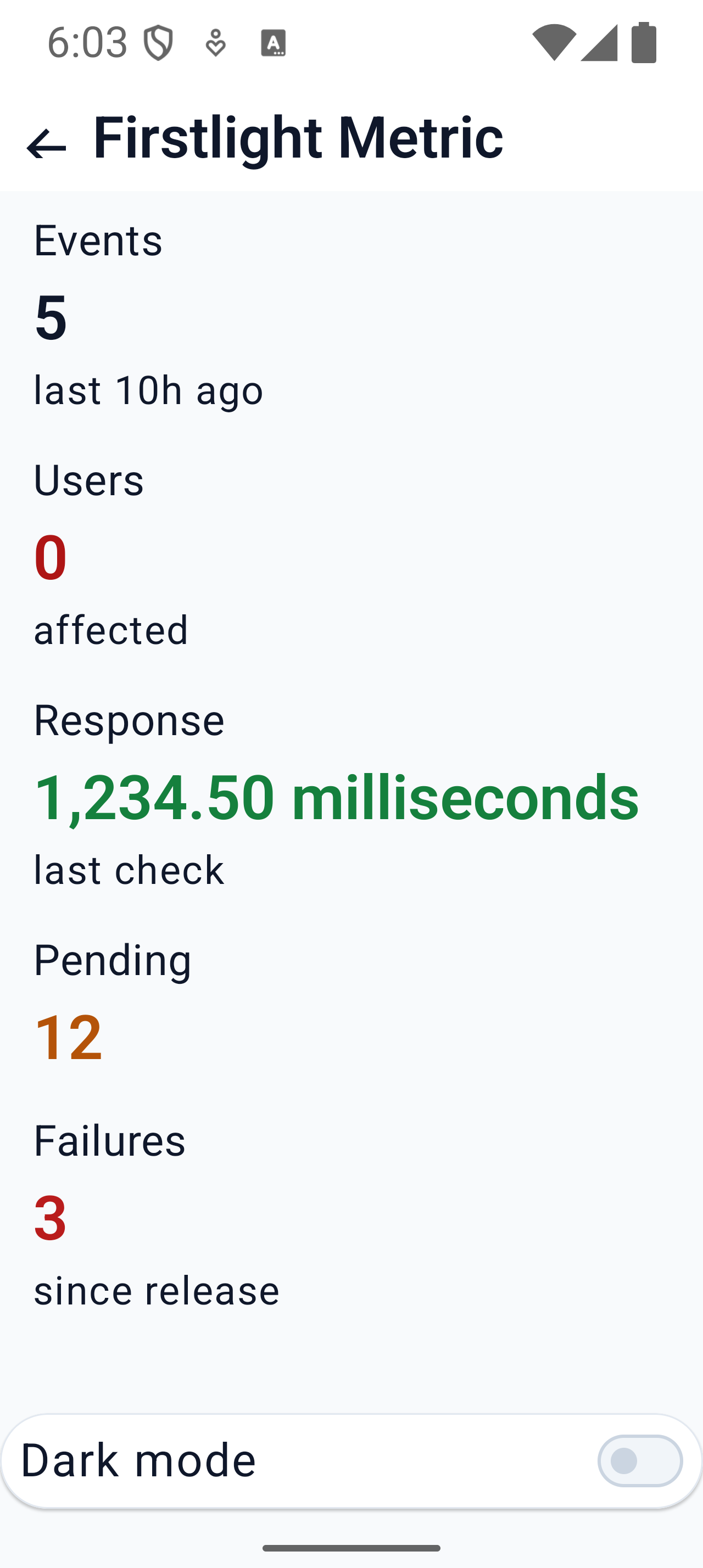 |
These are simulator/emulator visual checks. Spoken VoiceOver/TalkBack traversal and physical-device release qualification remain unverified.