List Section
List Section groups related List Item rows under an optional header and footer inside a parent List.
Complete example
<firstlight:list>
    <firstlight:list-section header="Account" footer="Signed in as Alex">
        <firstlight:list-item headline="Profile" @press="openProfile" />
        <firstlight:list-item headline="Security" @press="openSecurity" />
    </firstlight:list-section>
</firstlight:list>
List Section is a paired container and must live inside List. A section authored on its own does not render application content.
Props
| API | Accepted type | Purpose |
|---|---|---|
header |
non-empty string |
Optional section title. |
footer |
non-empty string |
Optional section footnote. |
At least one List Item child is required.
Composition rules
- Child slot accepts only
firstlight:list-item. - Nested sections, refresh hooks, separators, and field props belong on the parent List instead.
Platform expression
The parent List renderer consumes List Section inline:
- iOS renders SwiftUI section headers and footers.
- Android renders sticky headers, grouped card rows, and footer text.
Adapter note
The public tag is <firstlight:list-section>, but the published wire type
remains list_section so the delegated Mobile UI list renderer can apply
grouped section styling.
Screenshots
| Platform | Light | Dark |
|---|---|---|
| iOS | 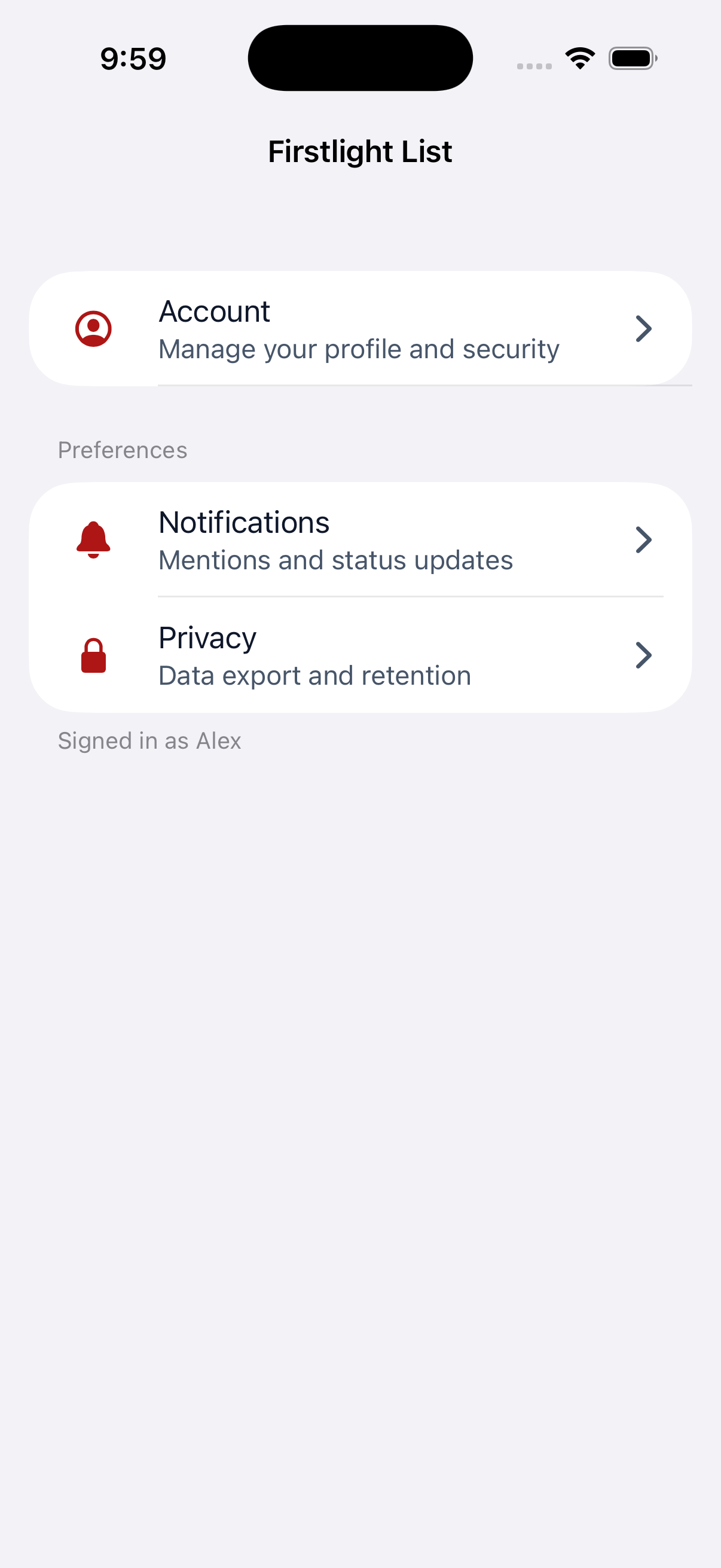 |
 |
| Android | 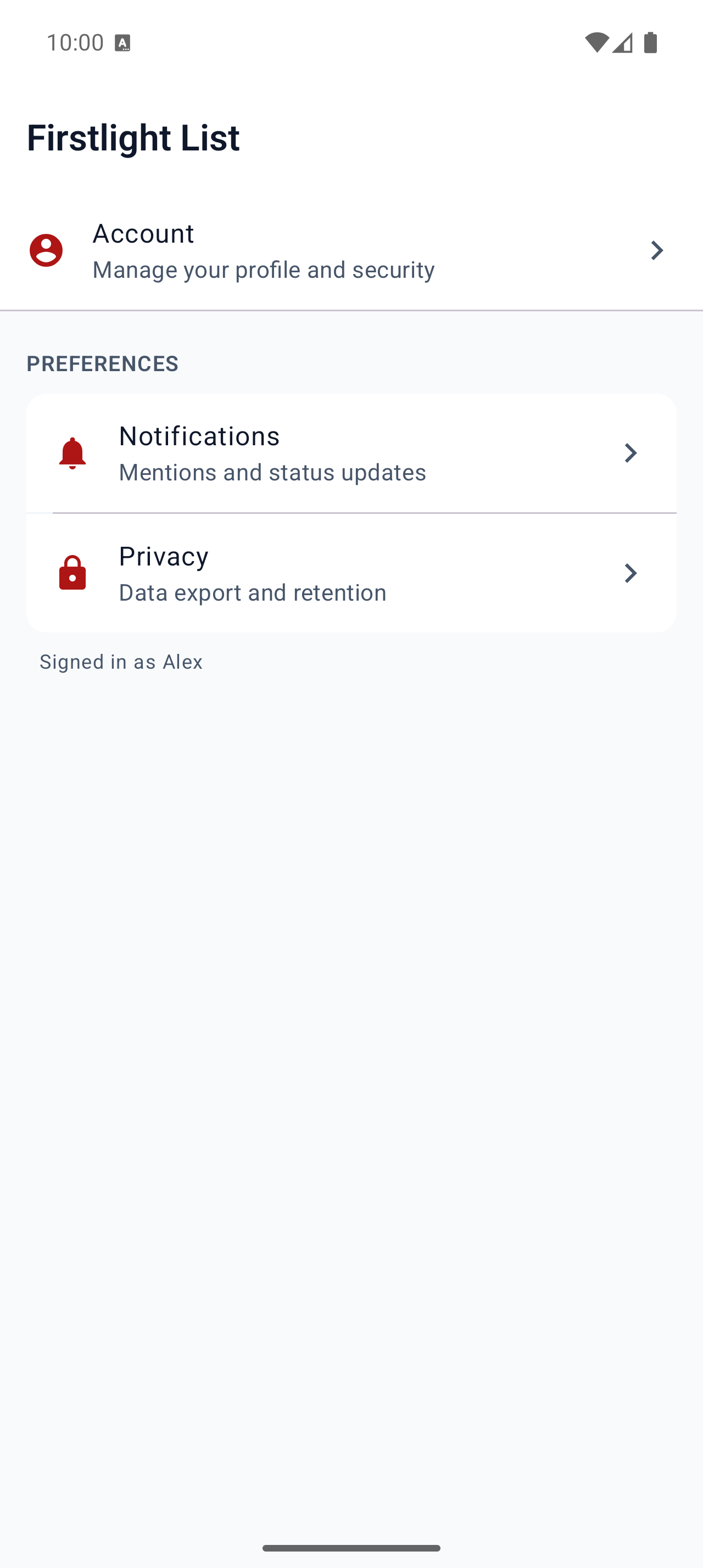 |
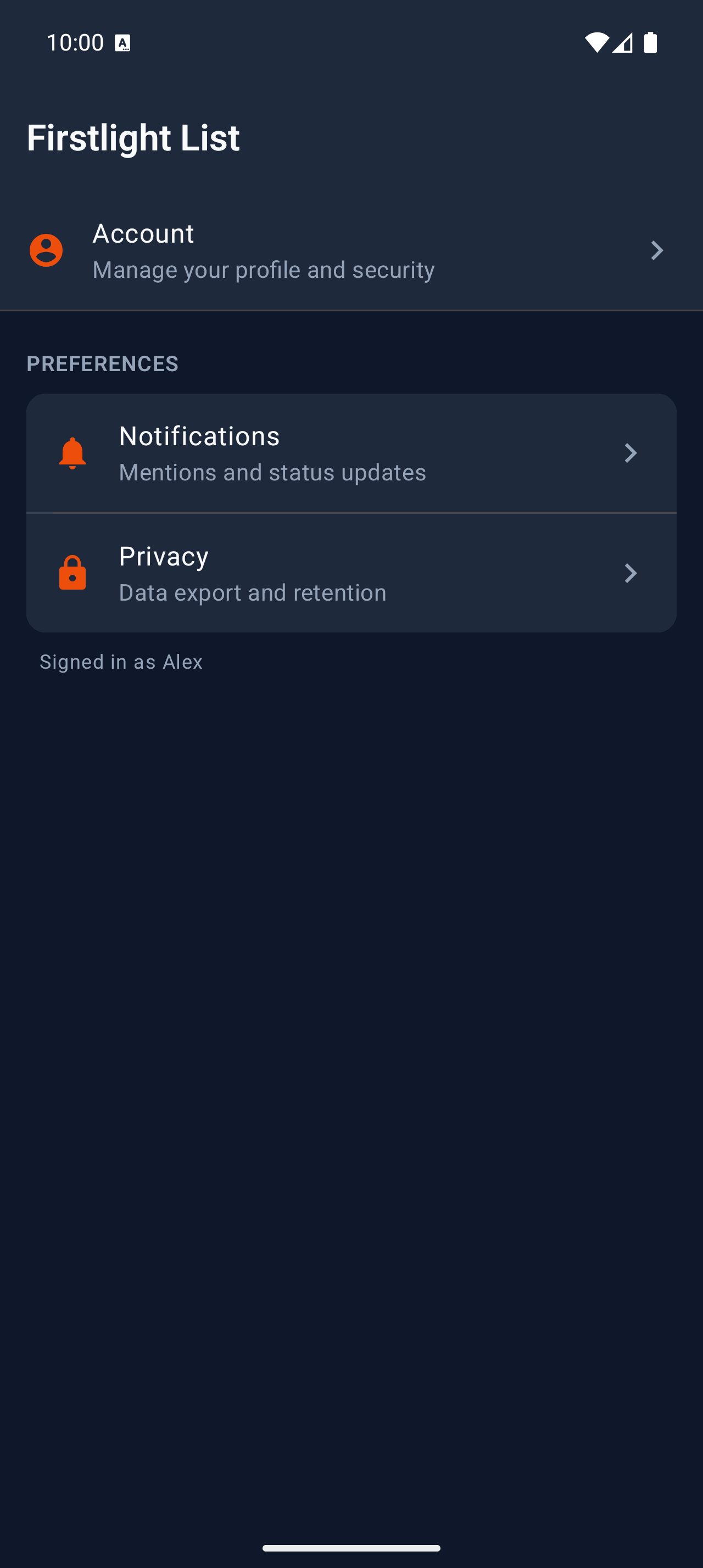 |