Bottom Sheet
Bottom Sheet presents authored content in a panel that slides up from the bottom of the screen. PHP owns whether the sheet is requested; each platform owns sheet chrome, drag to dismiss, and height stops.
Use Modal for a full-screen overlay. Use Alert Dialog for a single acknowledgement. Use Confirmation Dialog for a confirm/cancel decision.
Complete example
<firstlight:bottom-sheet
    :visible="$showingFilters"
    a11y-label="Filters"
    @dismiss="closeFilters"
>
    <firstlight:status-label label="Filters" />
</firstlight:bottom-sheet>
The dismiss handler should set $showingFilters to false.
Props
| API | Accepted type | Purpose |
|---|---|---|
visible |
bool |
Server-controlled presentation request. Defaults to closed. |
a11y-label |
non-empty string |
Accessible name for the sheet. |
a11y-hint |
non-empty string |
Supplementary screen-reader guidance. |
class |
string |
External EDGE layout utilities. |
Events
@dismiss is required. It runs when the user drags the sheet down, taps
outside, or uses system back. Set the bound visibility property to false in
that handler.
There is no overlay @press, native:model, dismissible, or shared
detents API. Height stops stay native so iOS detents and Material sheet
stops are not forced into one geometry.
Platform expression
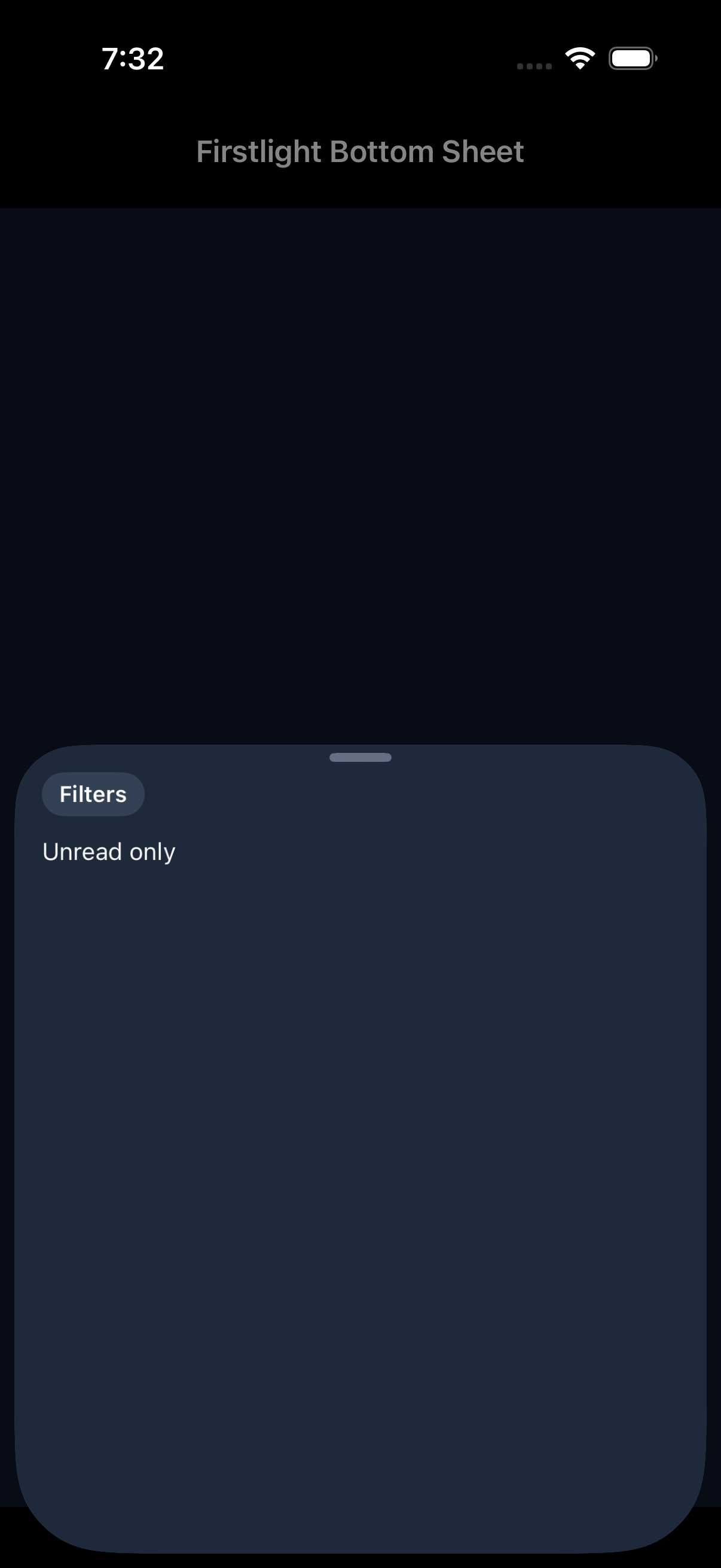
Bottom Sheet is an adapter over Mobile UI bottom_sheet. iOS uses SwiftUI
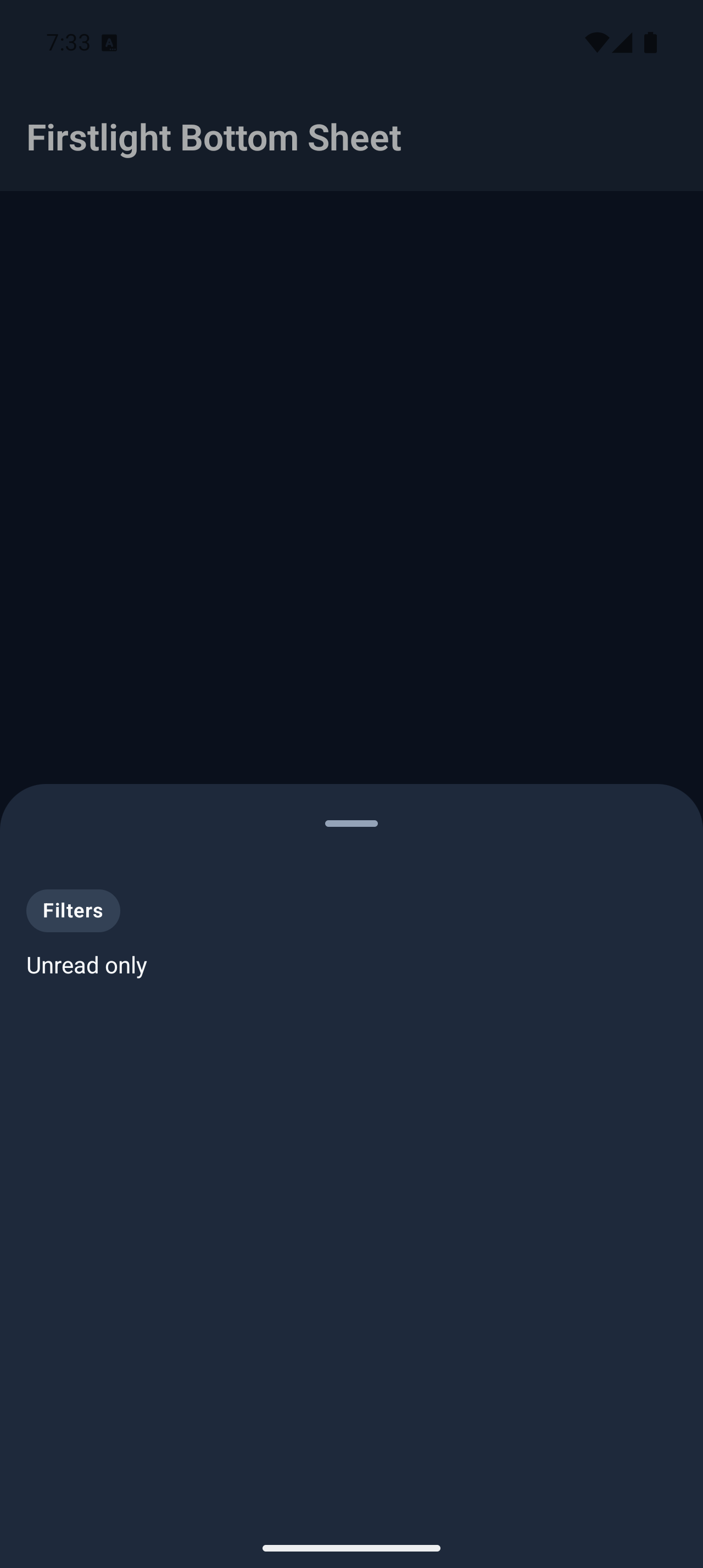
.sheet with a drag indicator. Android uses Material 3 ModalBottomSheet.
Theme tokens own surface and scrim colour.
Screenshots
| Platform | Light | Dark |
|---|---|---|
| iOS | 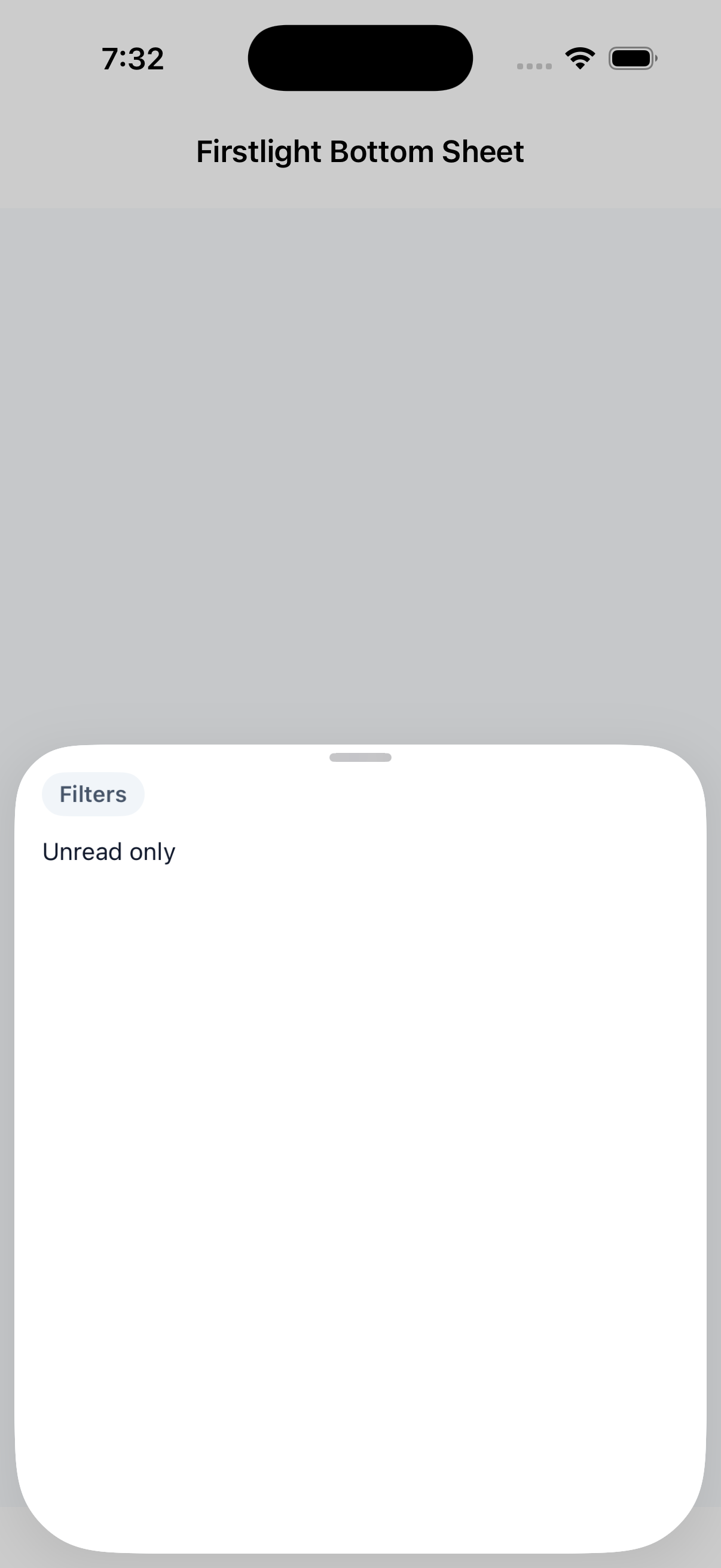 |
 |
| Android | 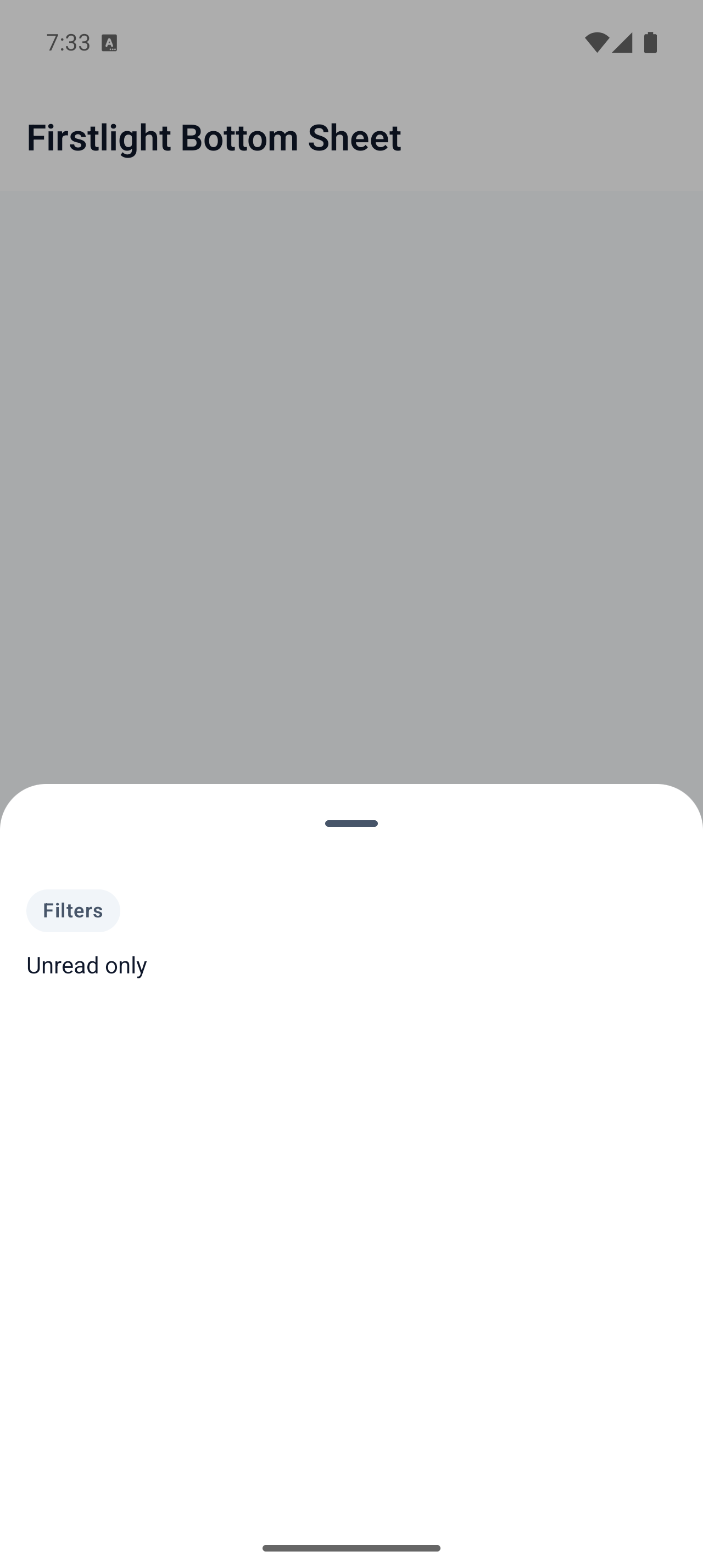 |
 |