Activity Indicator
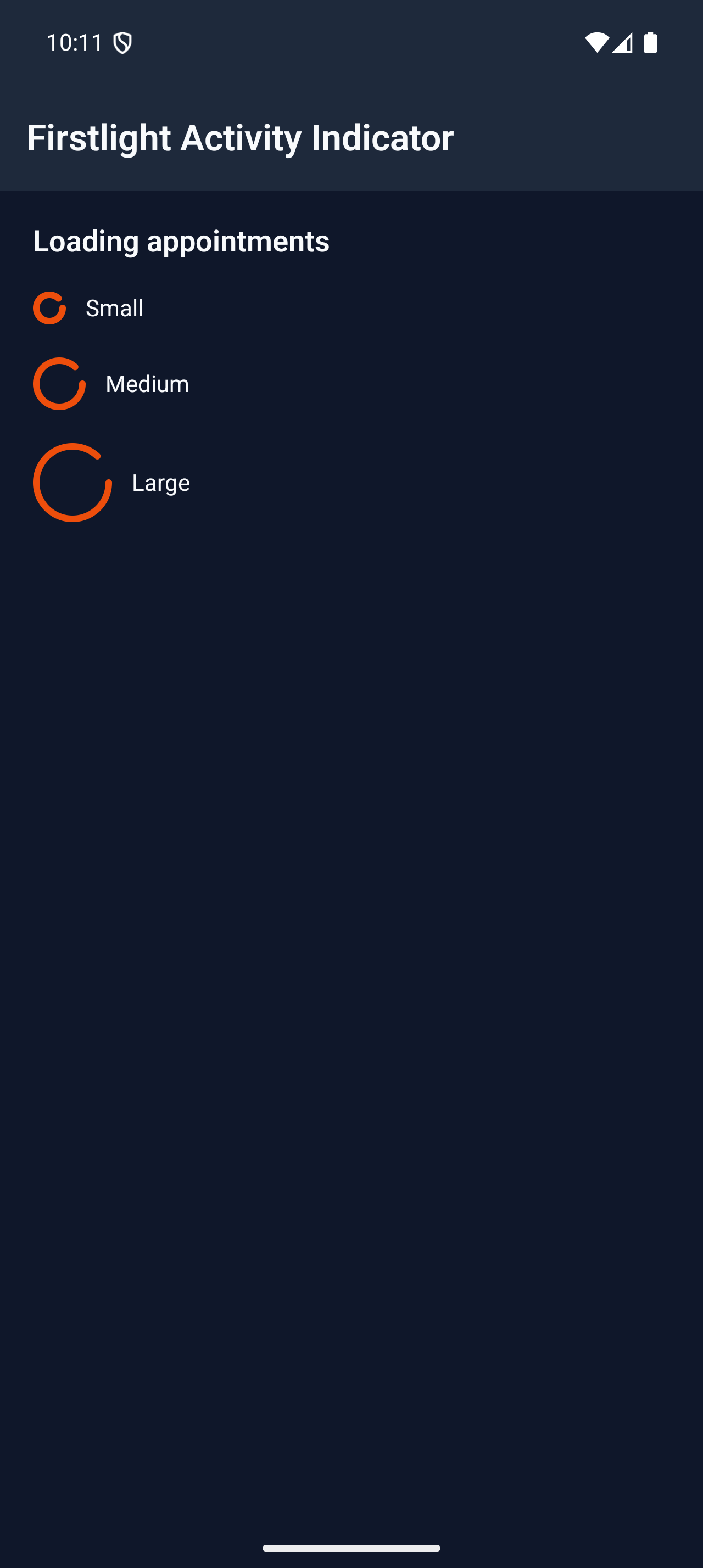
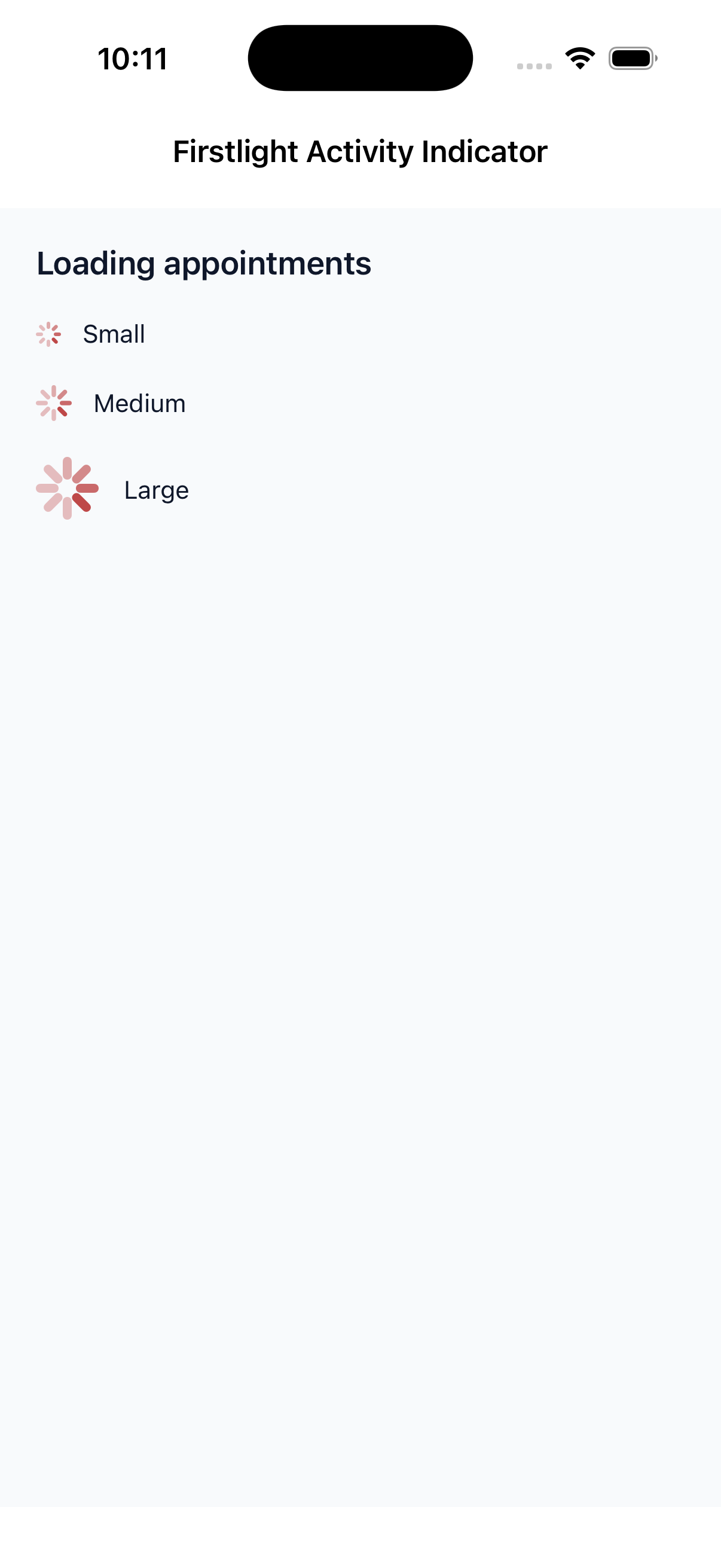
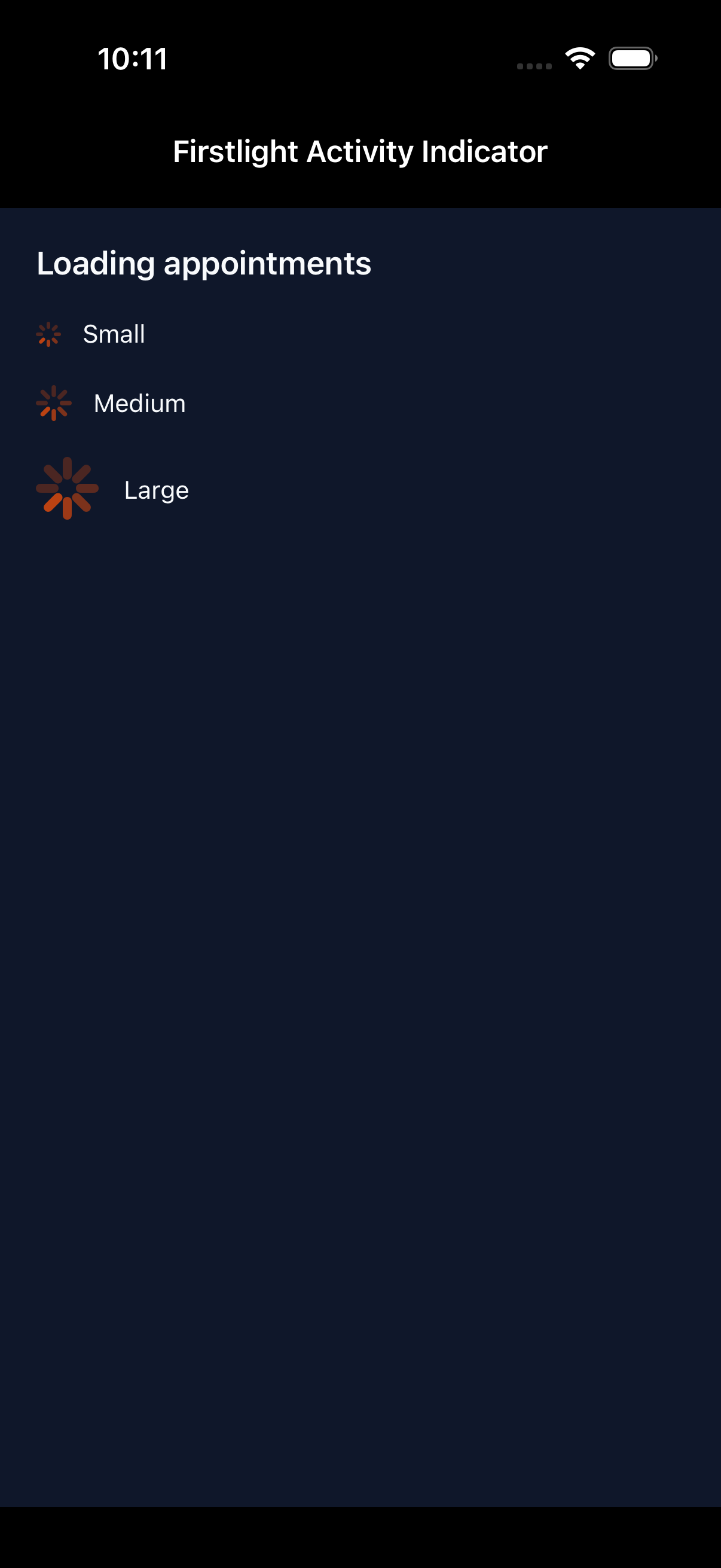
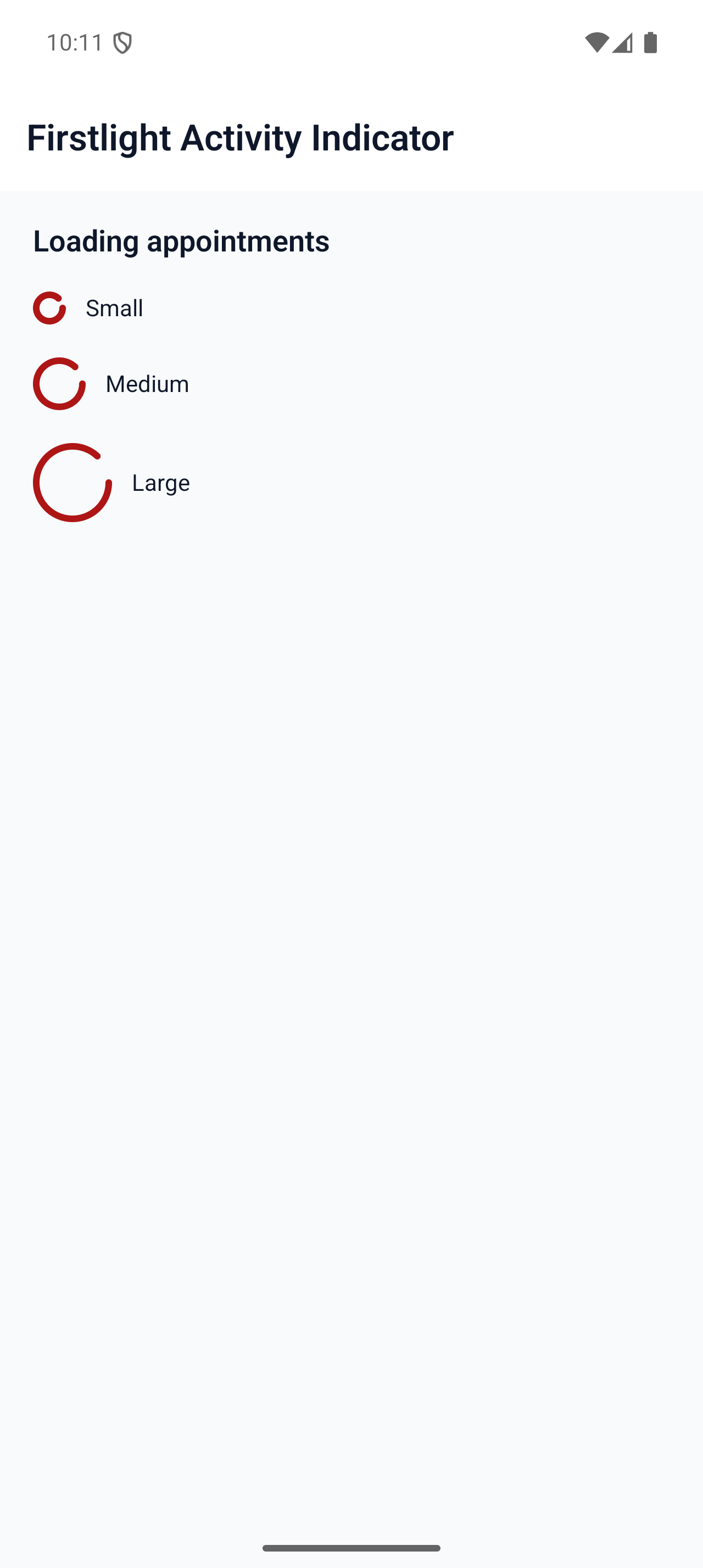
AvailableCommunicate active work when no meaningful completion value is available with a native indeterminate indicator.
Native evidence
Built on NativePHP SuperNative
Firstlight is a curated form and control layer for NativePHP Mobile UI. It builds on Mobile UI’s official SwiftUI and Jetpack Compose foundation, adding stable values, consistent field semantics, Laravel validate(), submit(), and Gate-backed authorize() on native screens, and server-authoritative state through familiar Blade components. NativePHP EDGE does not ship those PHP helpers; Firstlight does. It runs on the SuperNative foundation created by Shane Rosenthal and Simon Hamp.
queue.blade.php
EDGE
<firstlight:segmented
    :options="$queues"
    native:model="queue"
    label="Queue"
/>Built on NativePHP Mobile UI
NativePHP Mobile UI provides the comprehensive native foundation for NativePHP applications. Firstlight builds on it with a smaller, opinionated catalogue for teams that want common form behaviour decided once and reused consistently.
validate(), guarded submit(), or Gate-backed authorize(). Firstlight adds those PHP contracts on native fields and actions.
Laravel SuperNative extensions
NativePHP EDGE has no screen-level validate(), no once-run submit helper, and no Gate-backed action guard. Failed rules, double presses, and unauthorized mutations still fall through to sibling text or the generic overlay. Firstlight adds three PHP concerns on NativeComponent: ValidatesFields, SubmitsForms, and AuthorizesActions.
validate(). @nativeError is sibling text, and a thrown ValidationException still hits the overlay. Firstlight binds the first MessageBag message to the field’s native error slot.
$this->validate();submit() validates, runs the callable once, optionally sends success Feedback, and guards re-entry on the same request.
$this->submit(
    action: fn () => $profile->save(),
    successMessage: 'Saved',
);allows(), denies(), and authorize() hide, disable, or send danger Feedback instead.
if (! $this->authorize('update', $post)) {
    return;
}
How-to
Validate fields
Use validate(), validateOnly(), and Form Requests so Laravel messages land on native fields.
Read the validation guide →How-to
Submit forms
Validate, run a PHP action once, and publish success Feedback without a form schema or overlay.
Read the submit guide →How-to
Authorize actions
Apply Laravel Gate and Policy decisions with hide, disable, and danger Feedback instead of the overlay.
Read the authorization guide →Concept
How Firstlight complements NativePHP Mobile UI
See the focused form layer and Laravel-shaped PHP extensions Firstlight adds on Mobile UI.
Read how the catalogues fit →Current components
Firstlight focuses on form, selection, display, and action controls with stable values, strict validation, and consistent field semantics. The catalogue grows where a reusable product-level contract saves every app from solving the same problem again.
Communicate active work when no meaningful completion value is available with a native indeterminate indicator.
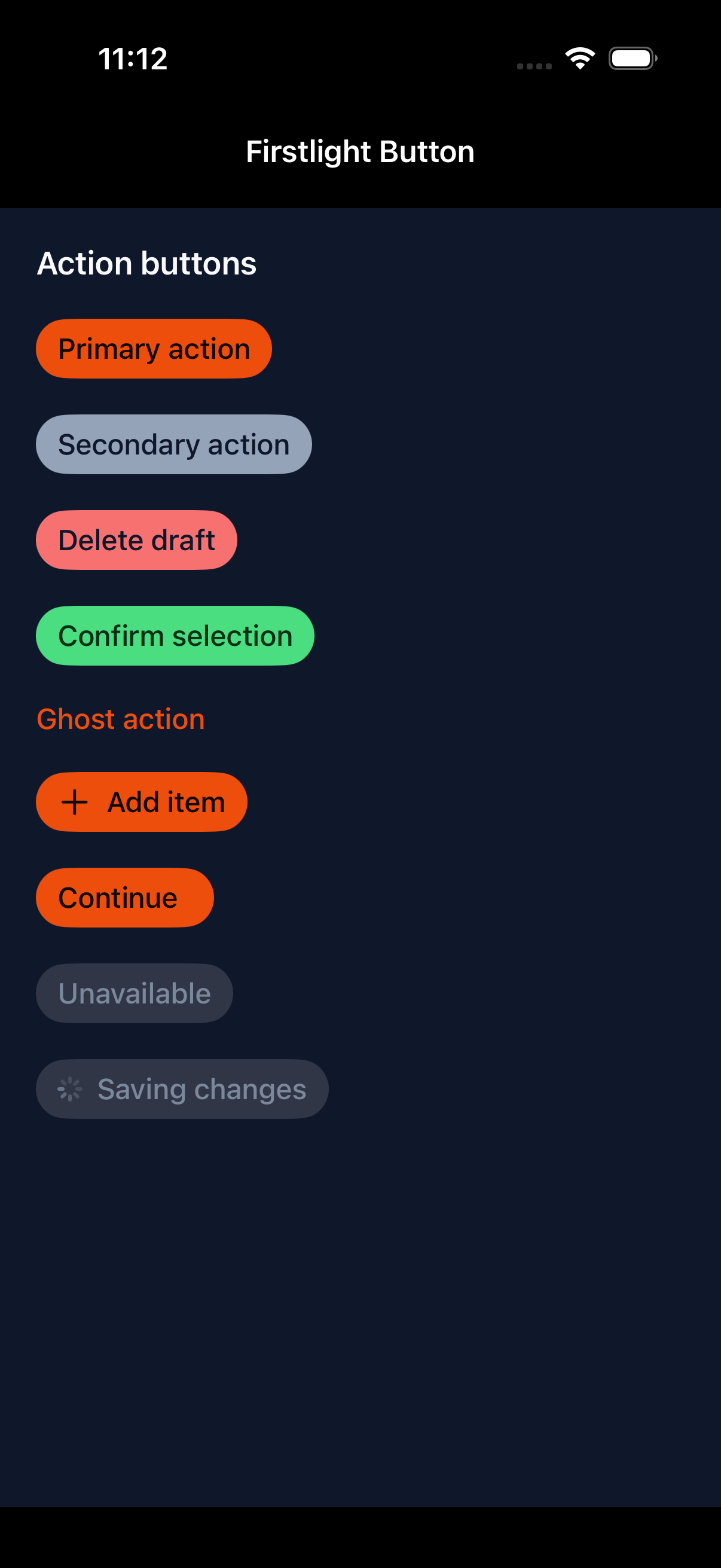
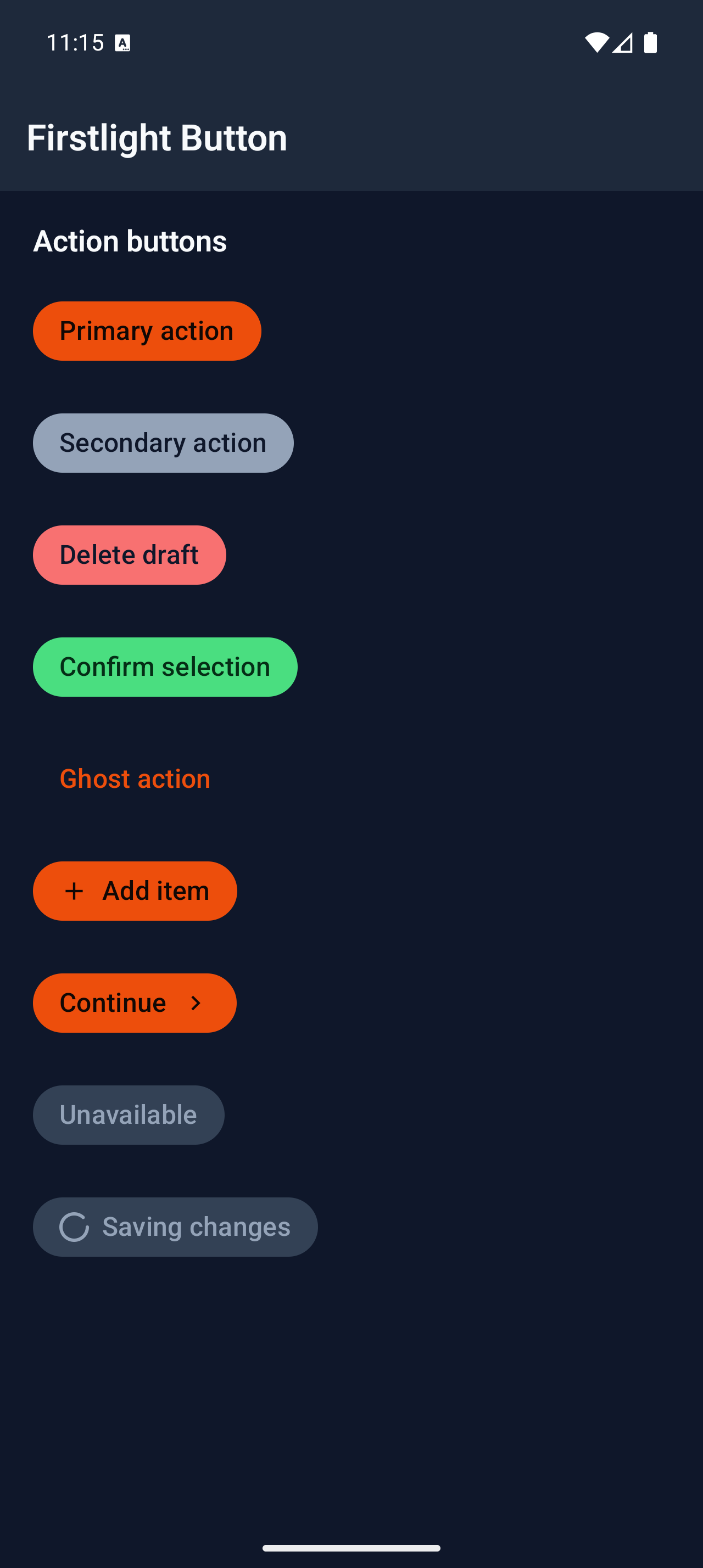
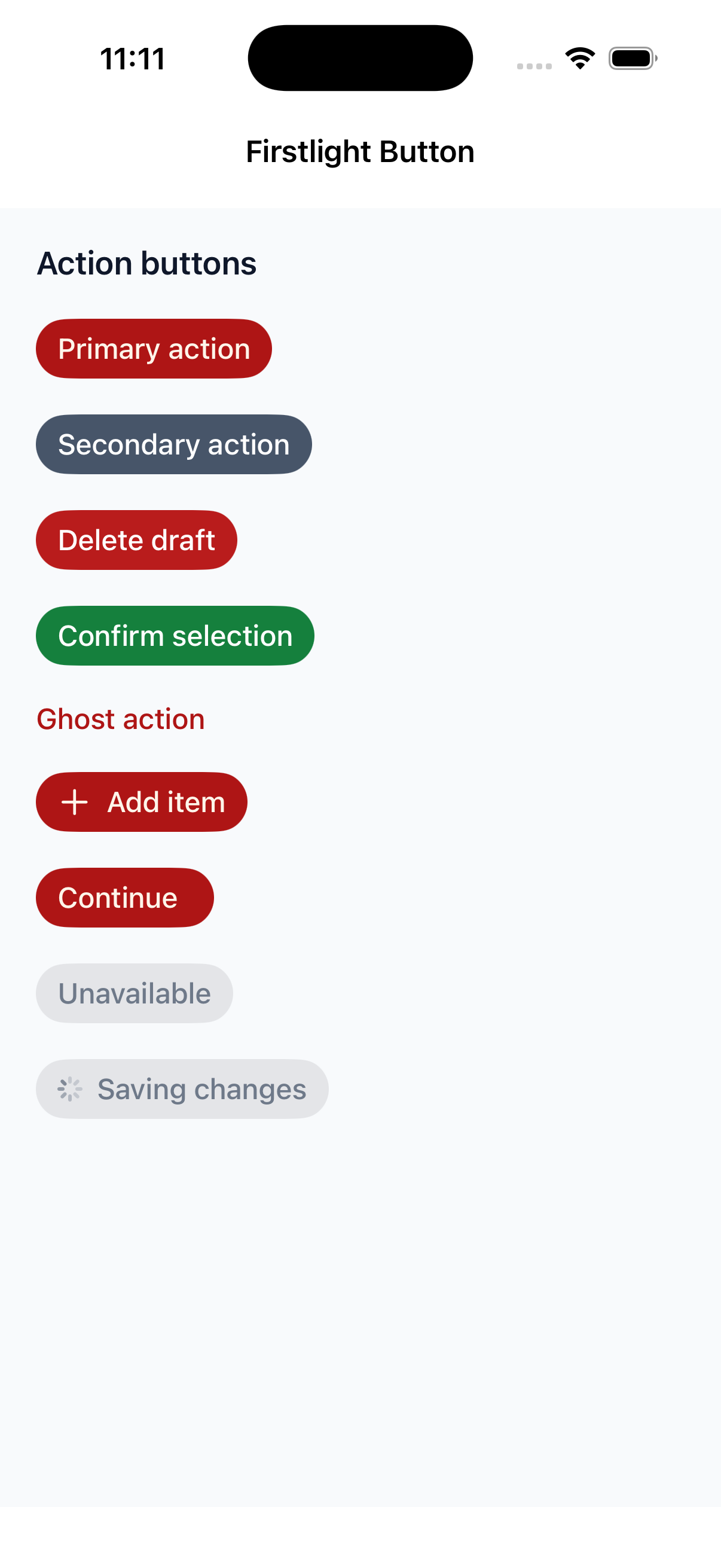
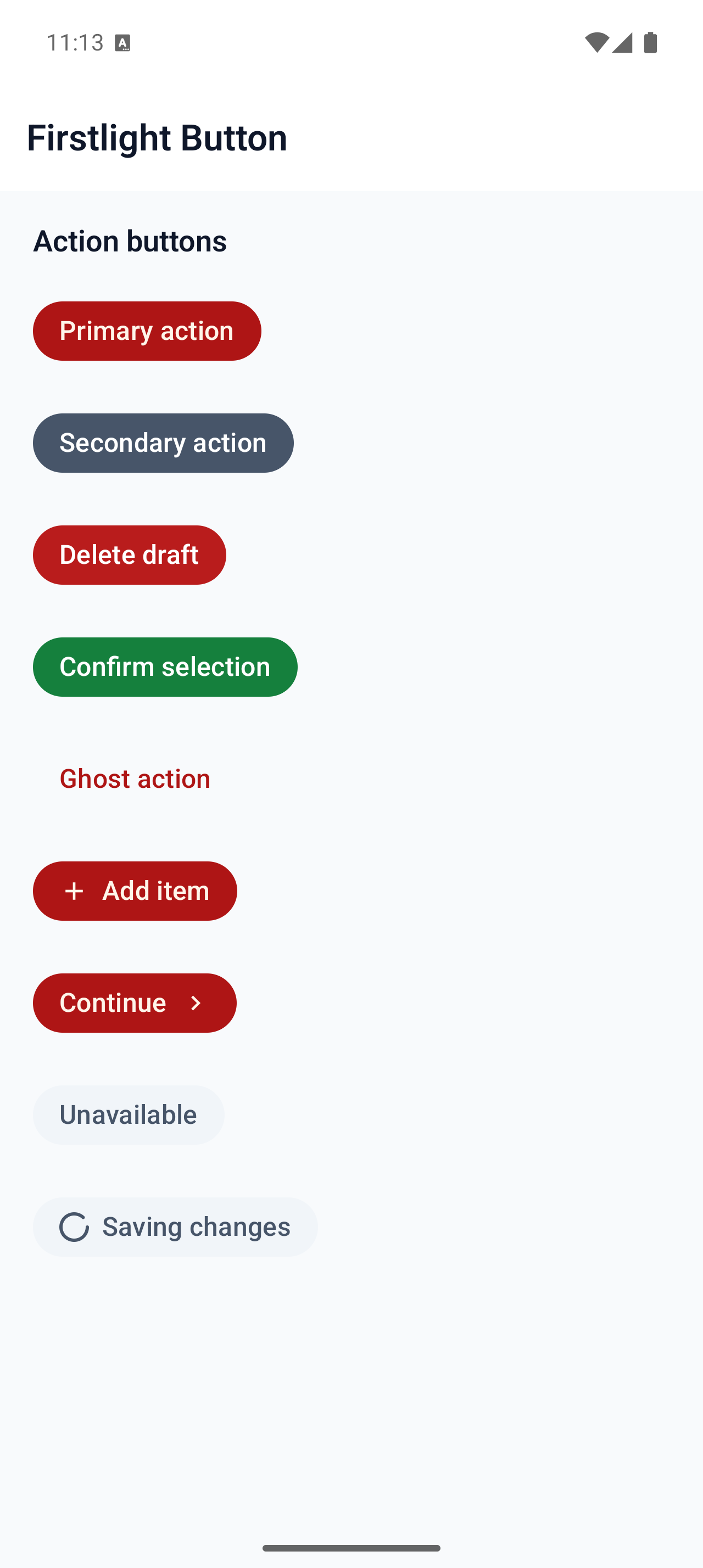
Perform one immediate, labelled action with a foundational native control under the Firstlight API.
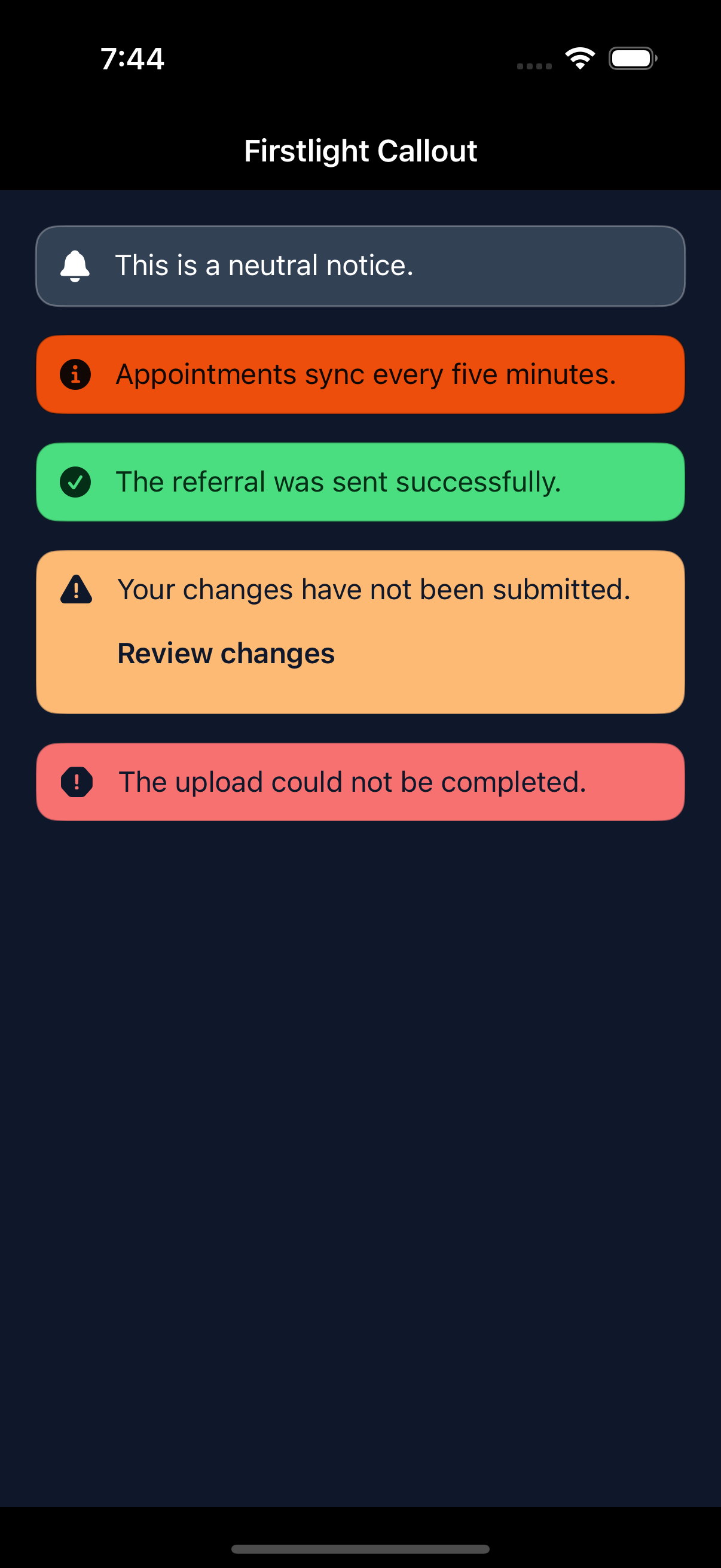
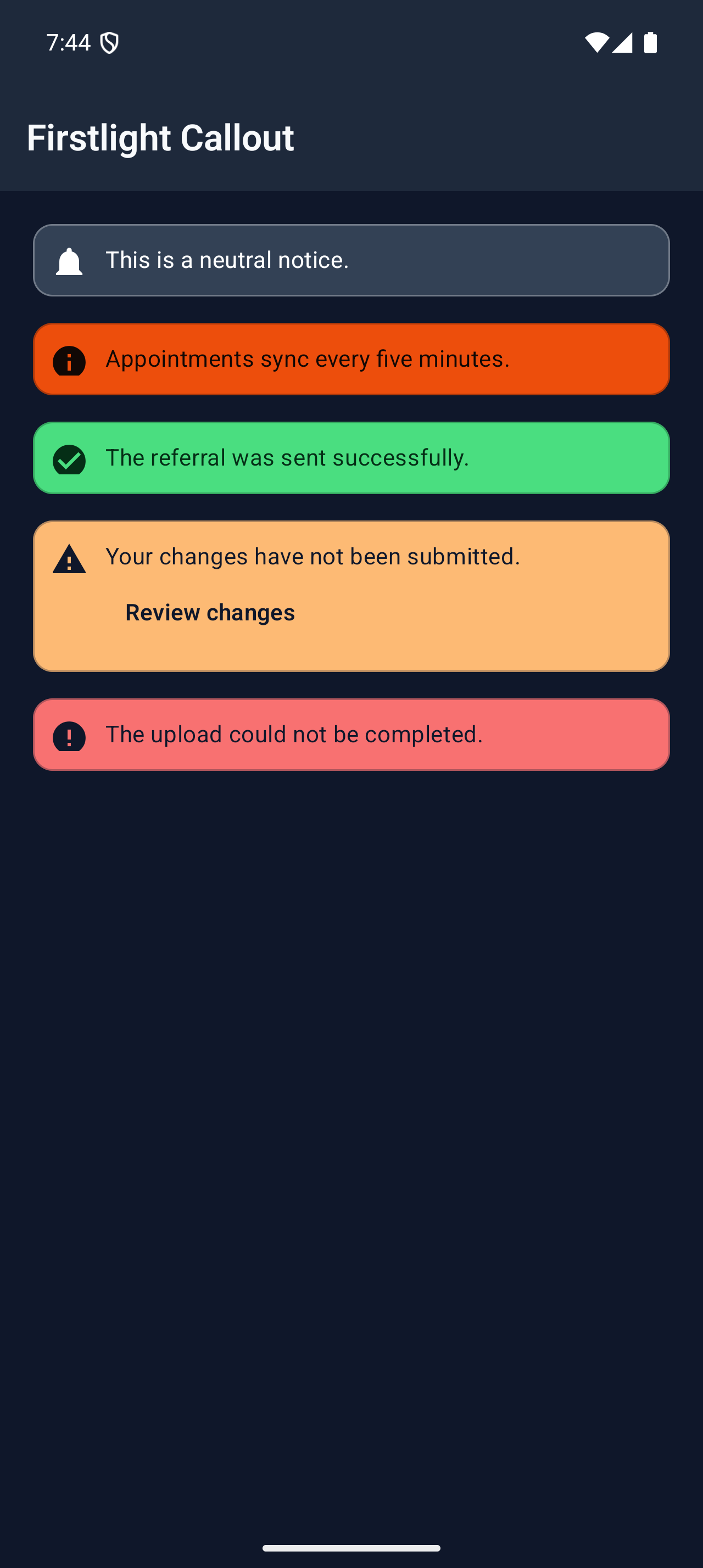
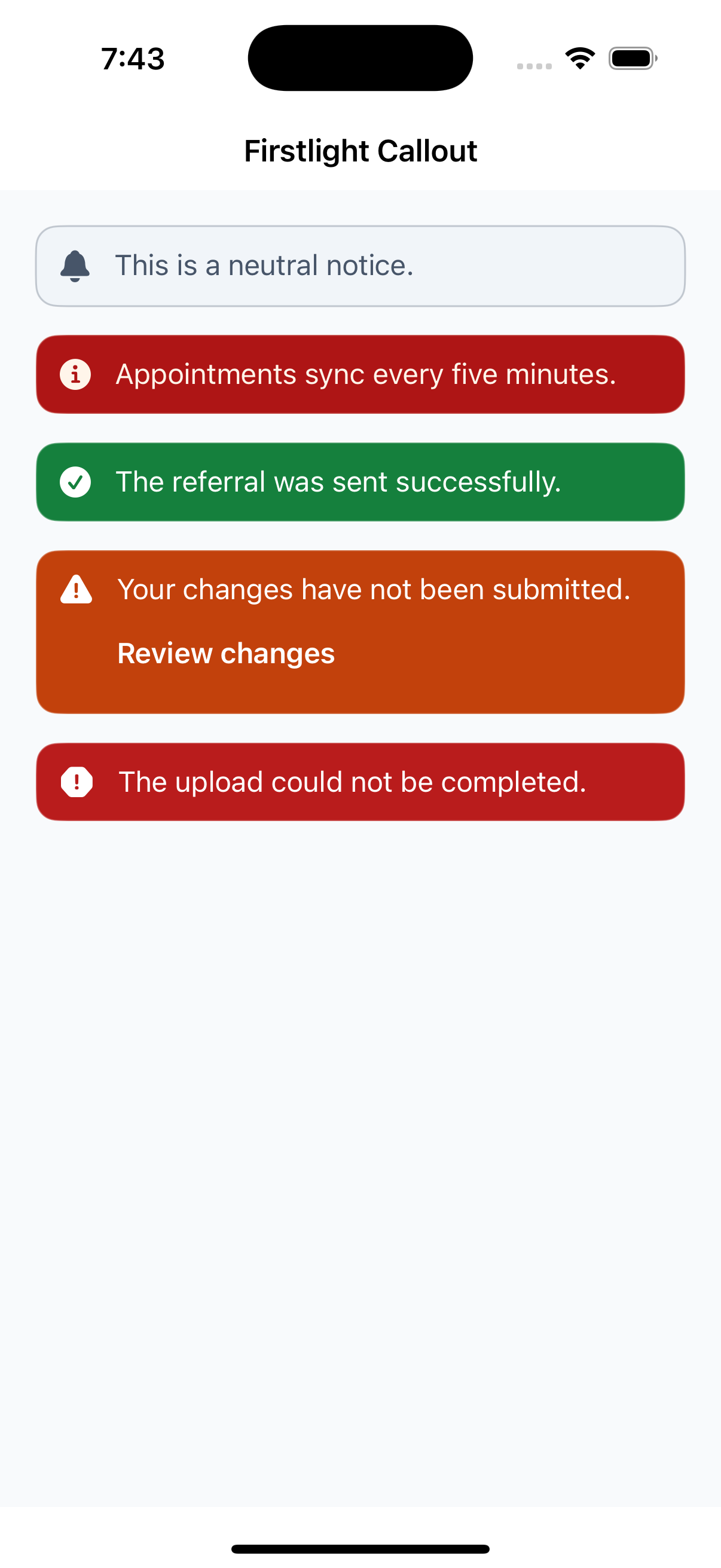
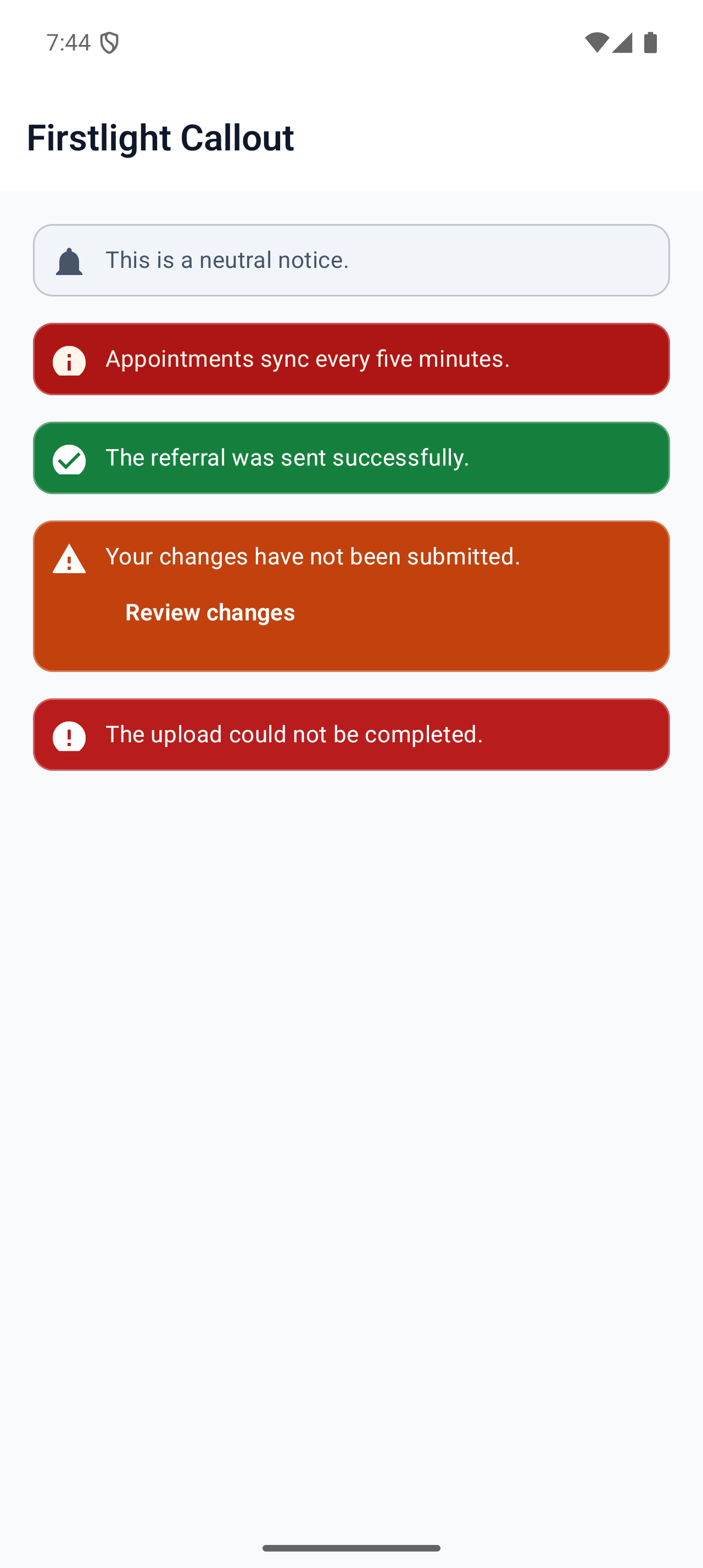
Keep an important semantic message visible in the page layout with an optional labelled action.
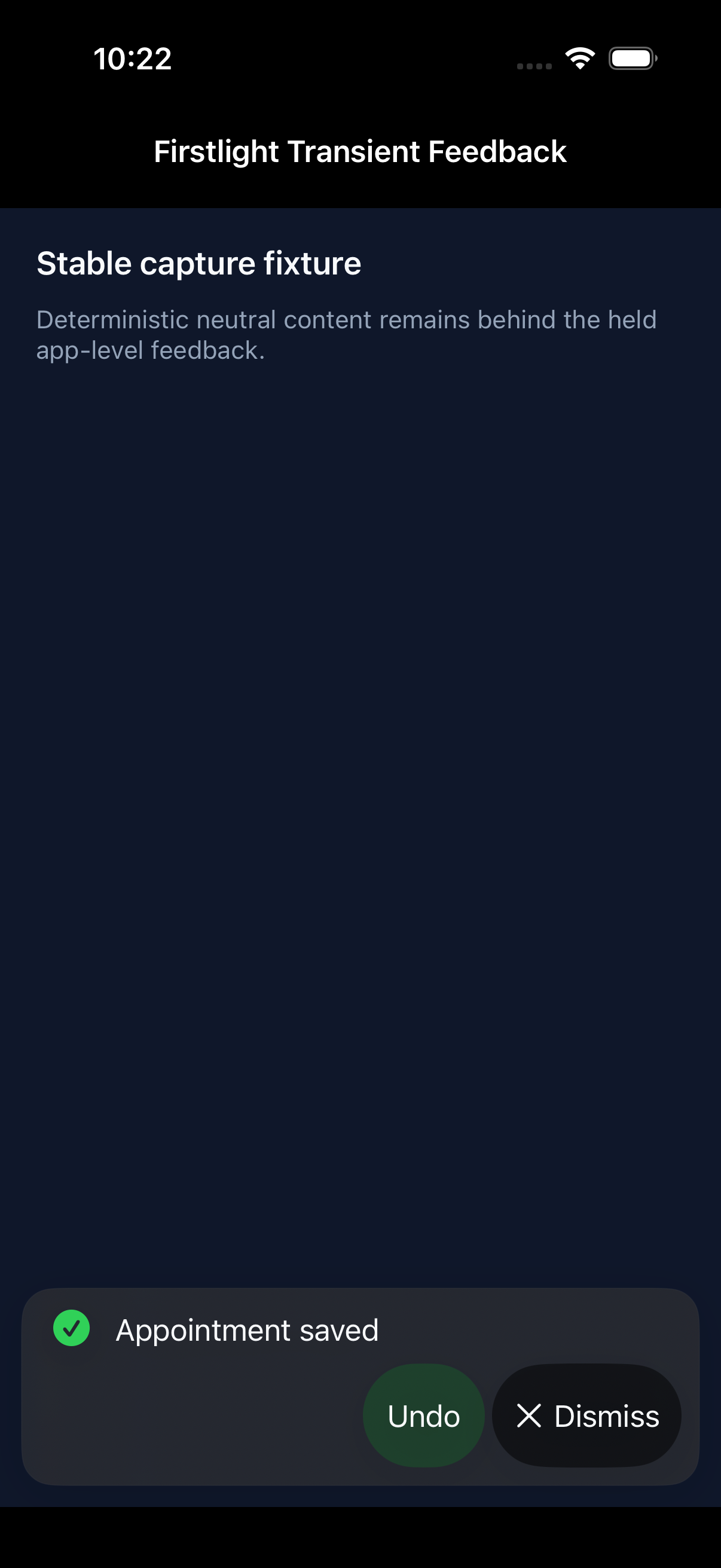
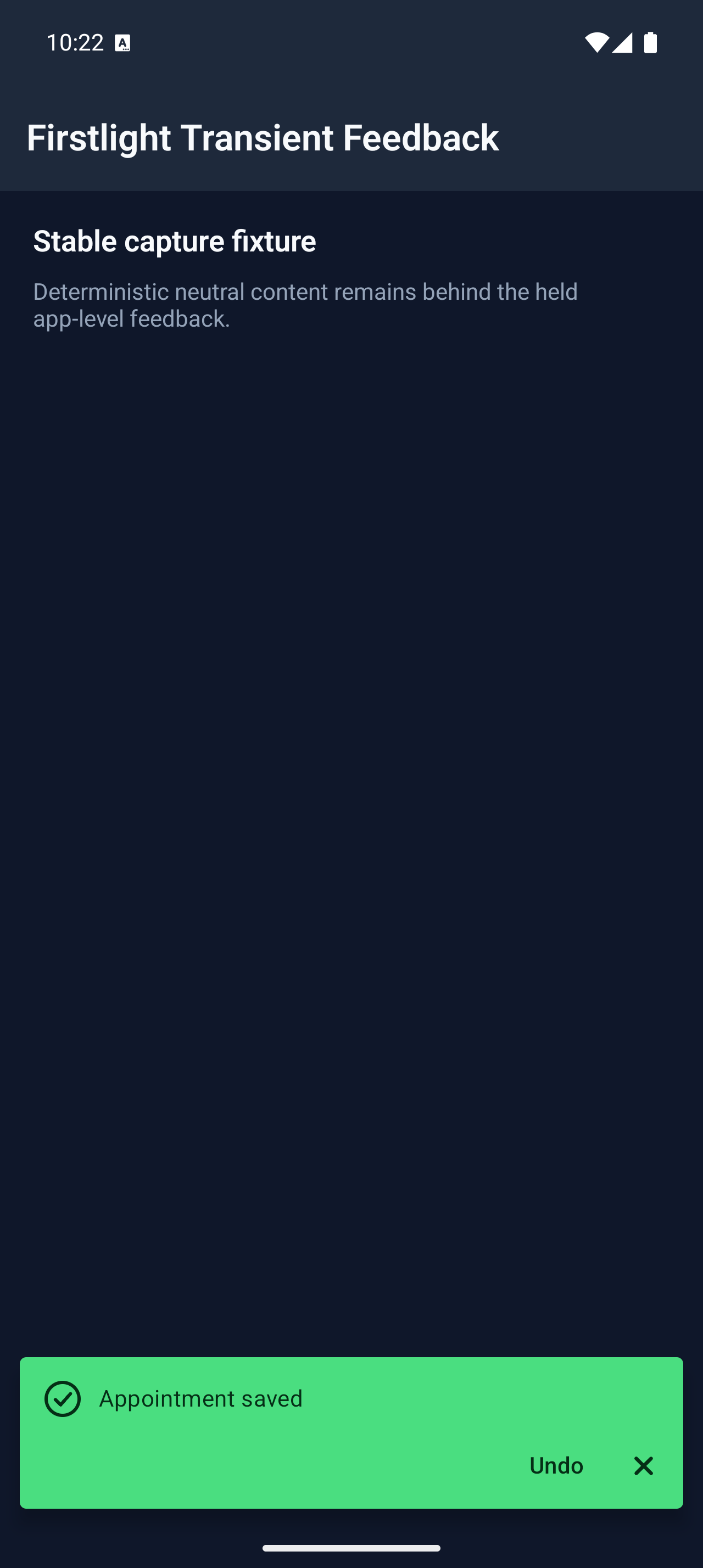
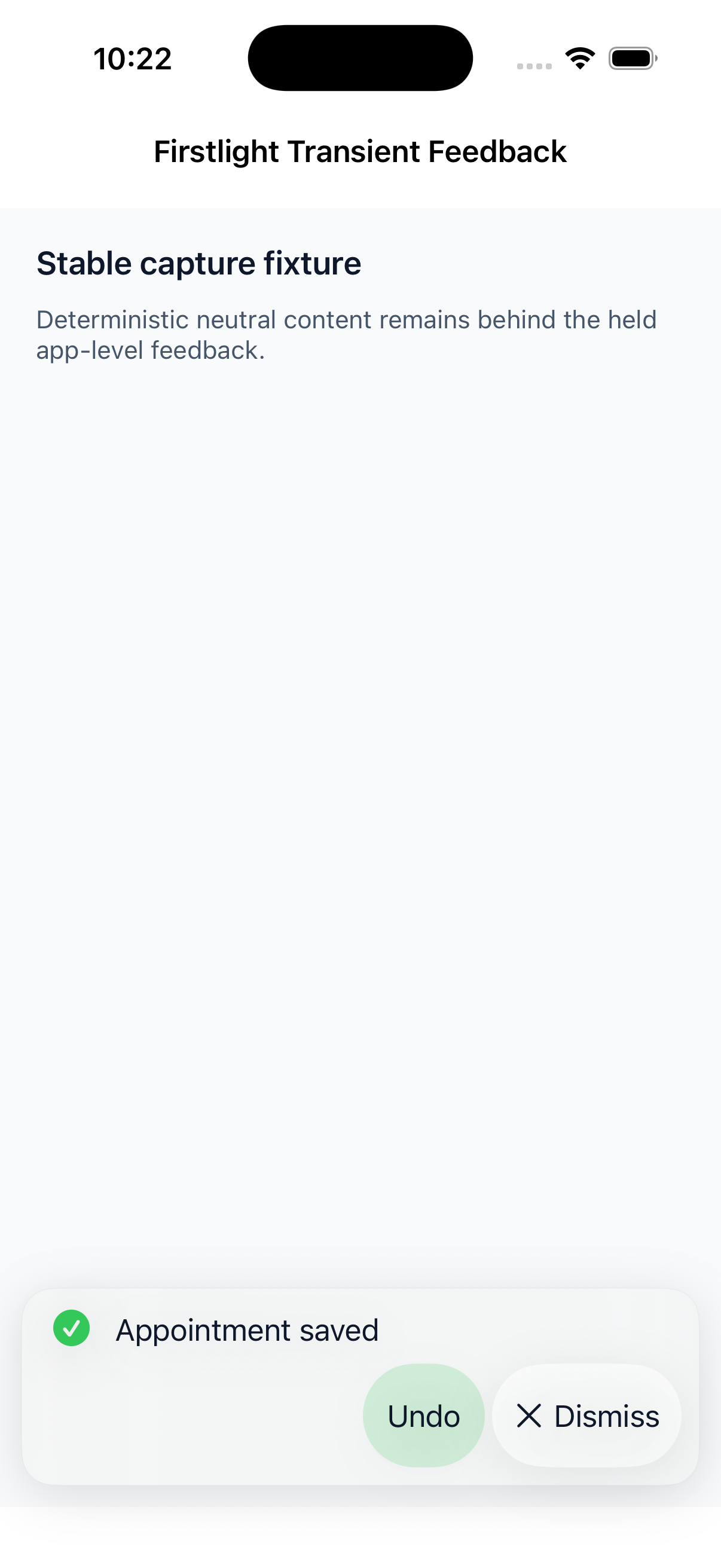
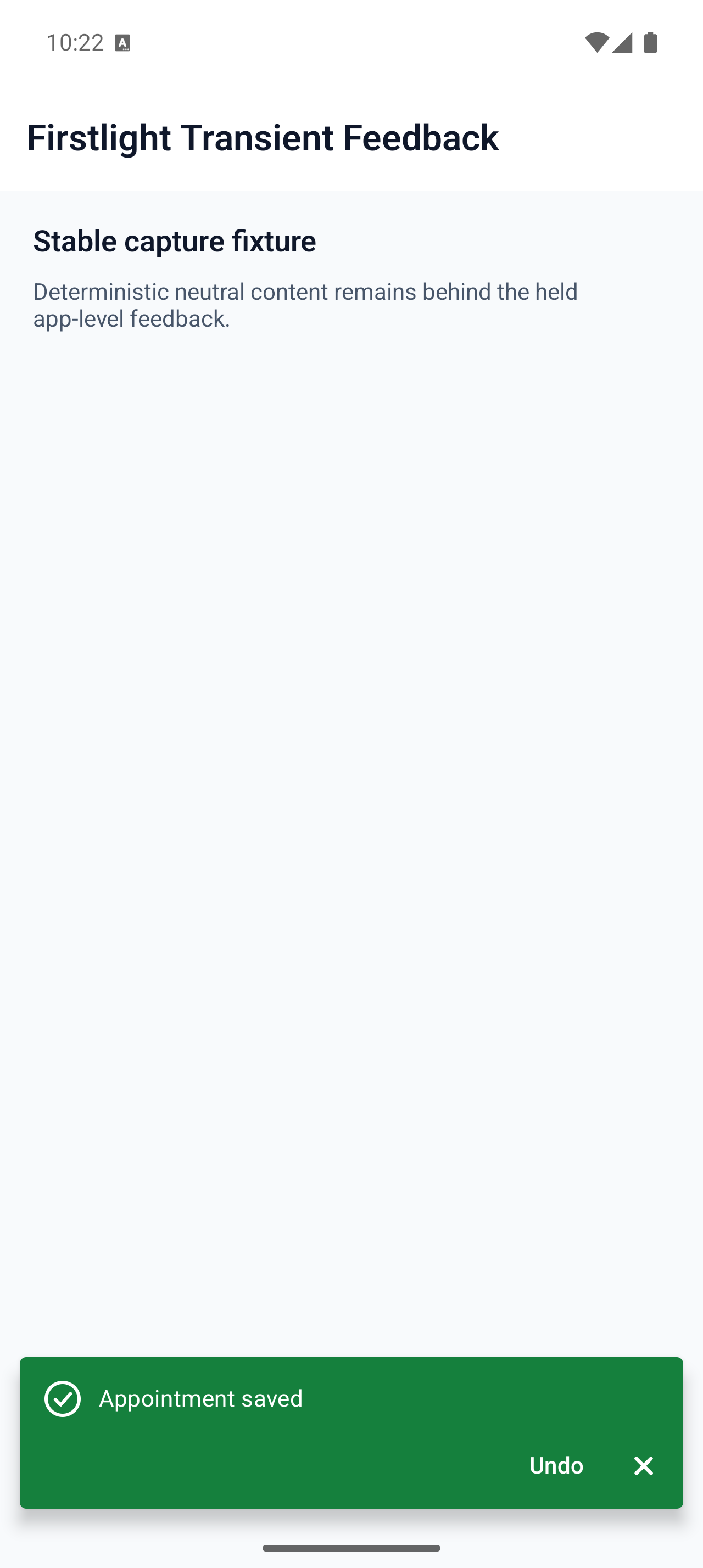
Publish brief app-level outcomes as queued native feedback that persists across normal screen navigation.
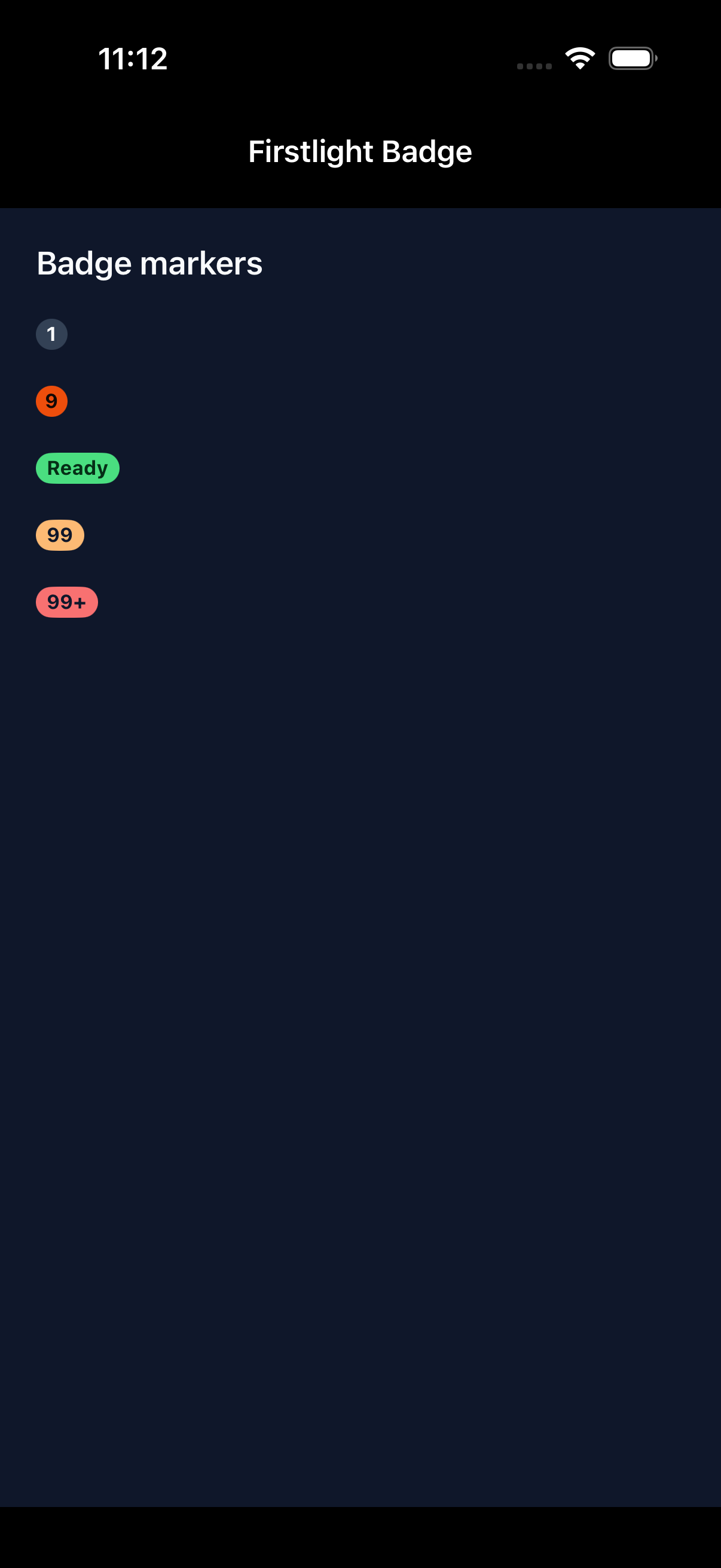
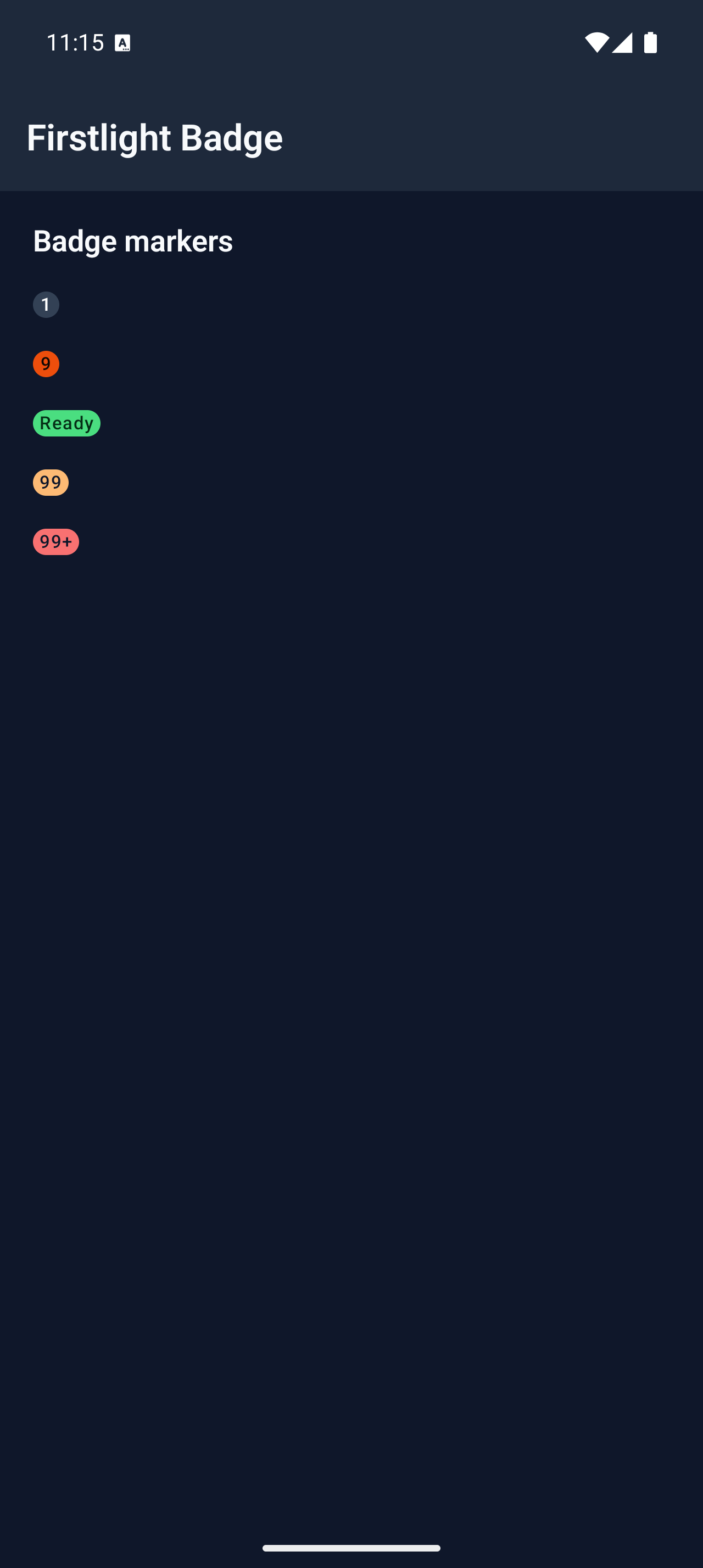
Present a compact, display-only count or short marker with native platform expression.
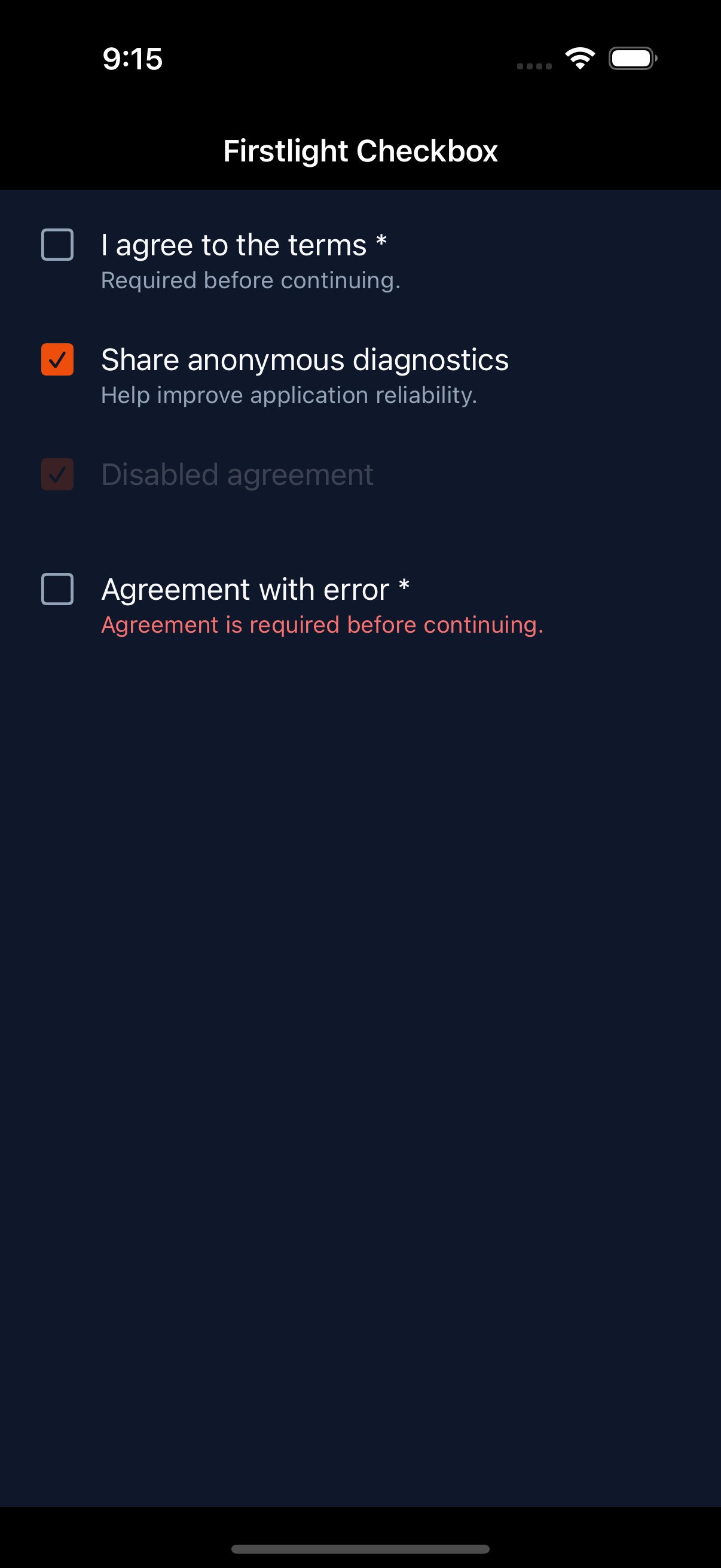
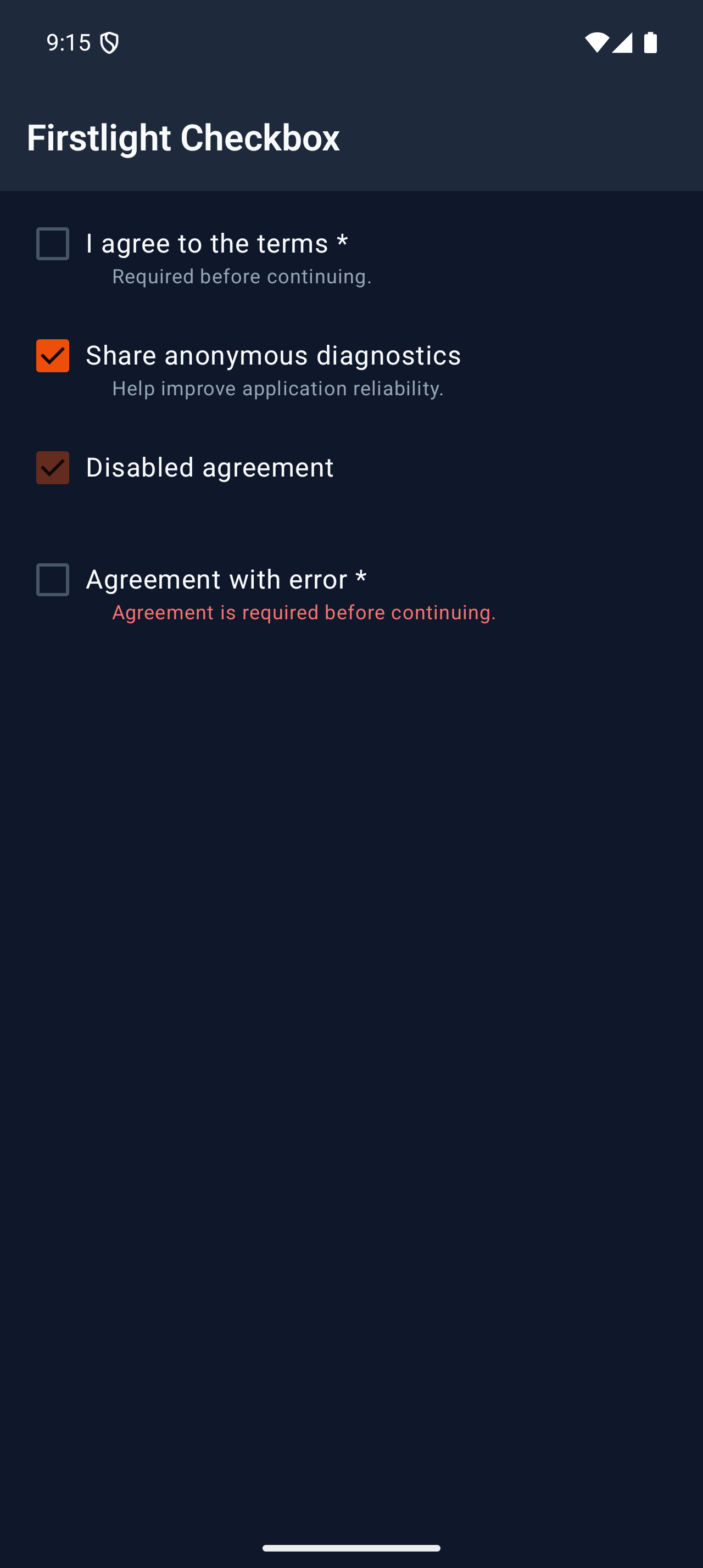
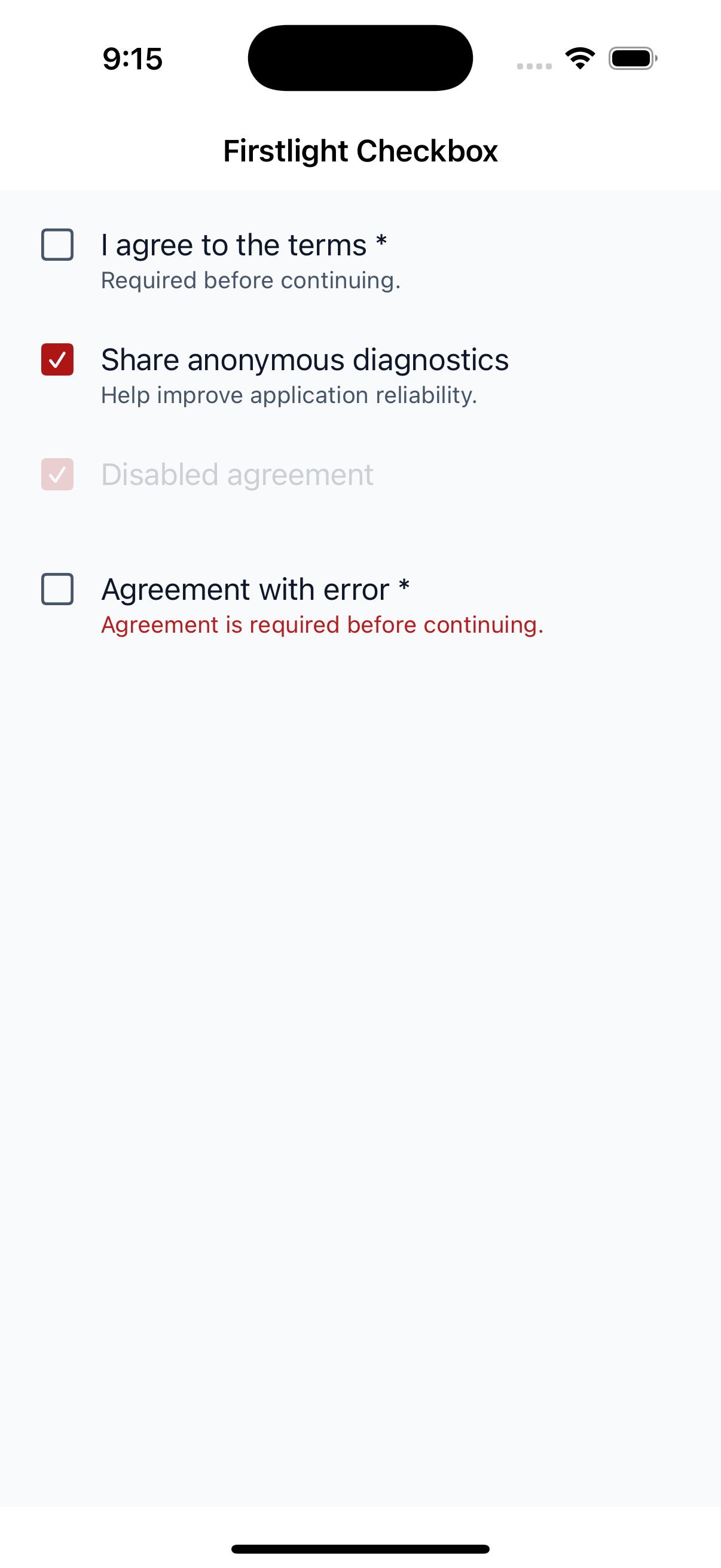
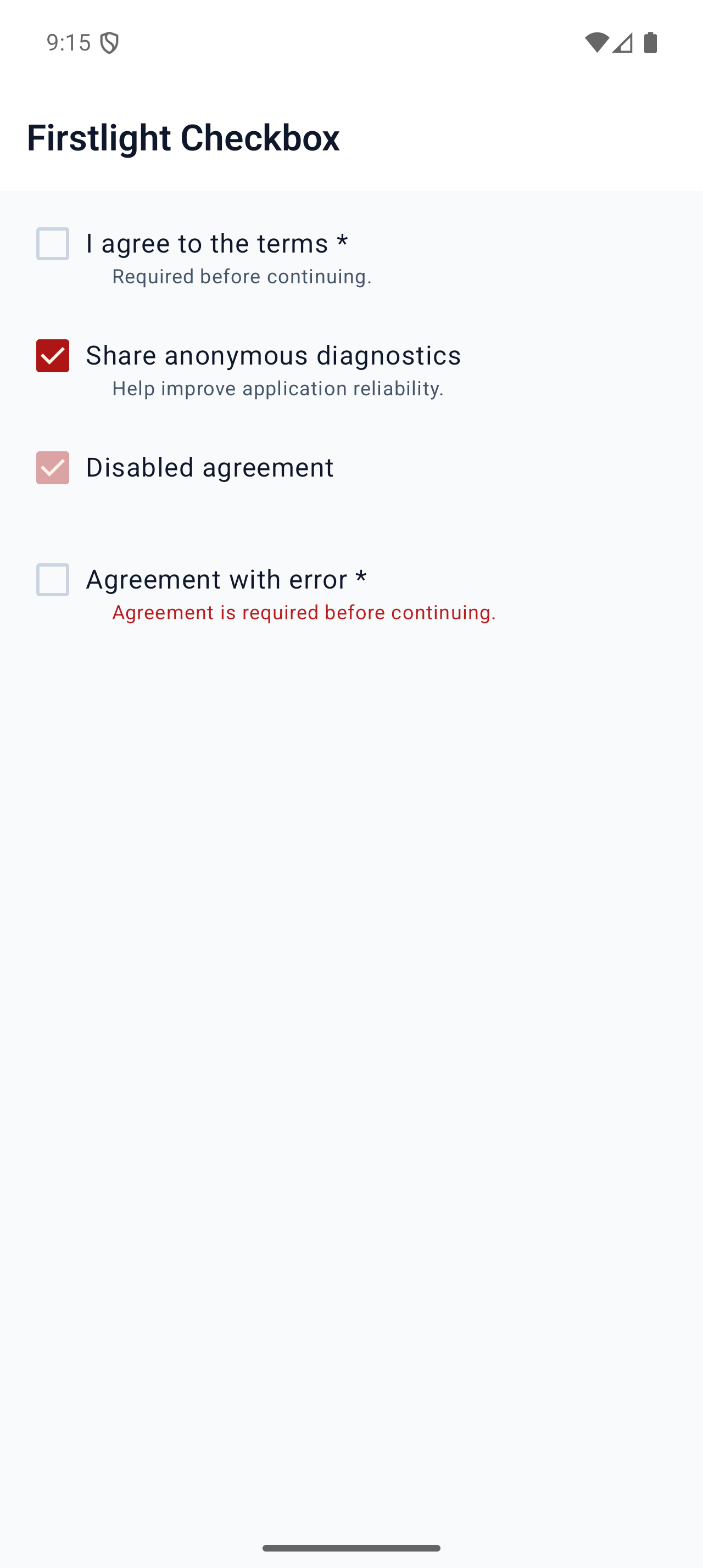
Represent one strict Boolean form or checklist value with server-authoritative native state.
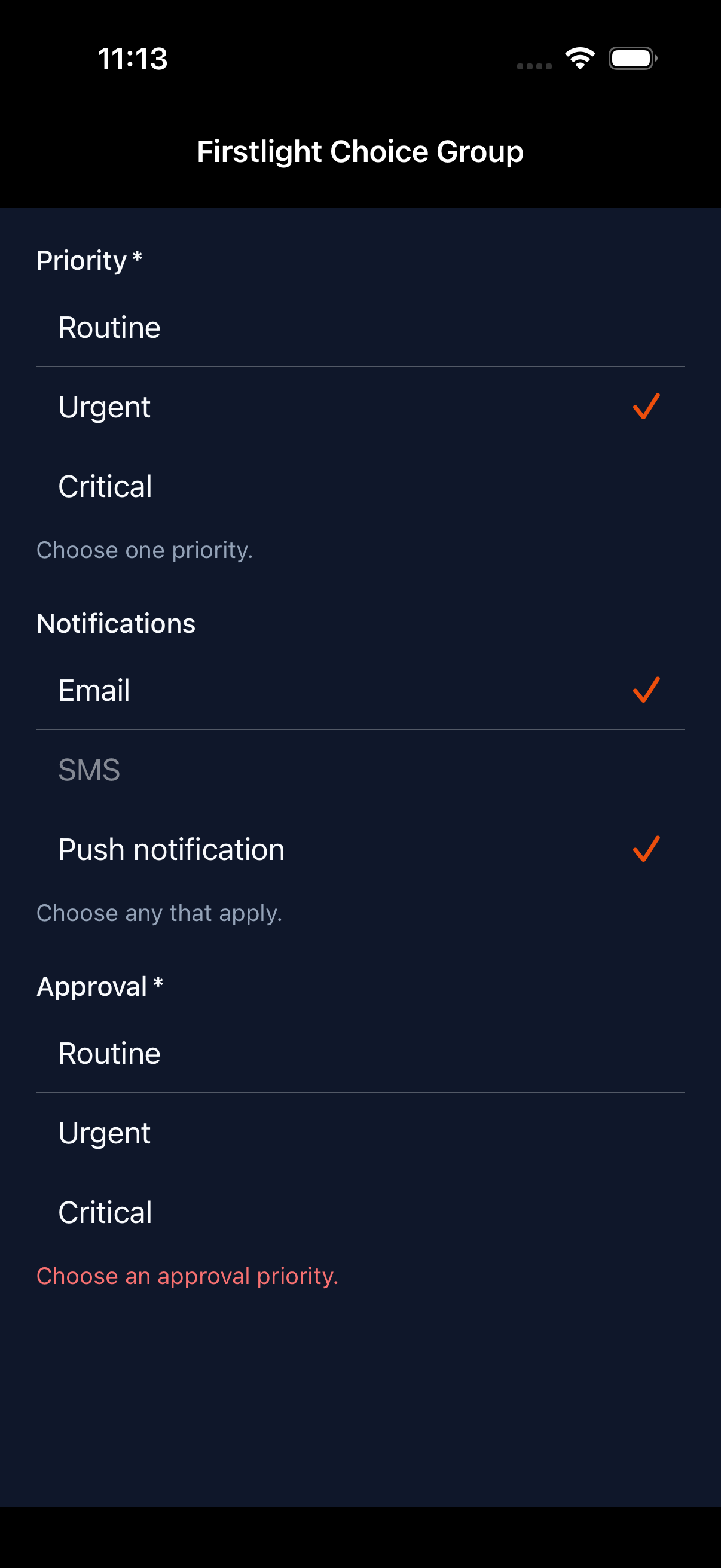
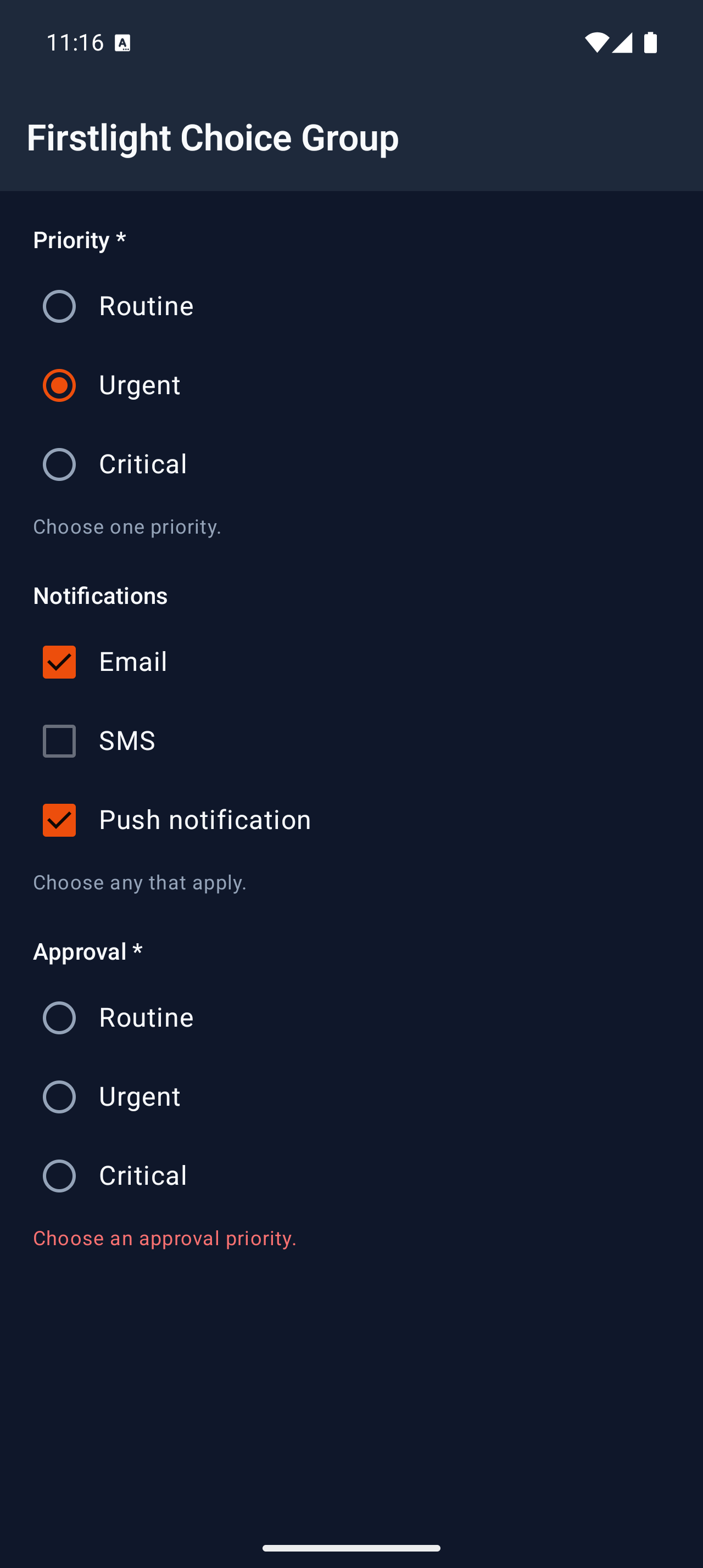
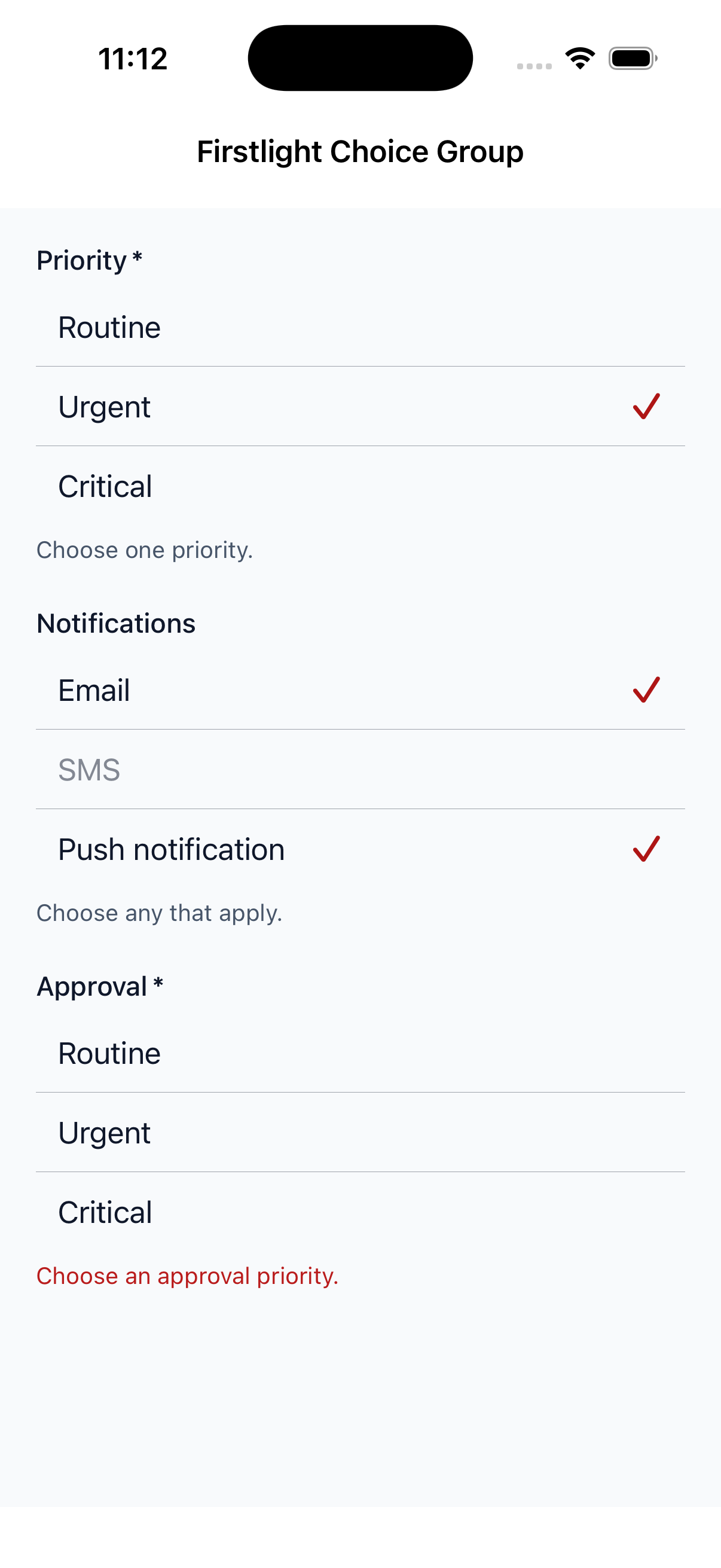
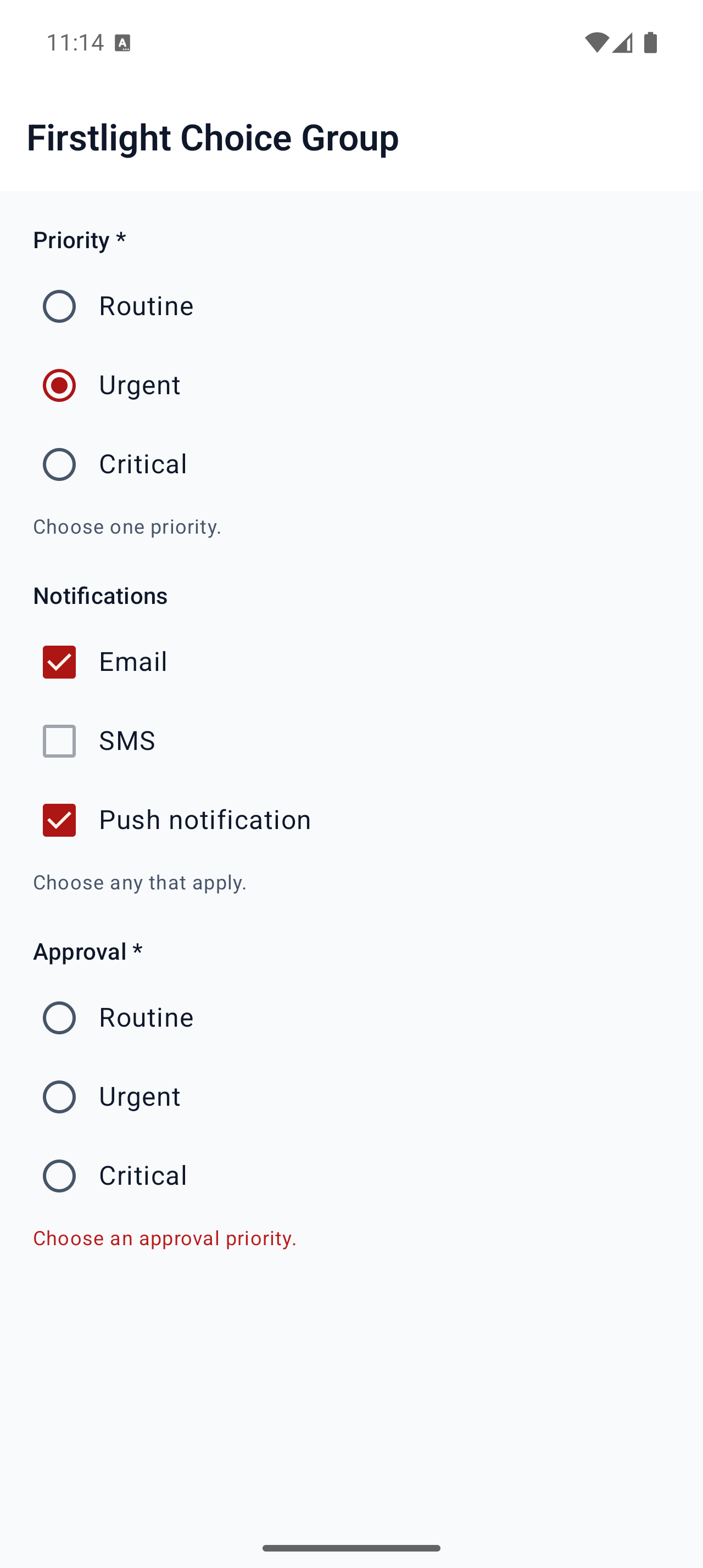
Show a visible list of labelled options for selecting one value or several values.
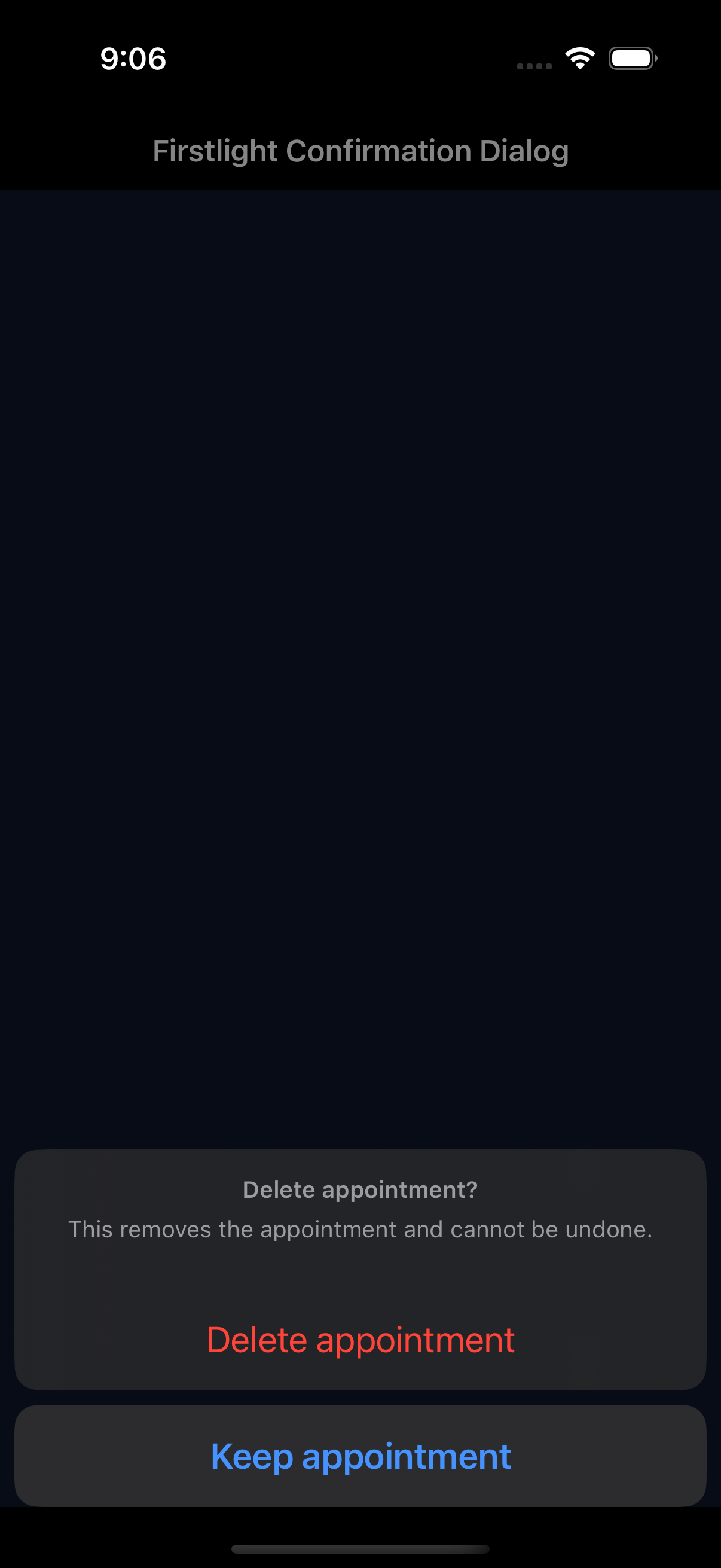
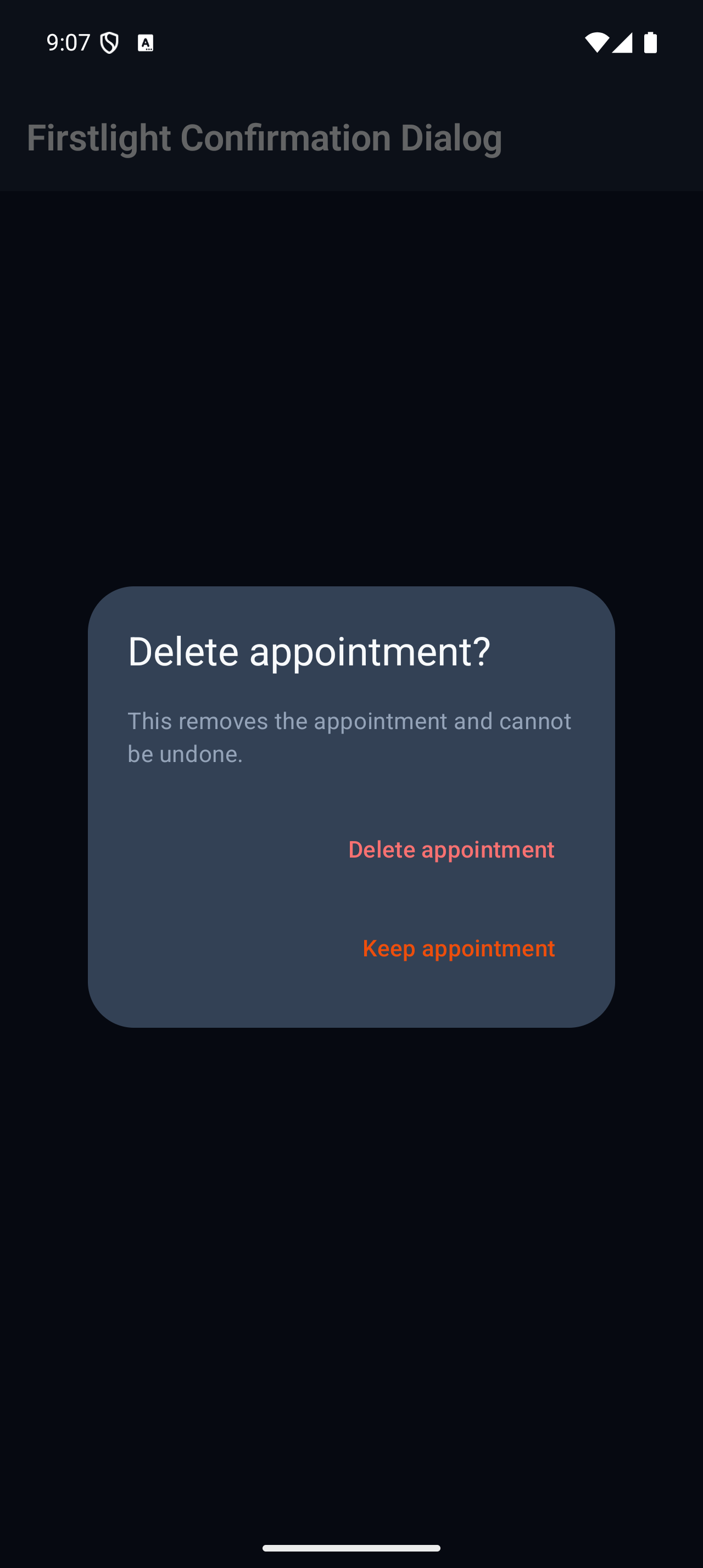
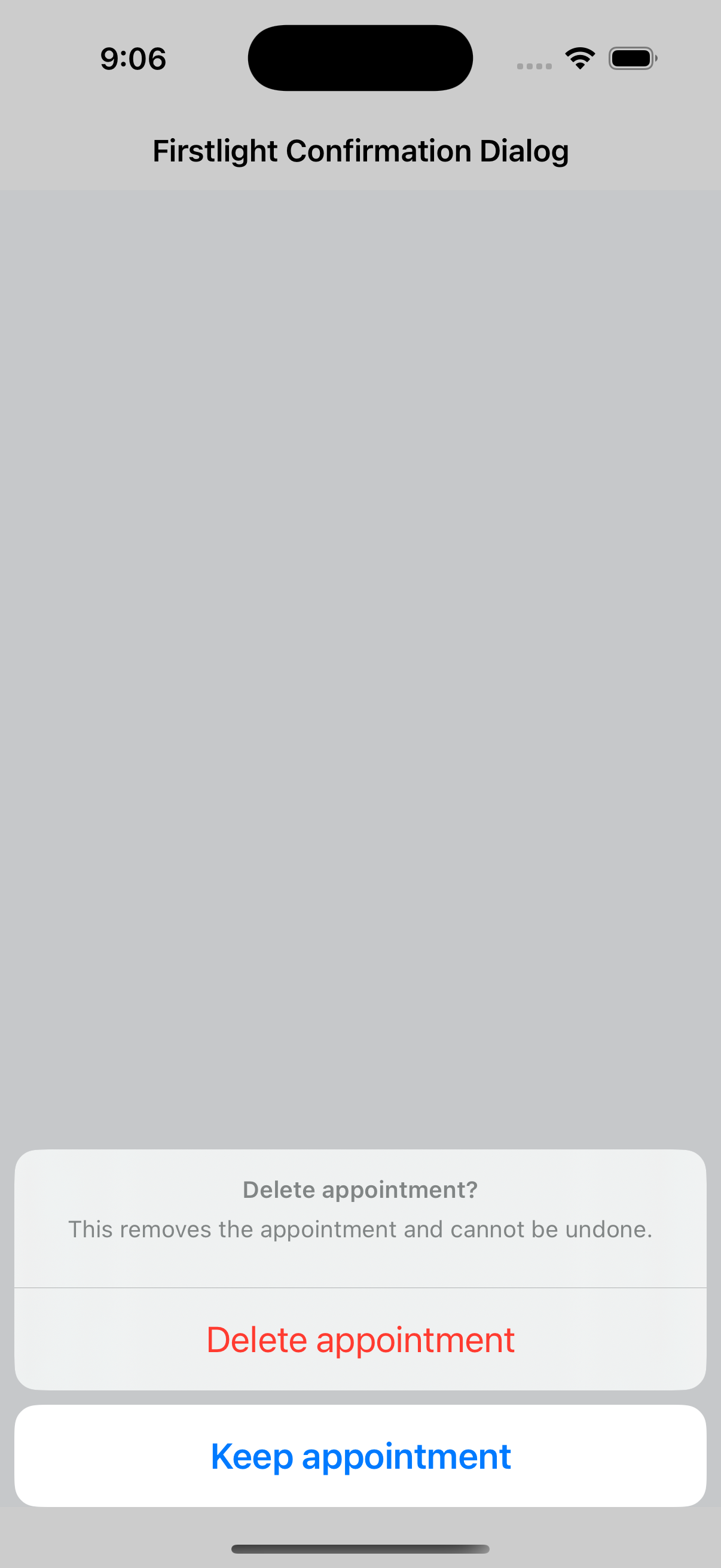
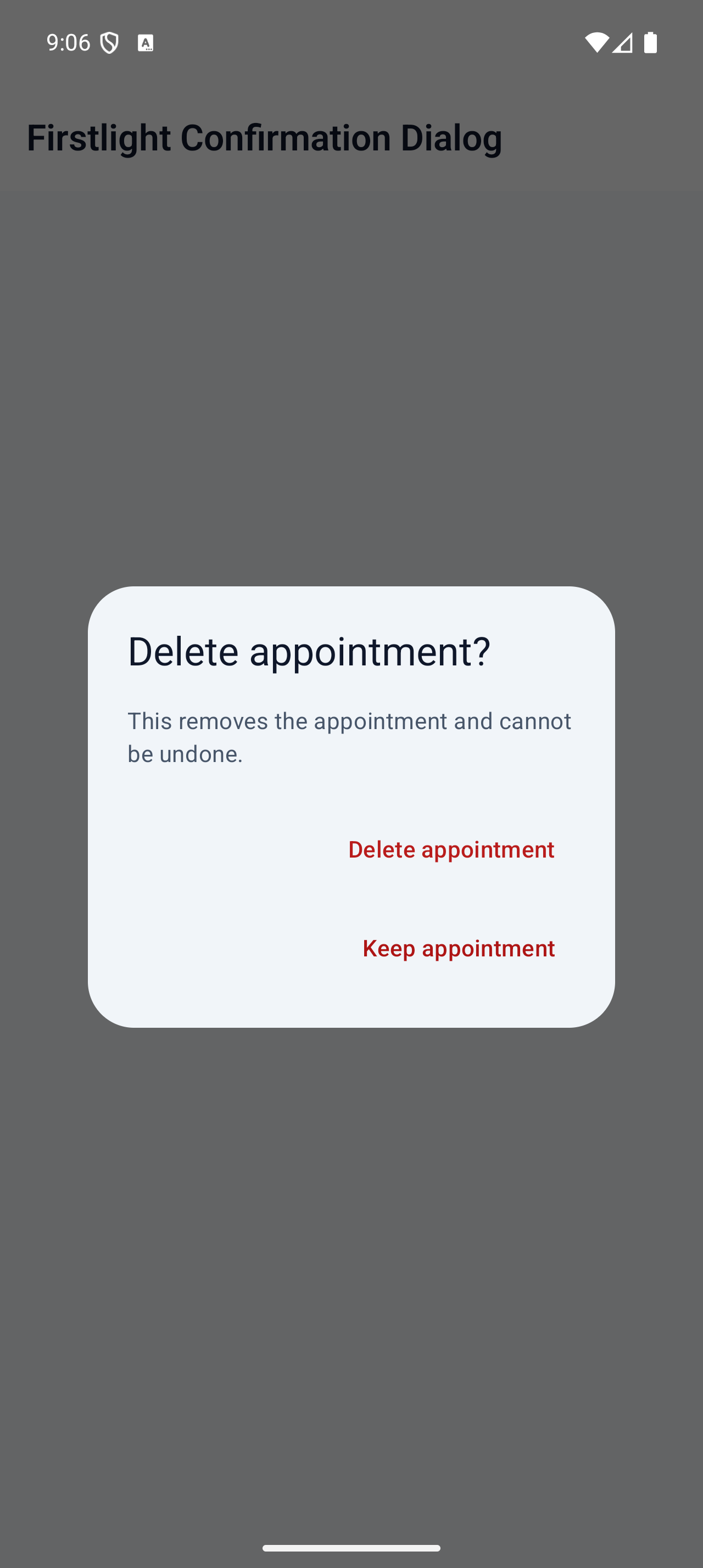
Ask for one native confirmation with explicit cancellation and destructive action semantics.
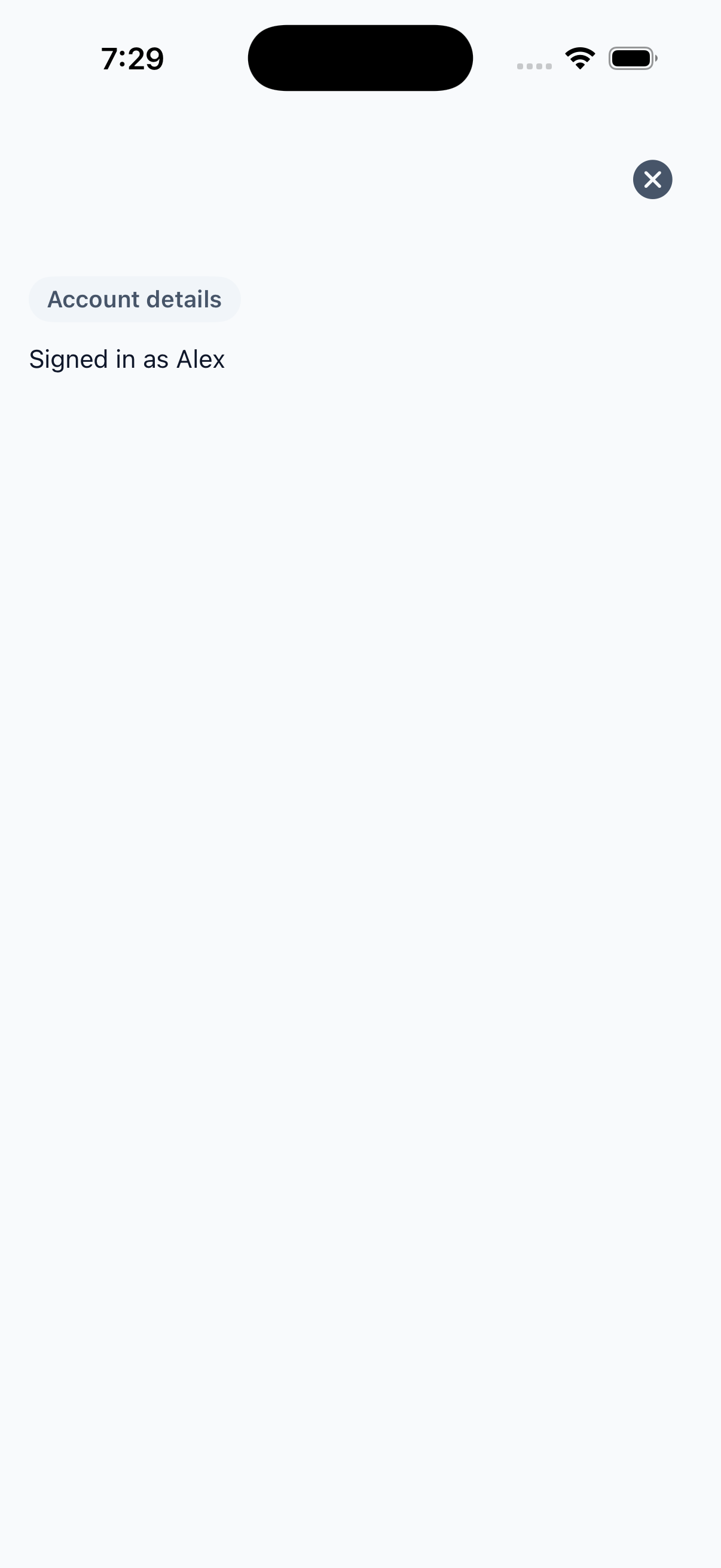
Present authored content in a full-screen native overlay with server-controlled dismissal.

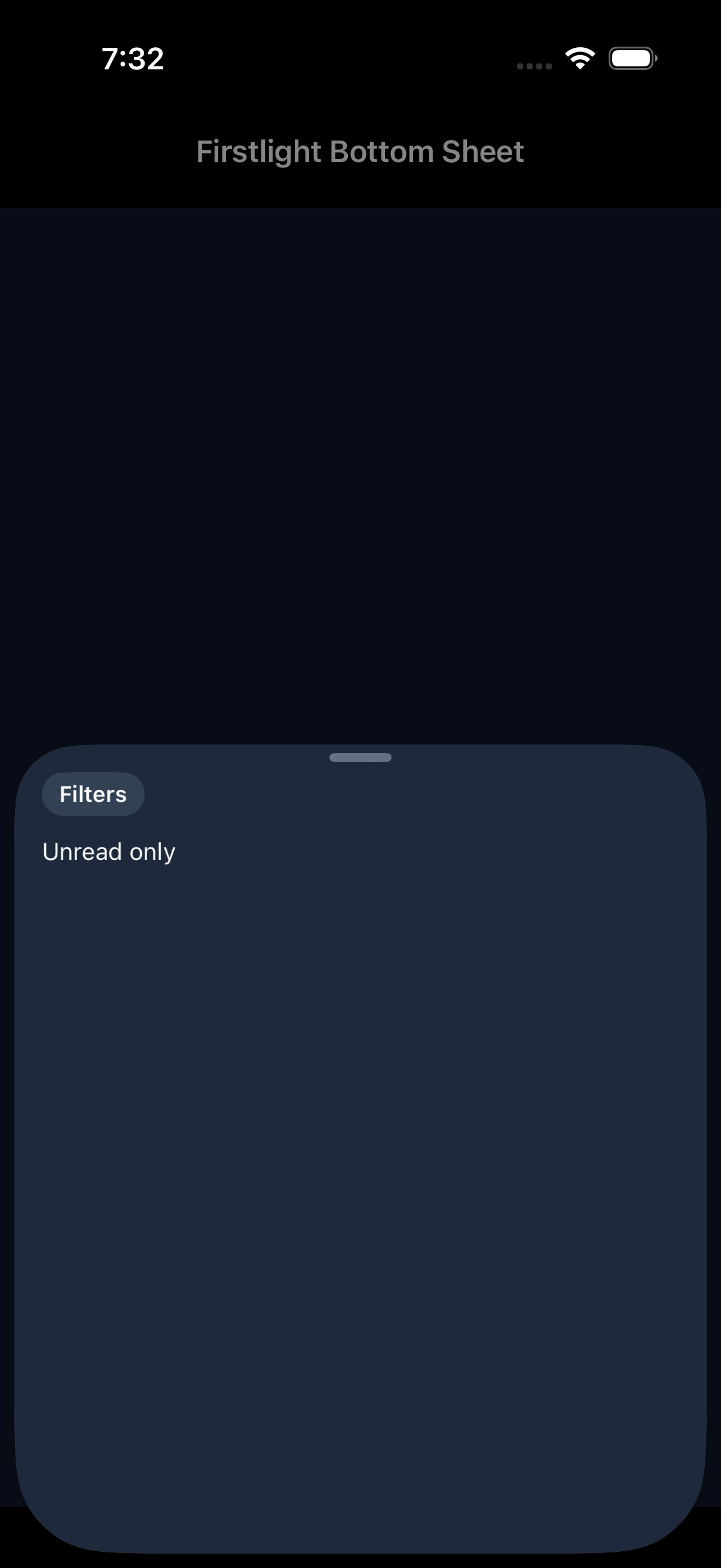
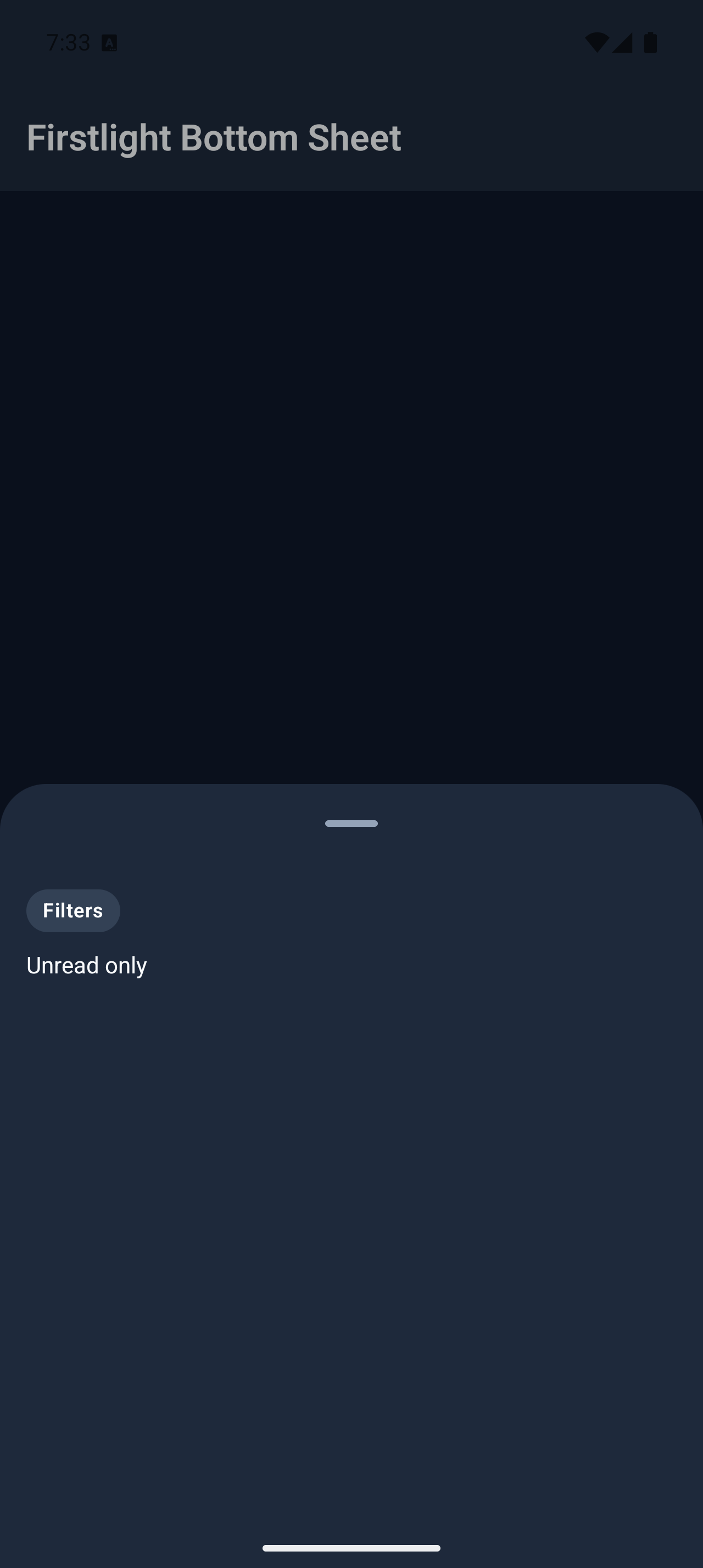
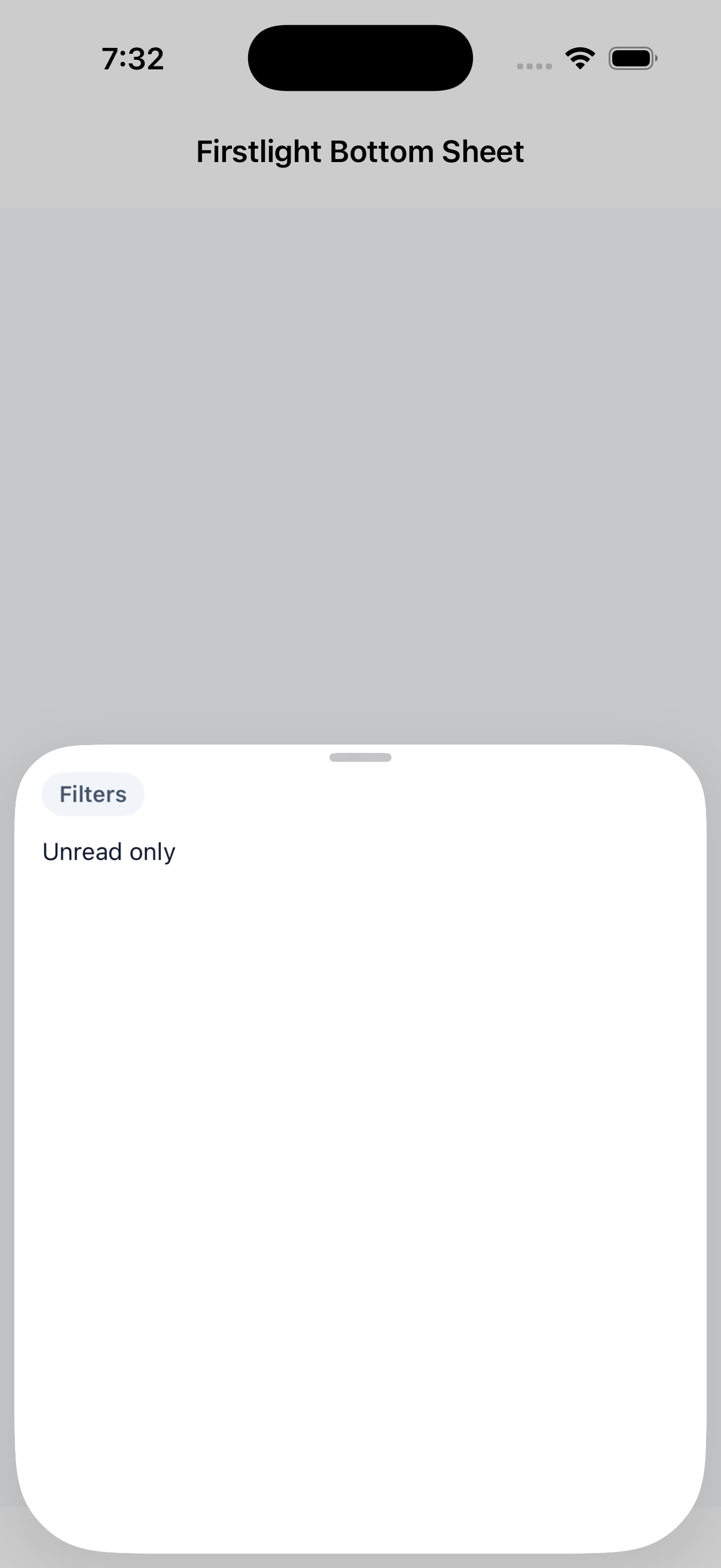
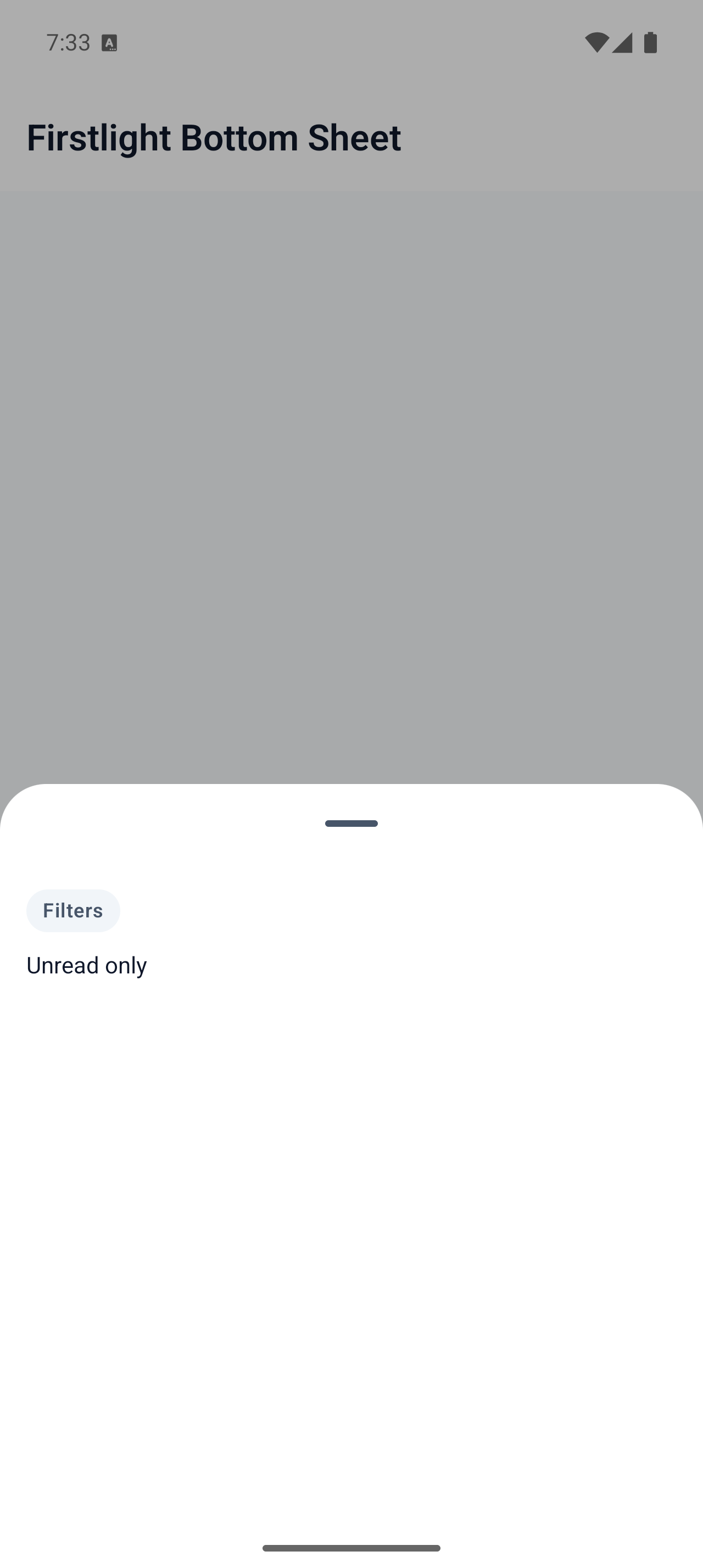
Present authored content in a native bottom sheet with server-controlled dismissal.
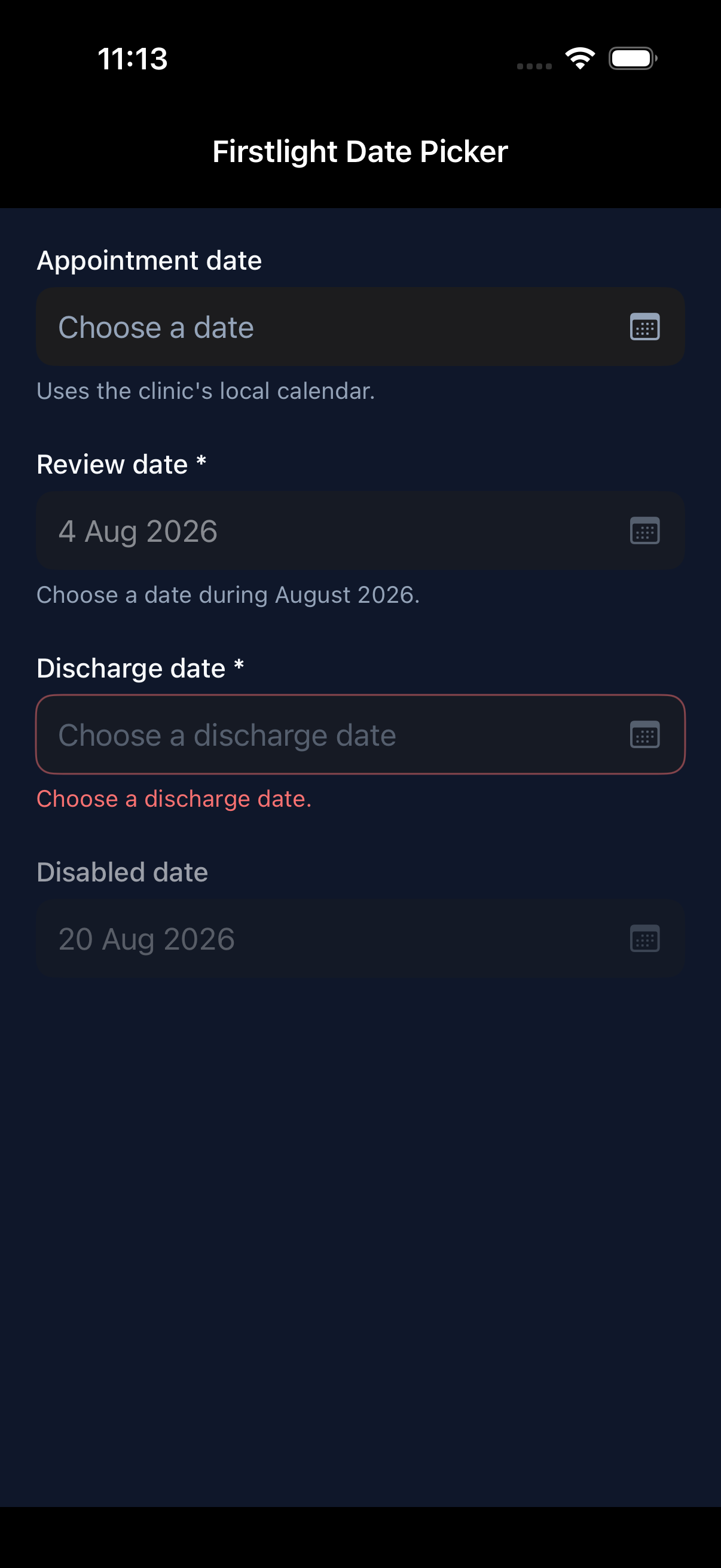
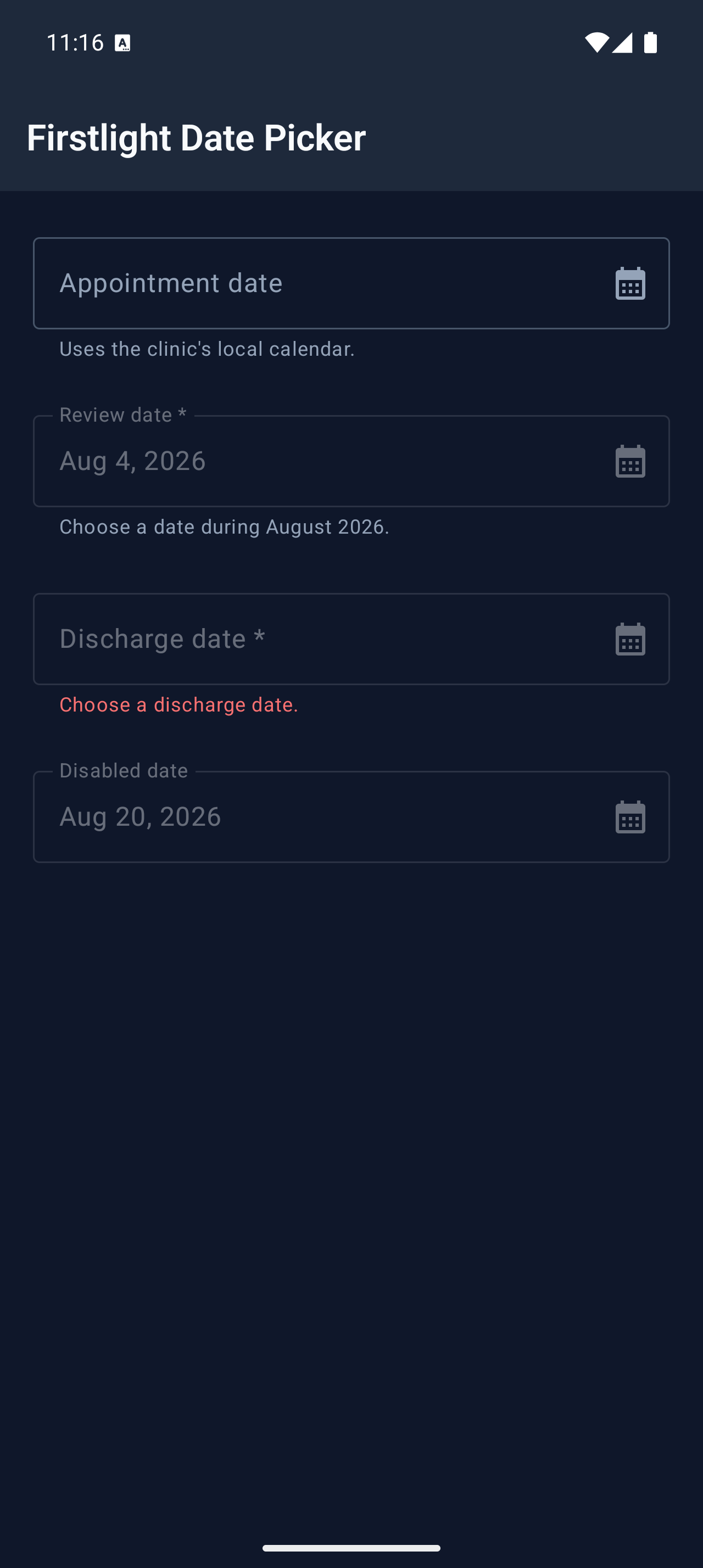
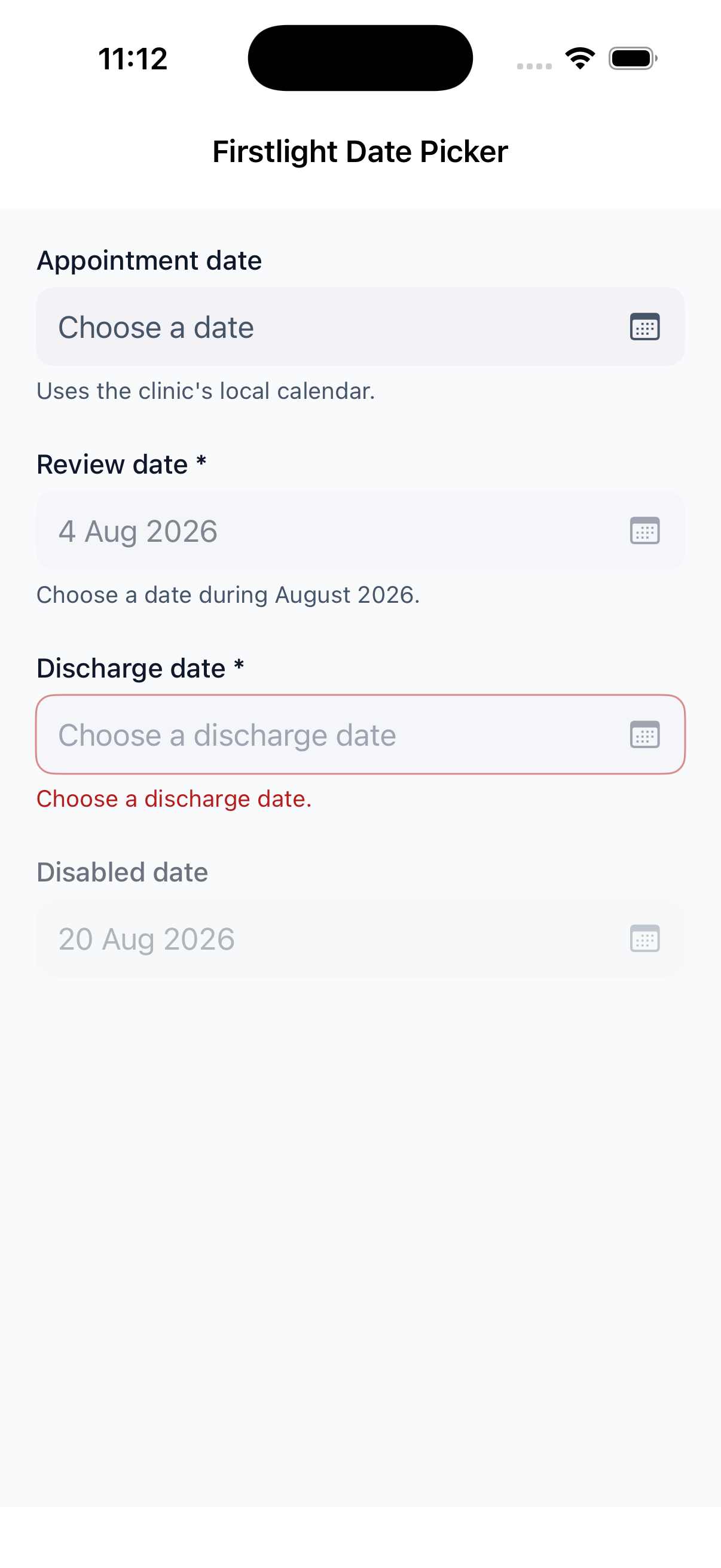
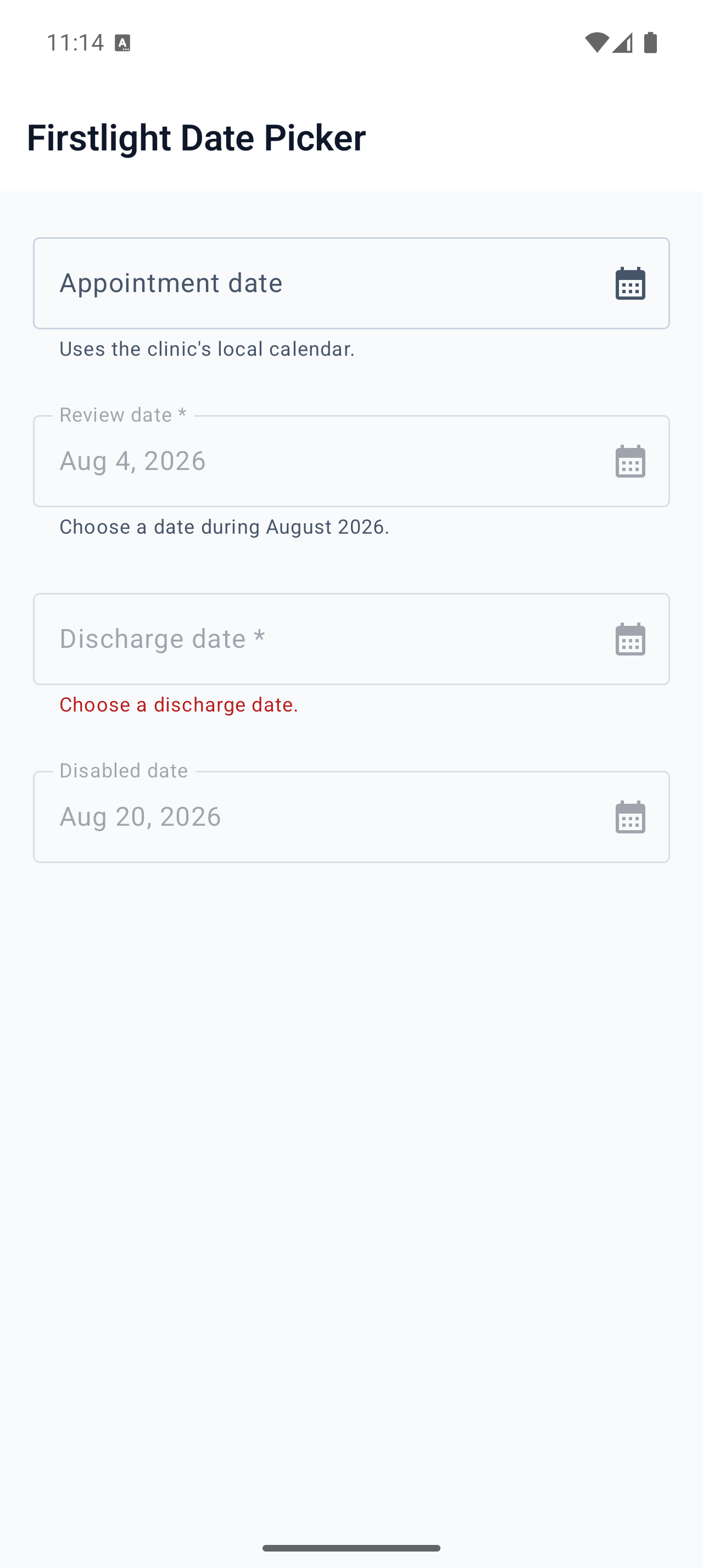
Choose an optional calendar date with each platform’s native, server-authoritative picker.
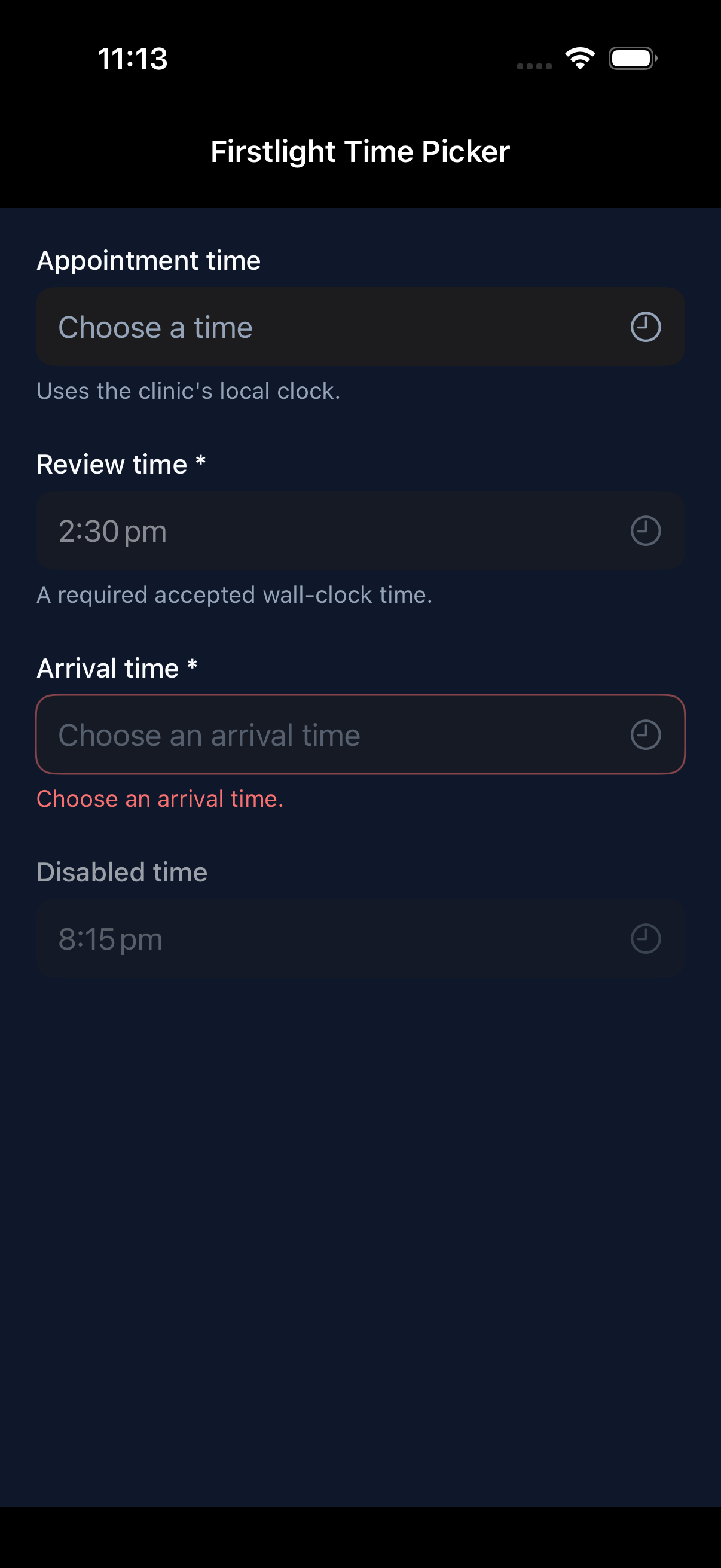
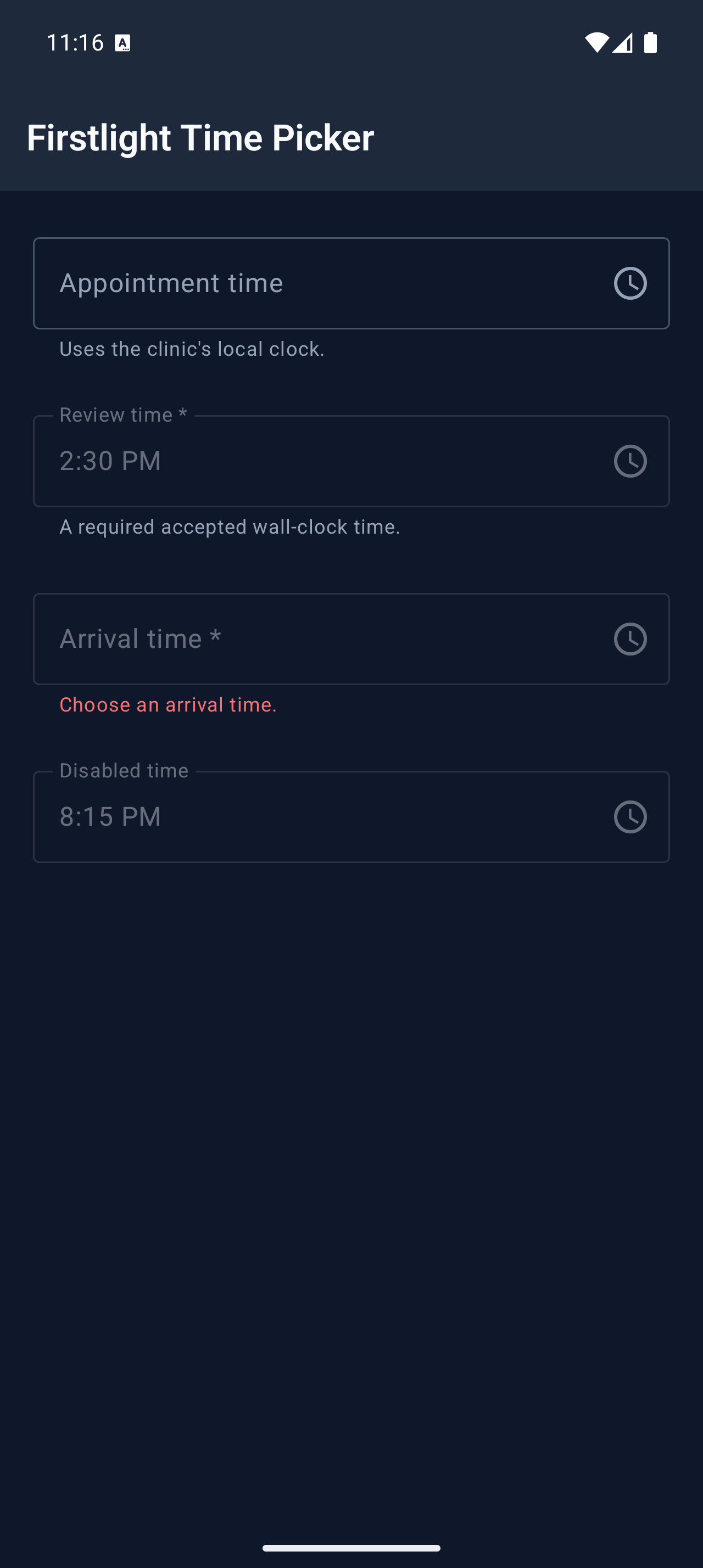
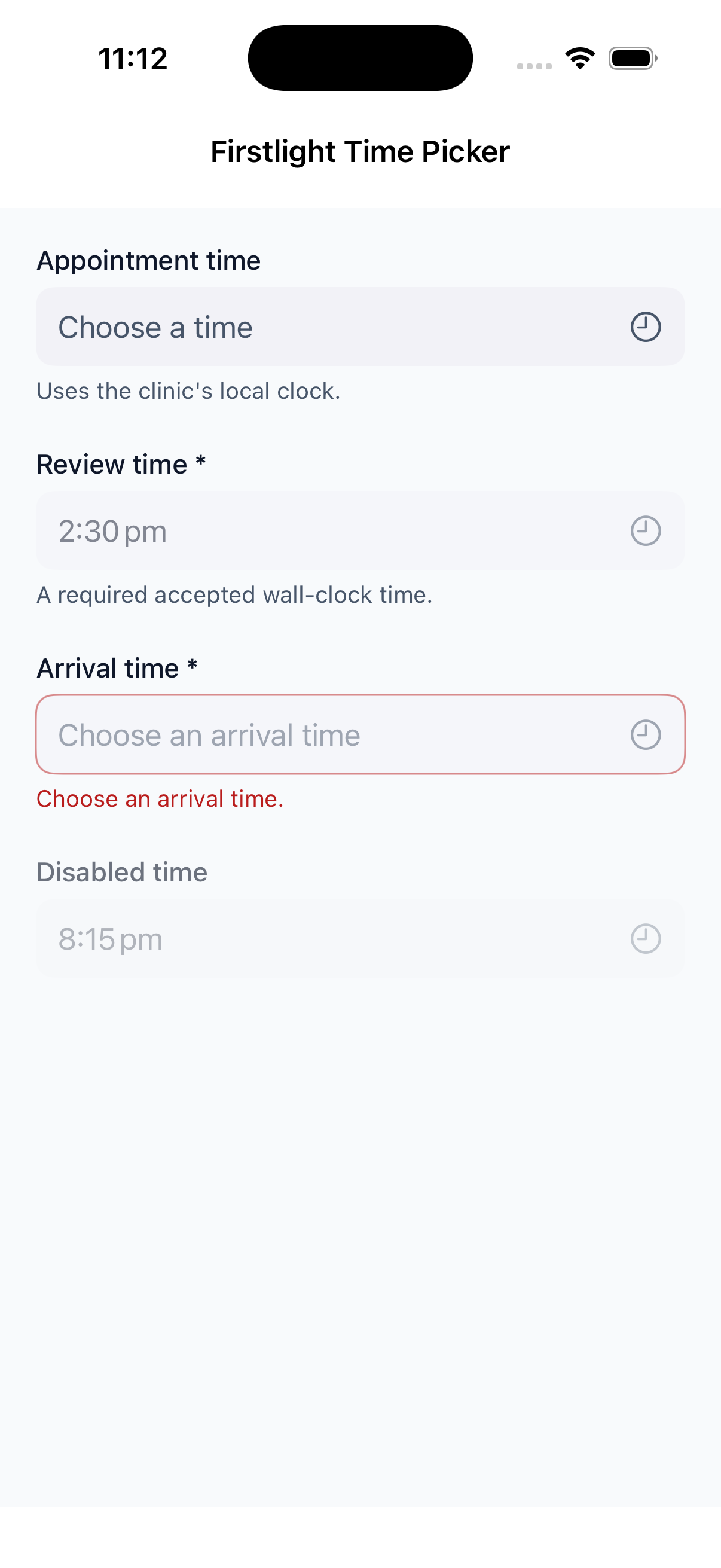
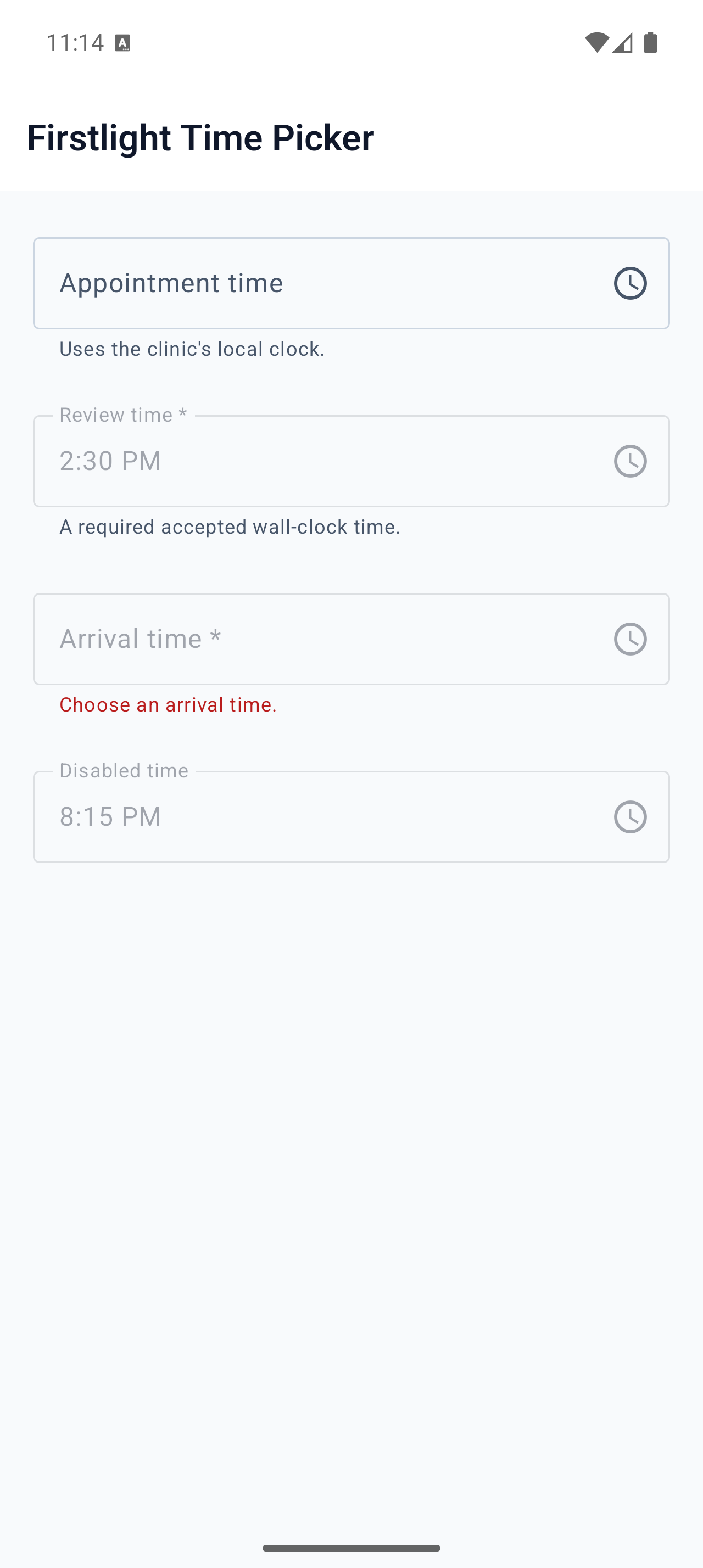
Choose an optional wall-clock time while keeping the model value exact and server-authoritative.
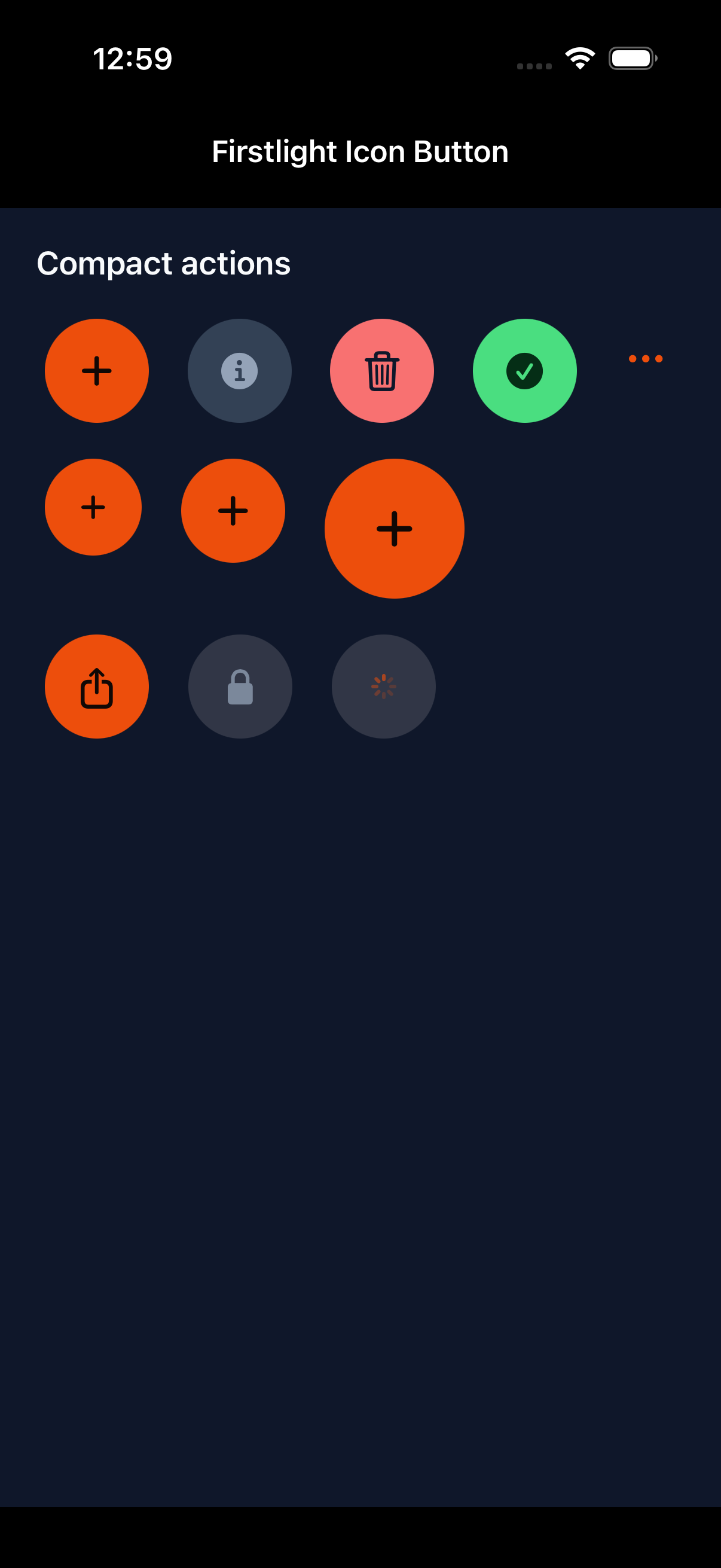
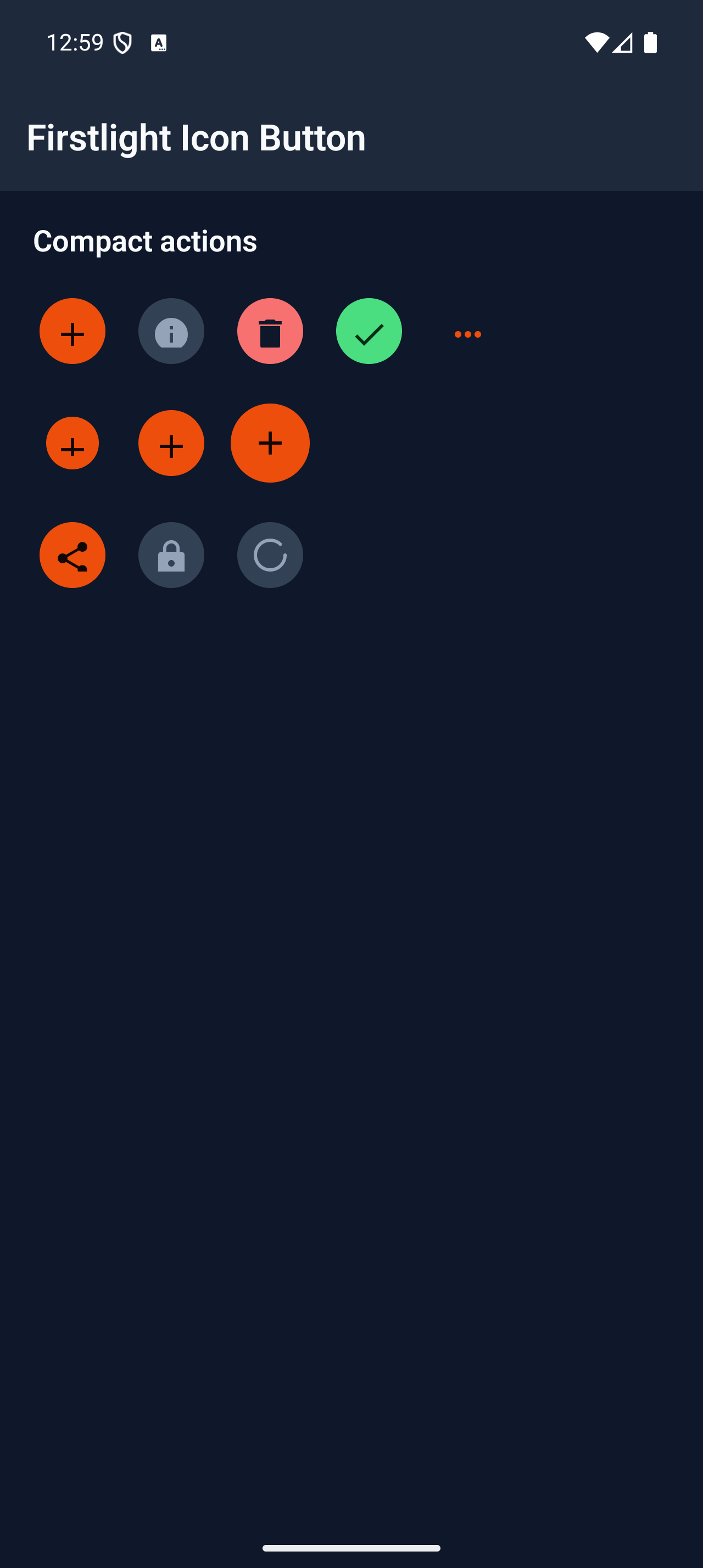
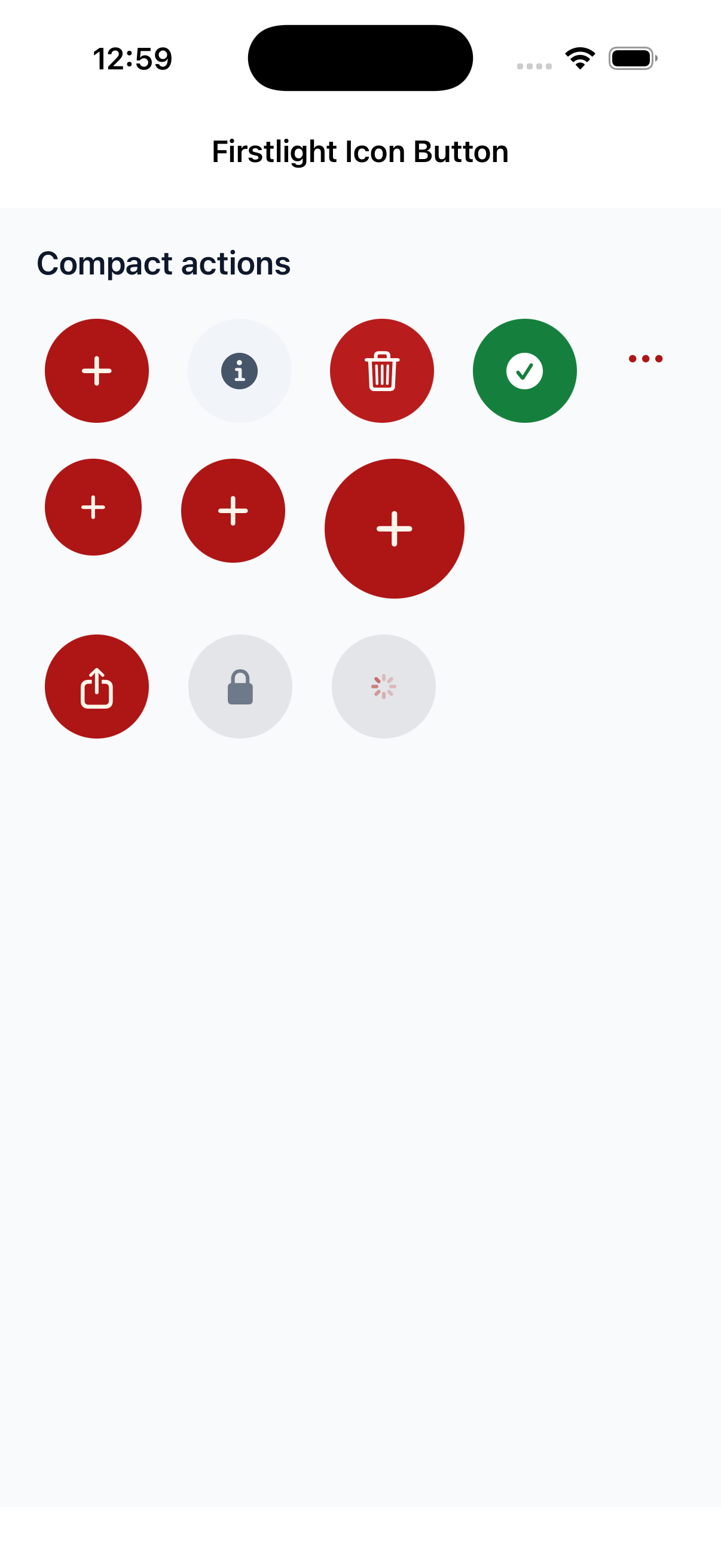
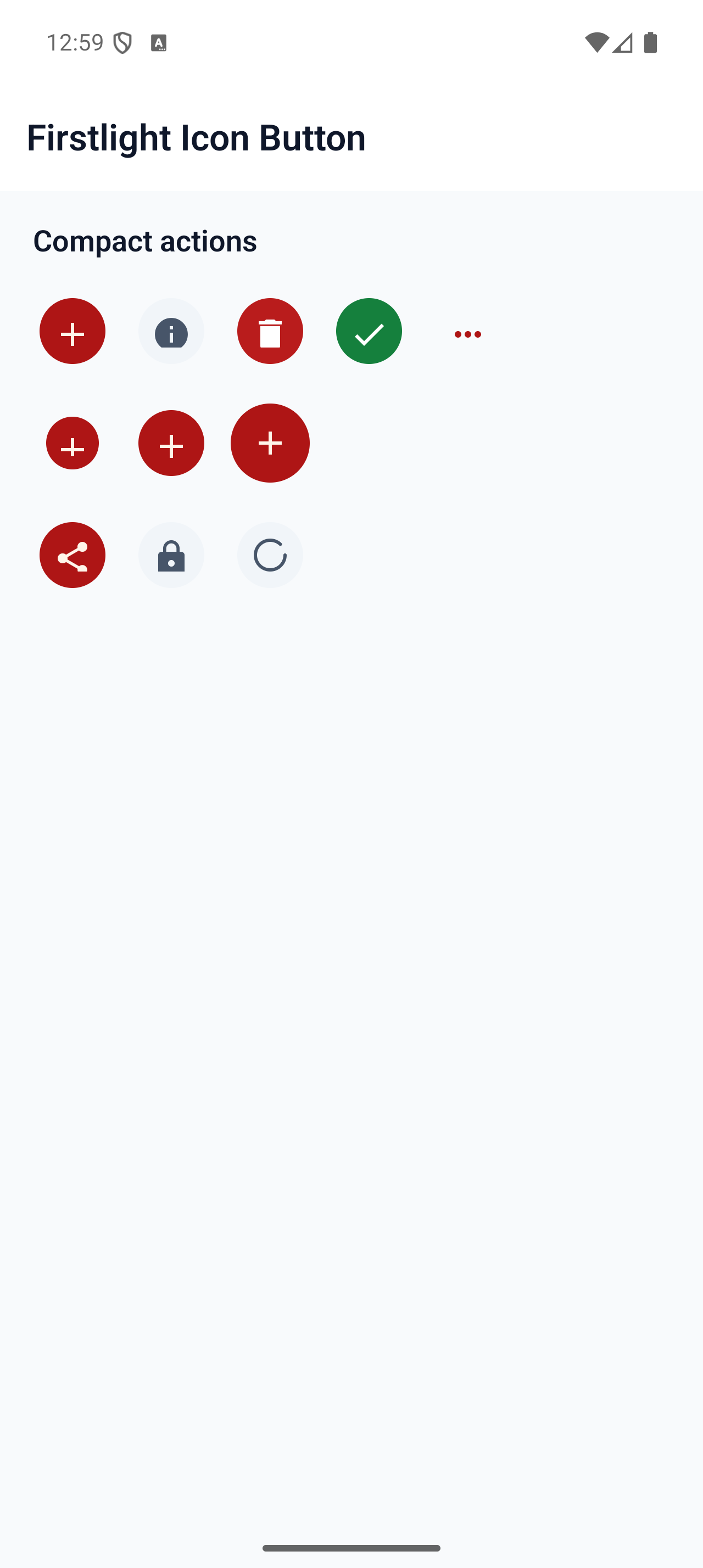
Trigger one compact, accessible action through native SwiftUI and Material icon buttons.
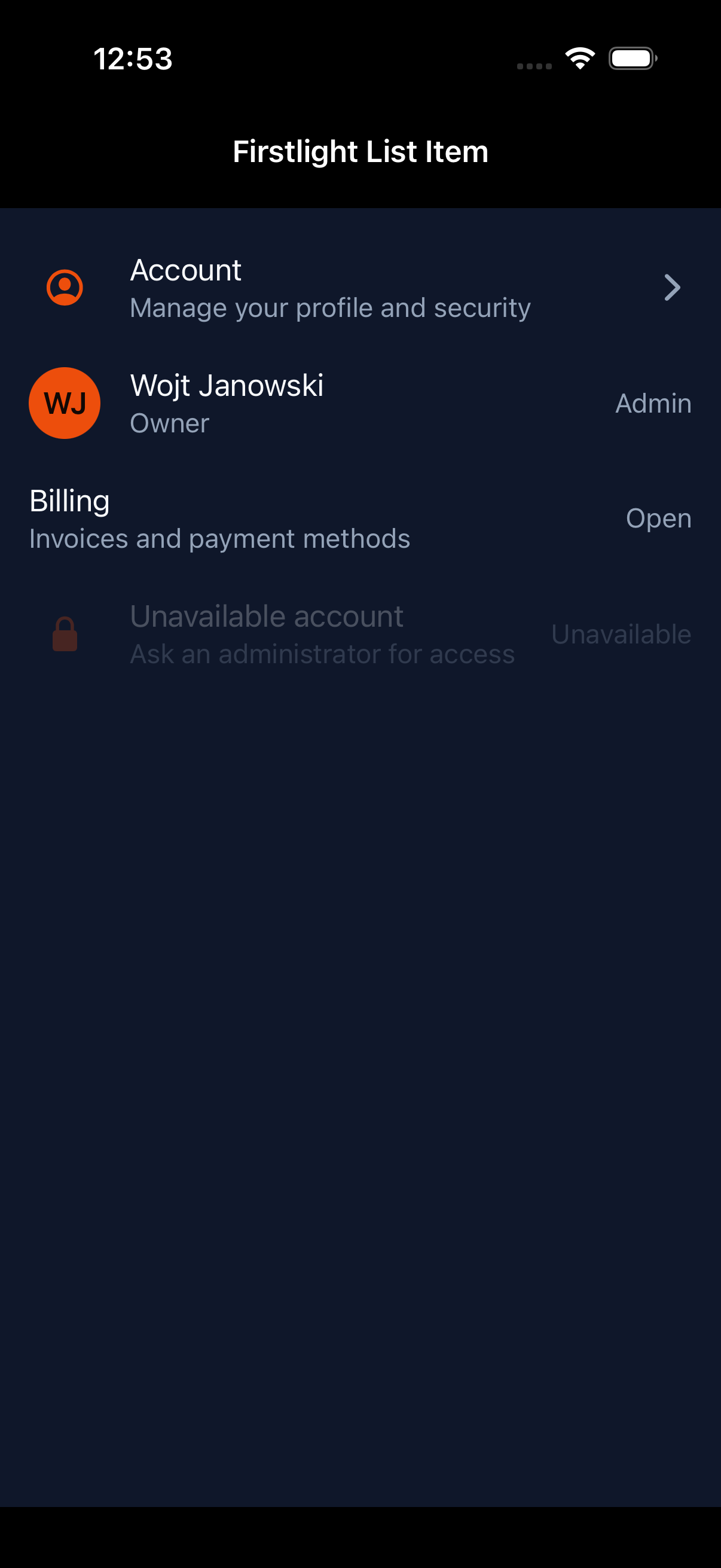
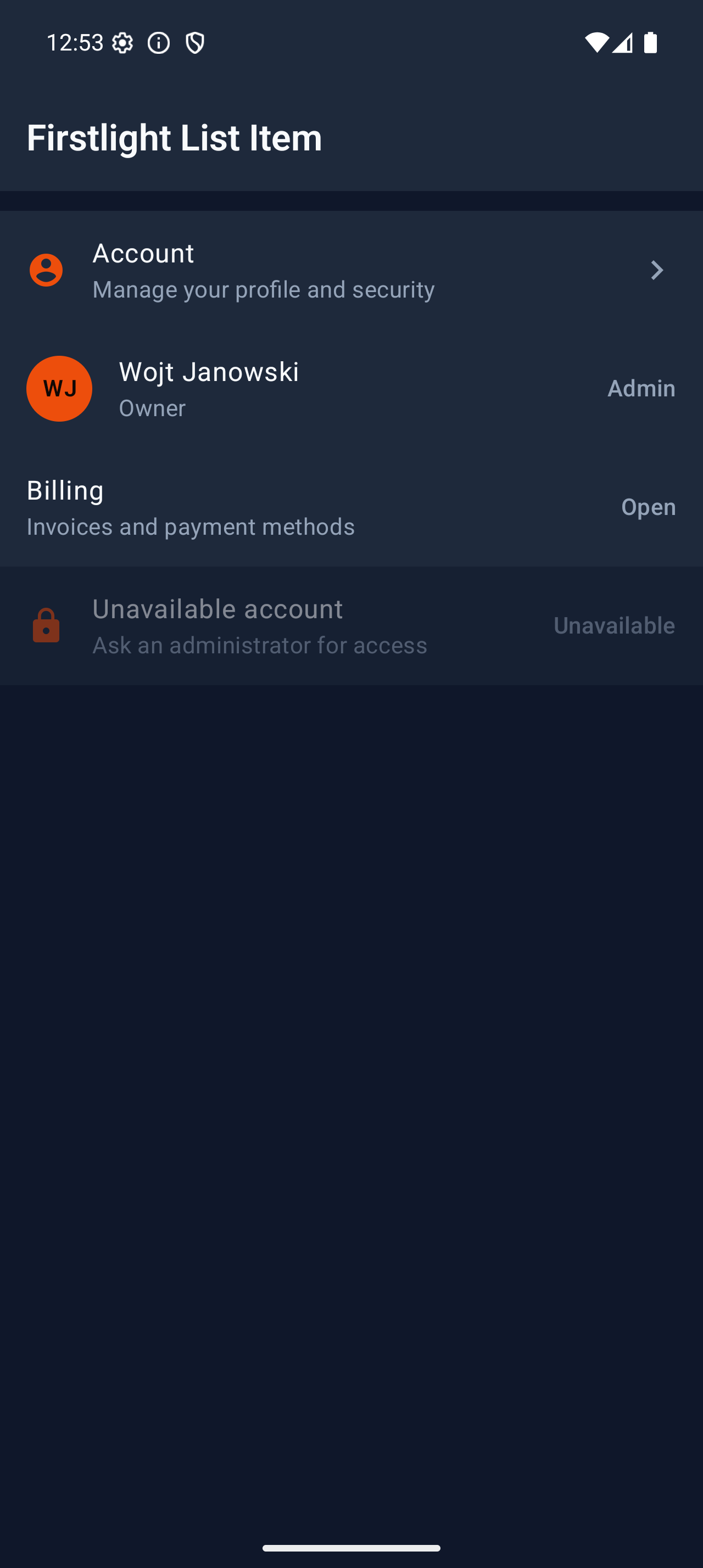
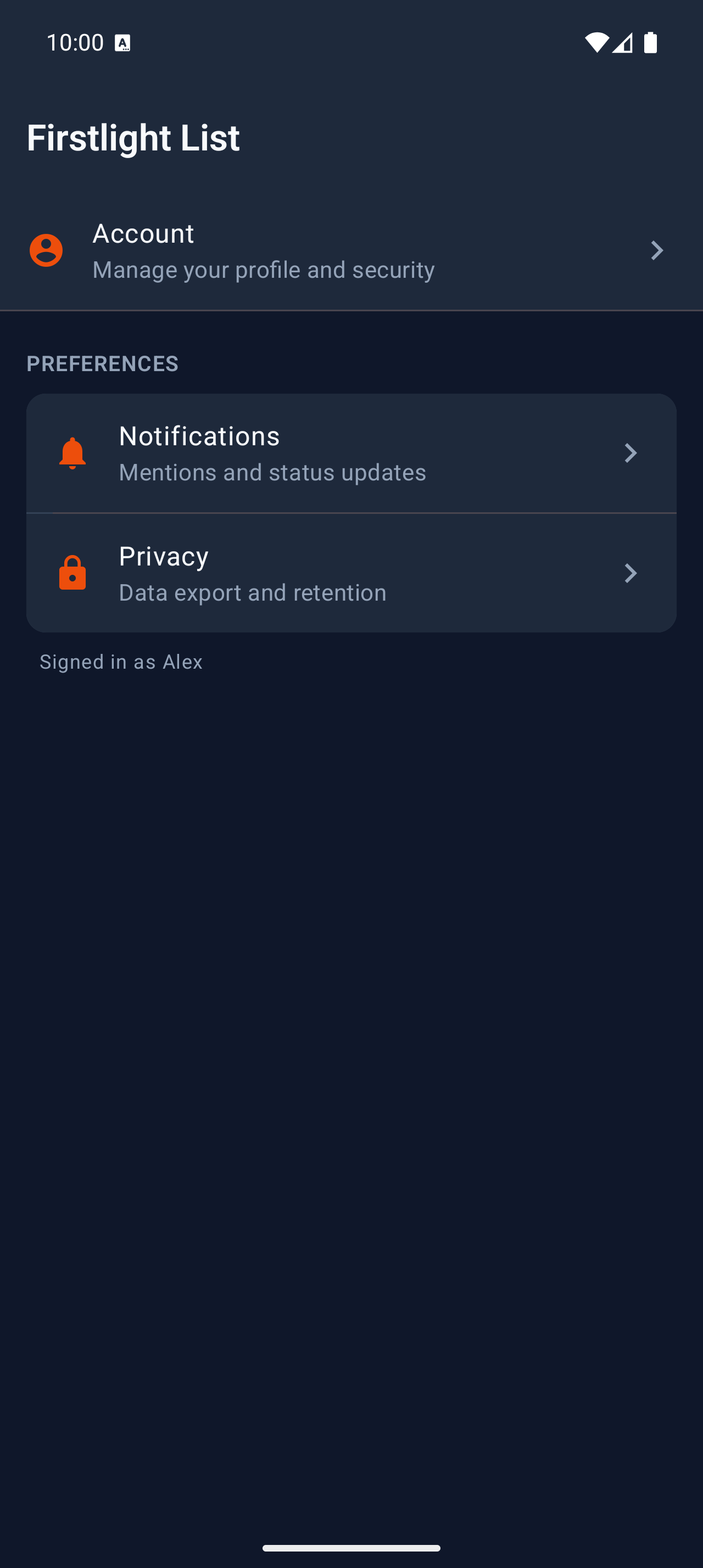
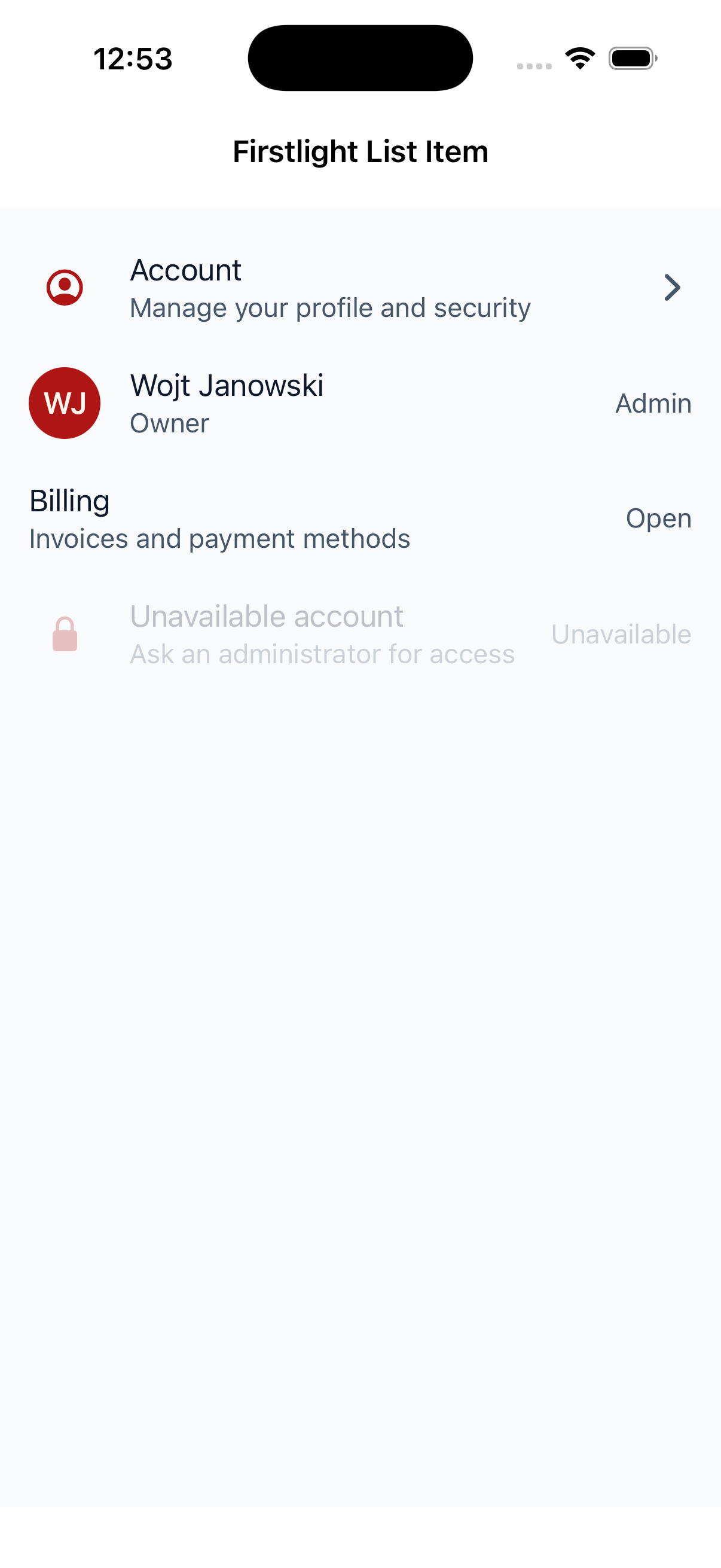
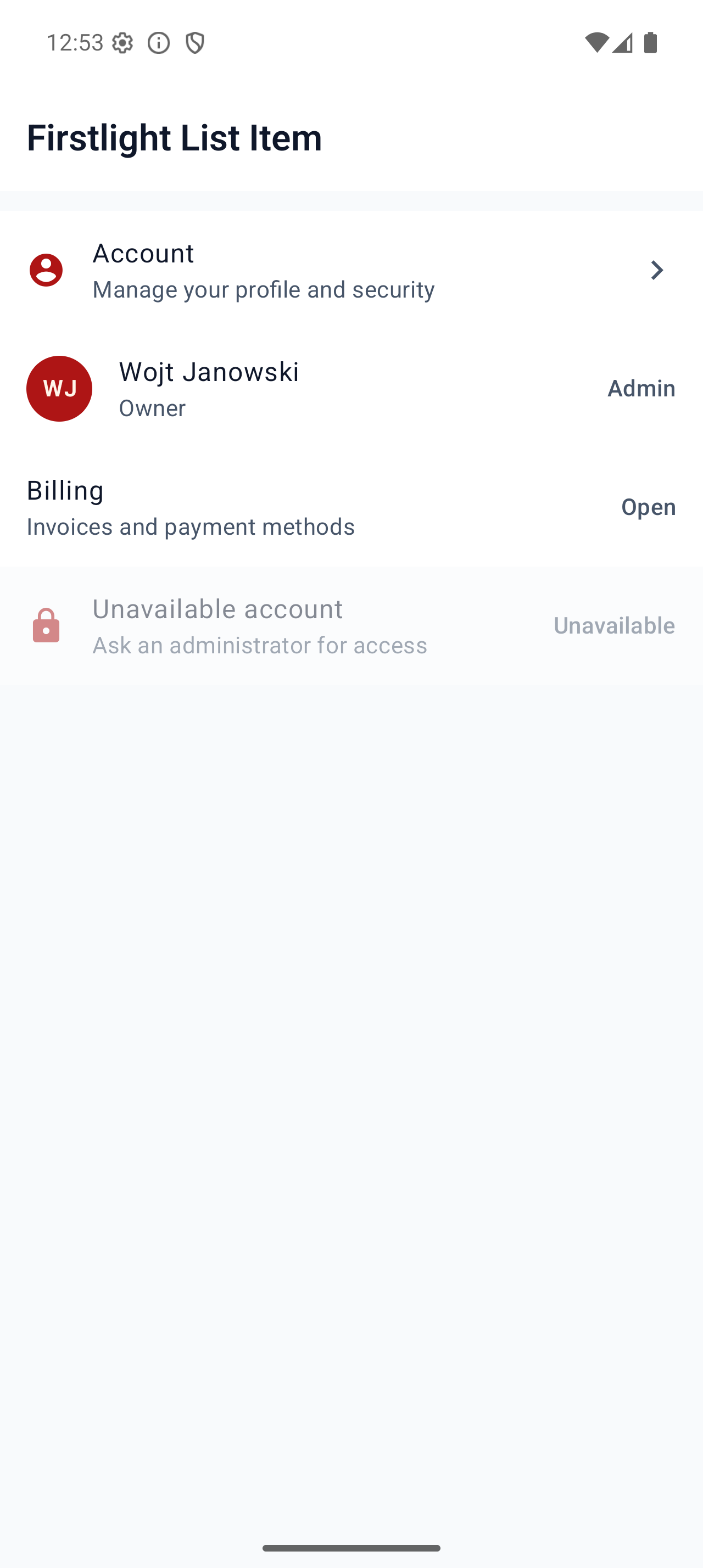
Present one tappable application row with supporting text, leading identity, and a trailing affordance.
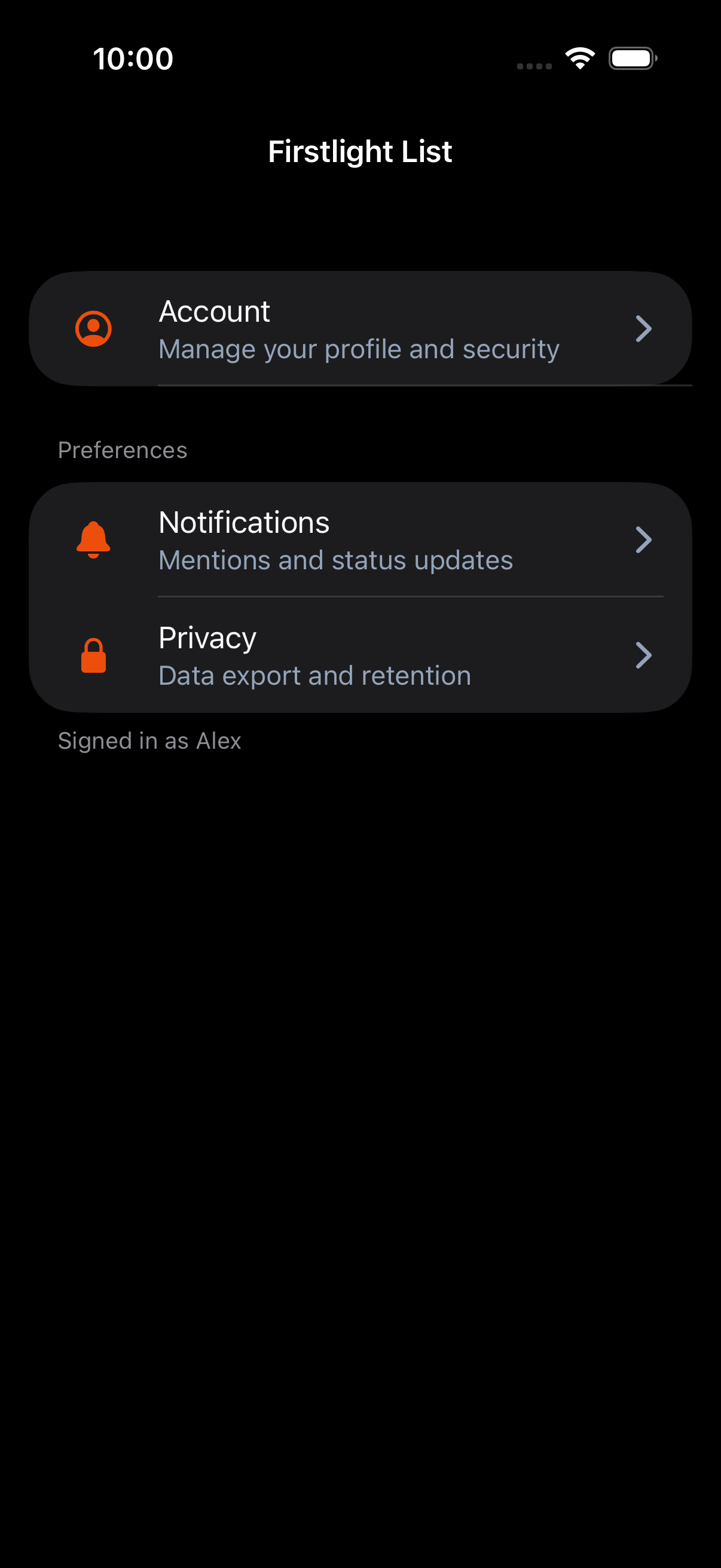
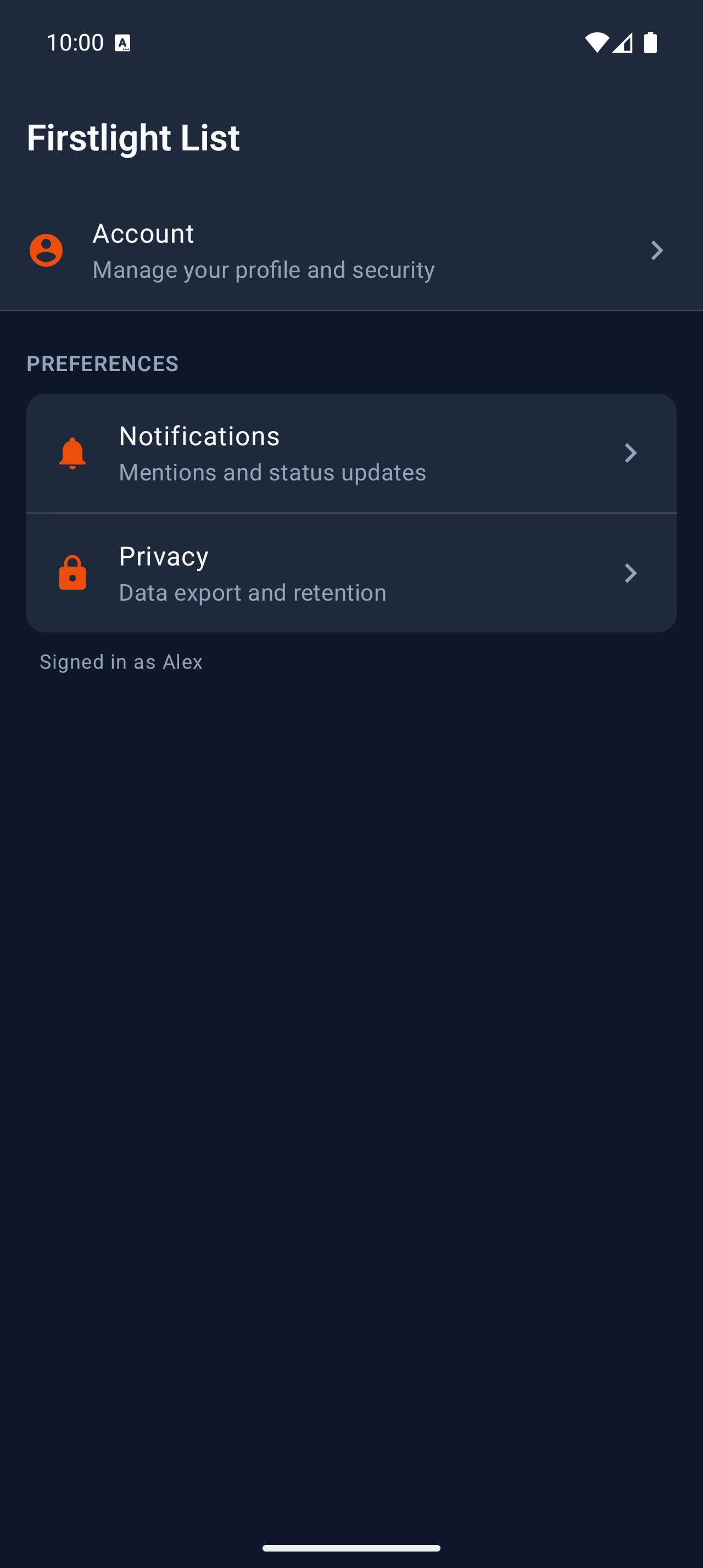
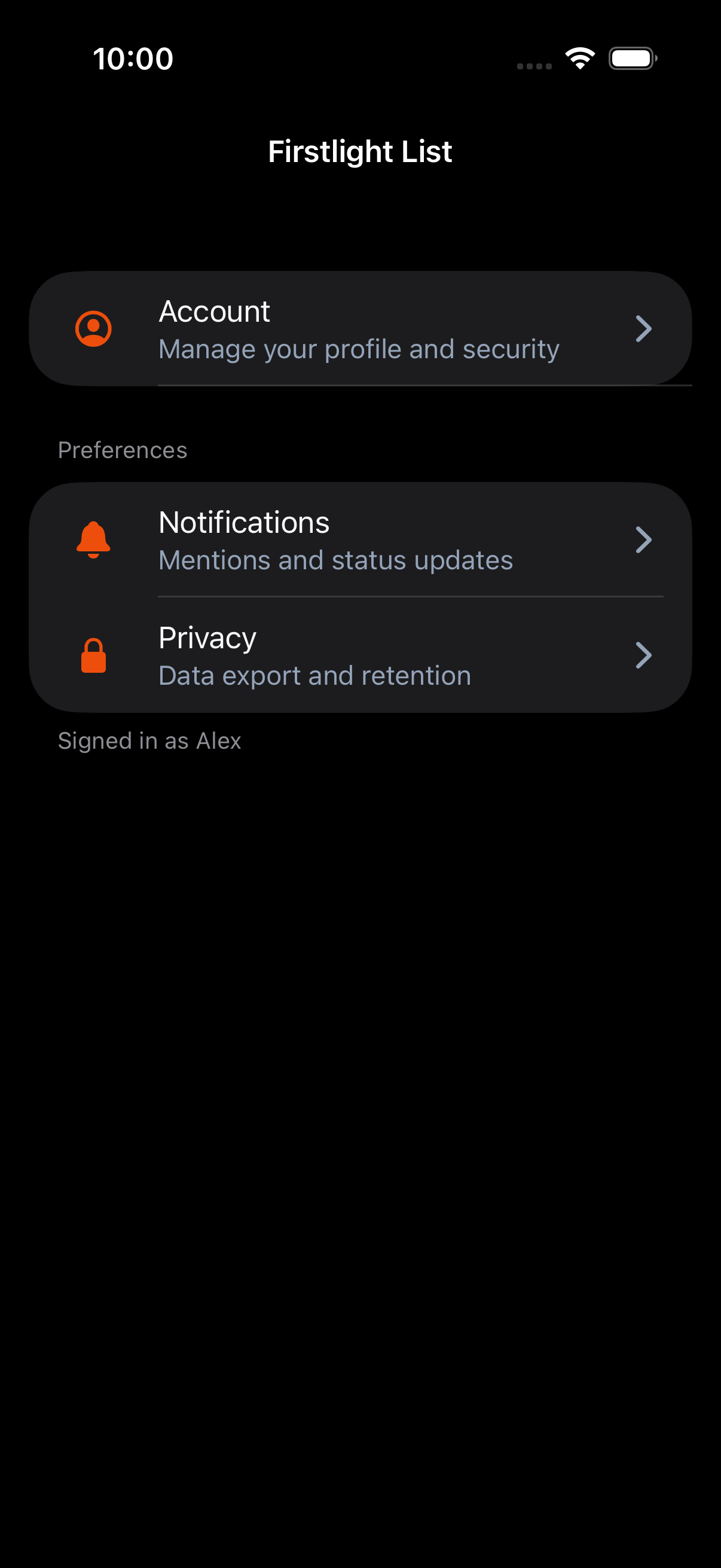
Compose finite vertical collections of List Item rows with optional grouped sections and refresh or pagination hooks.
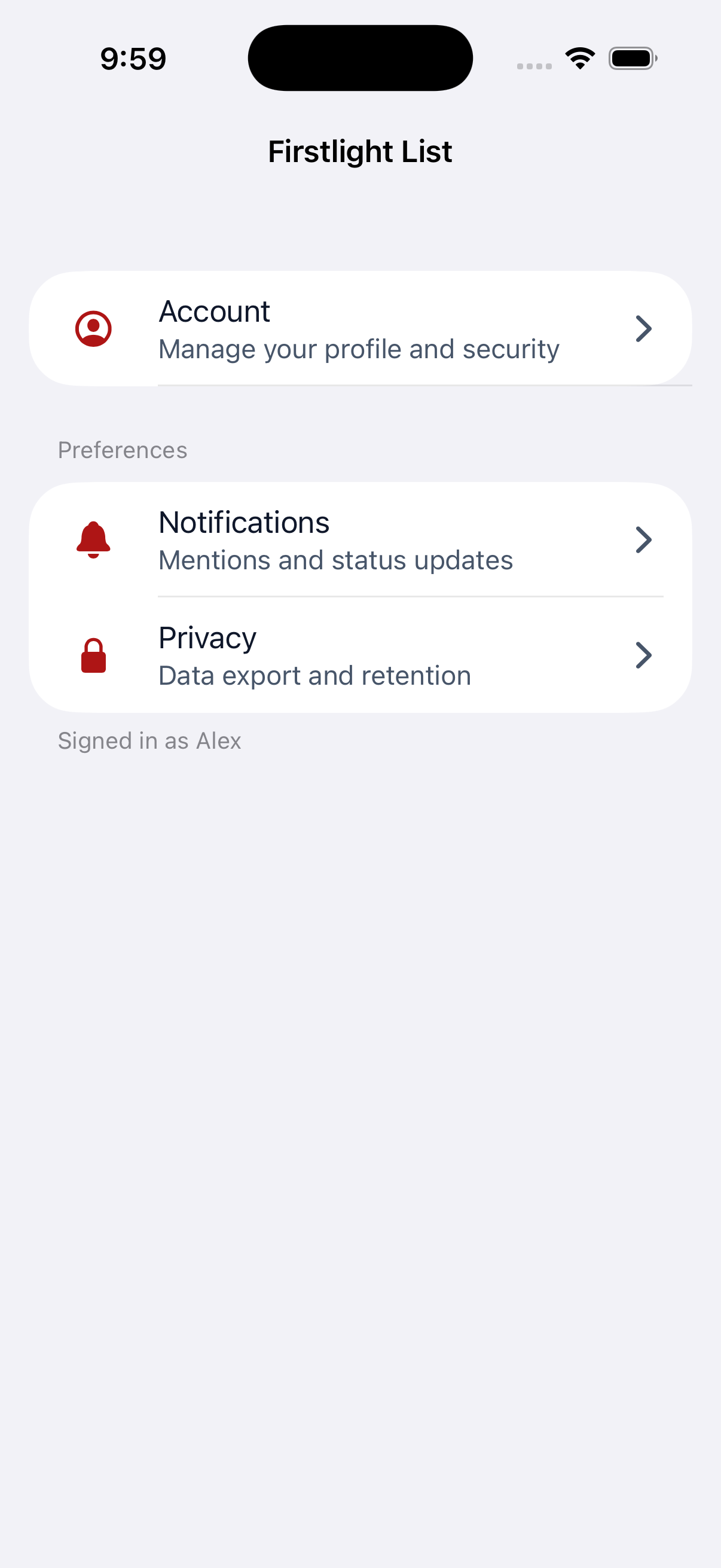
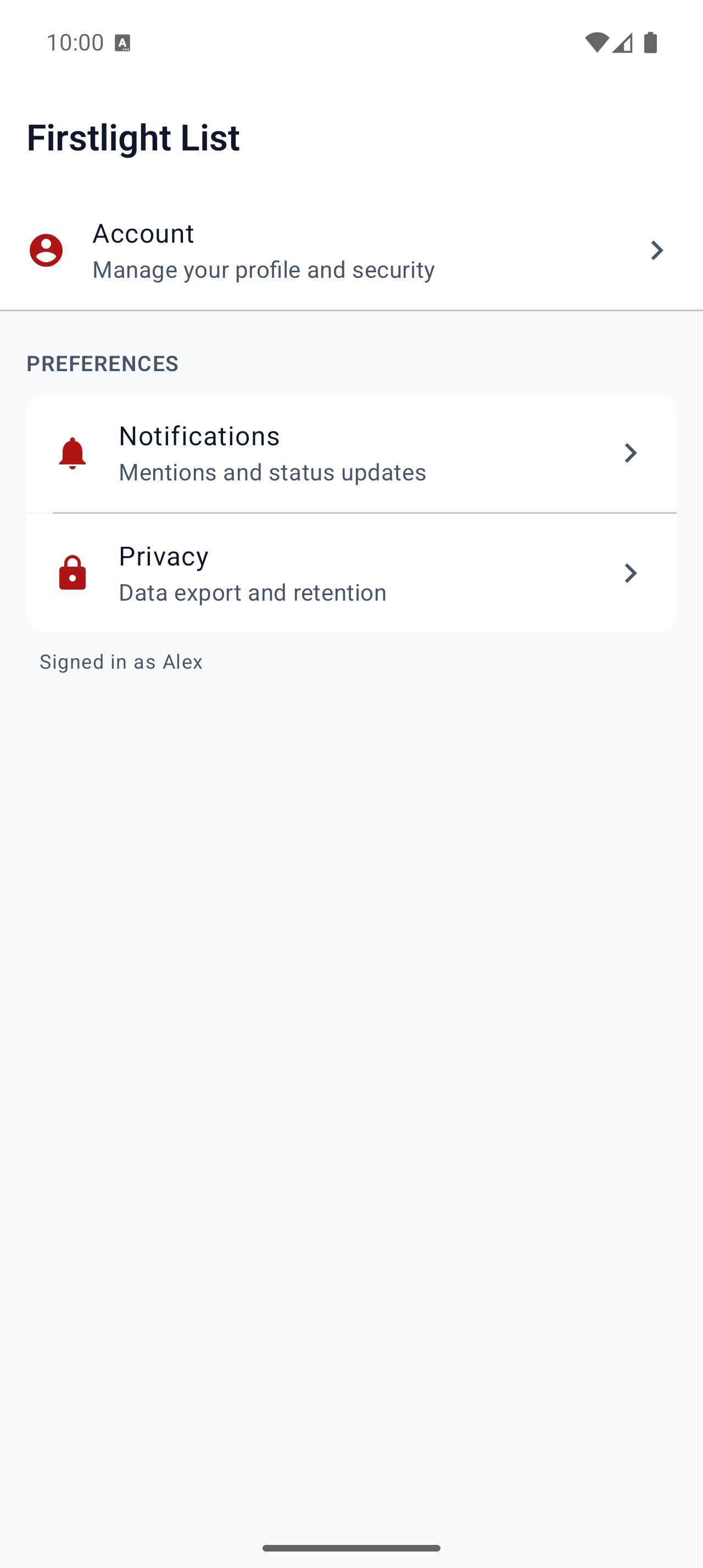
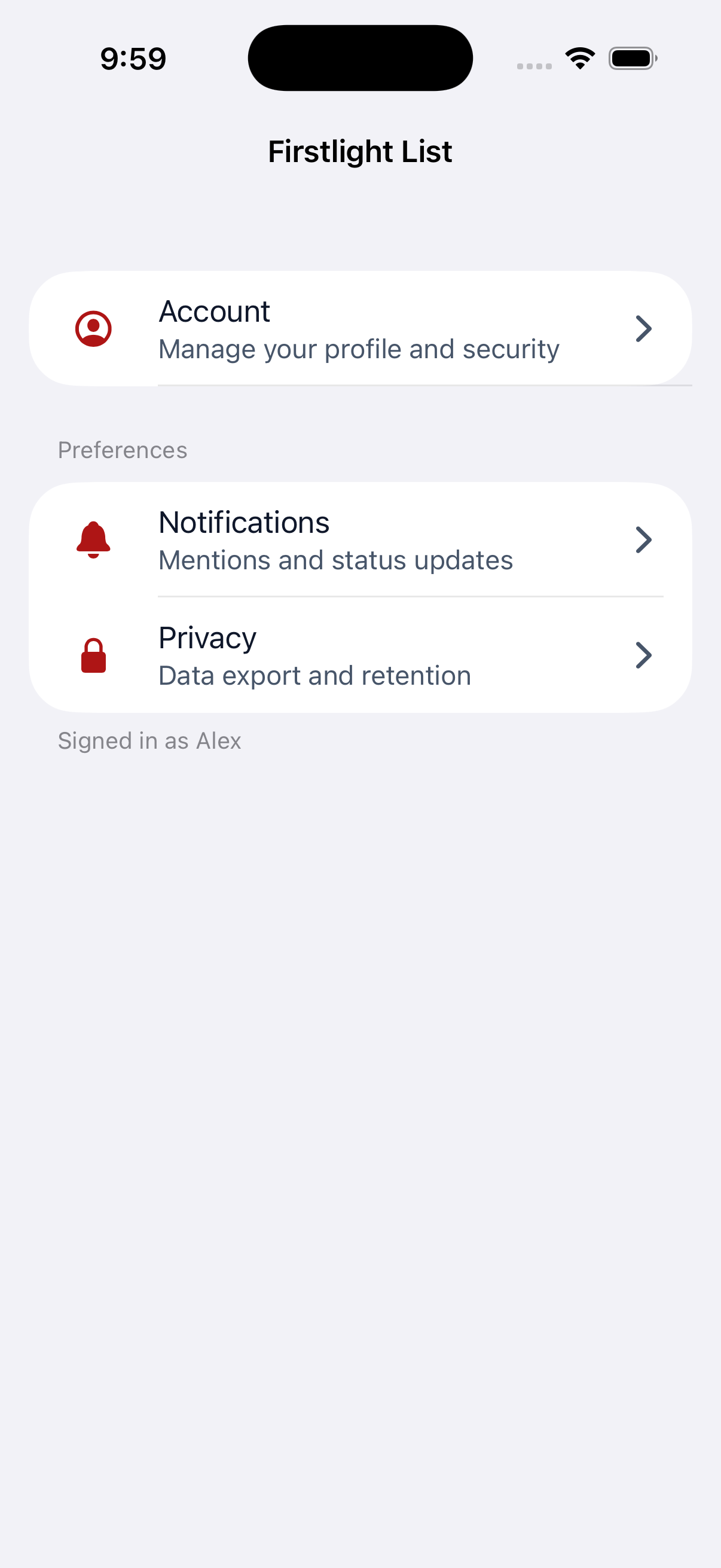
Group List Item rows with optional headers and footers inside a parent List.
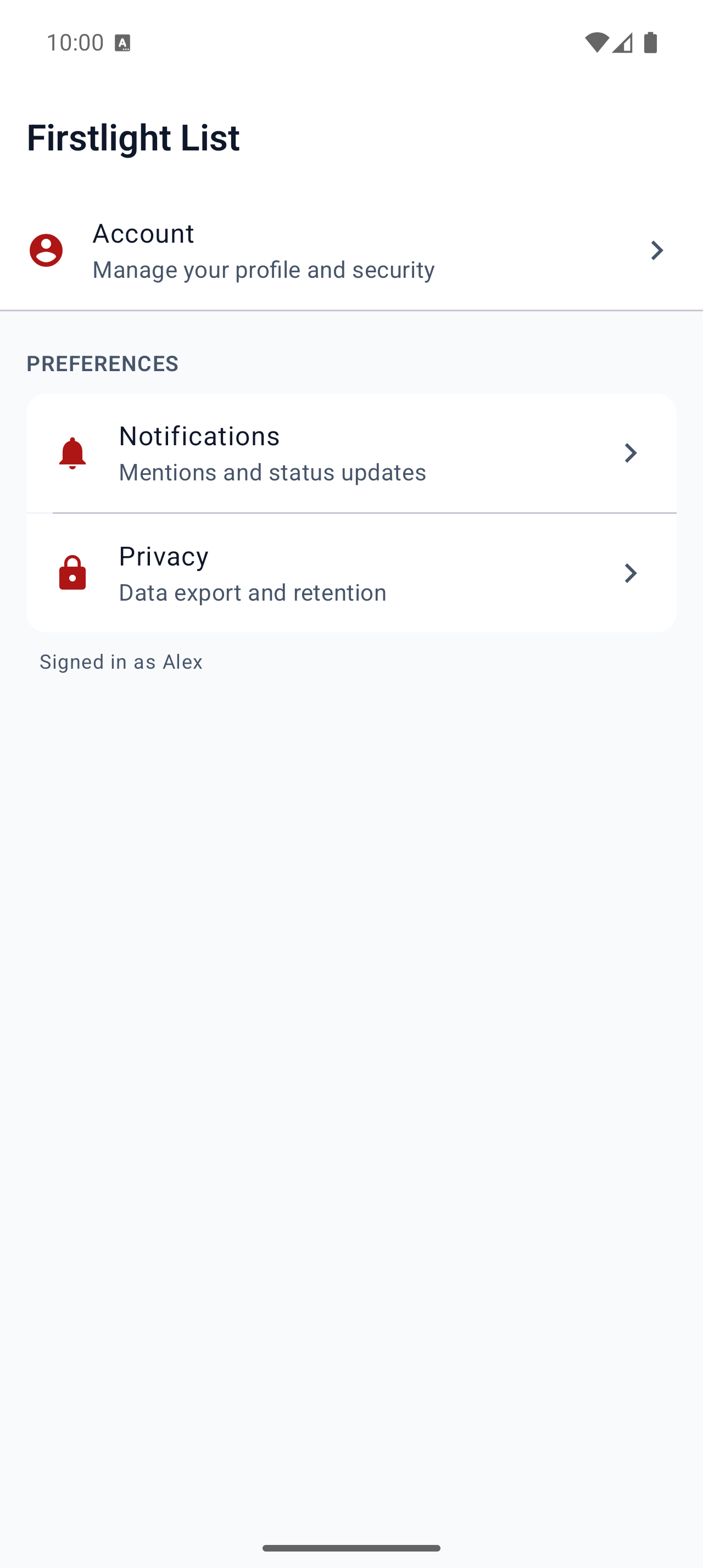
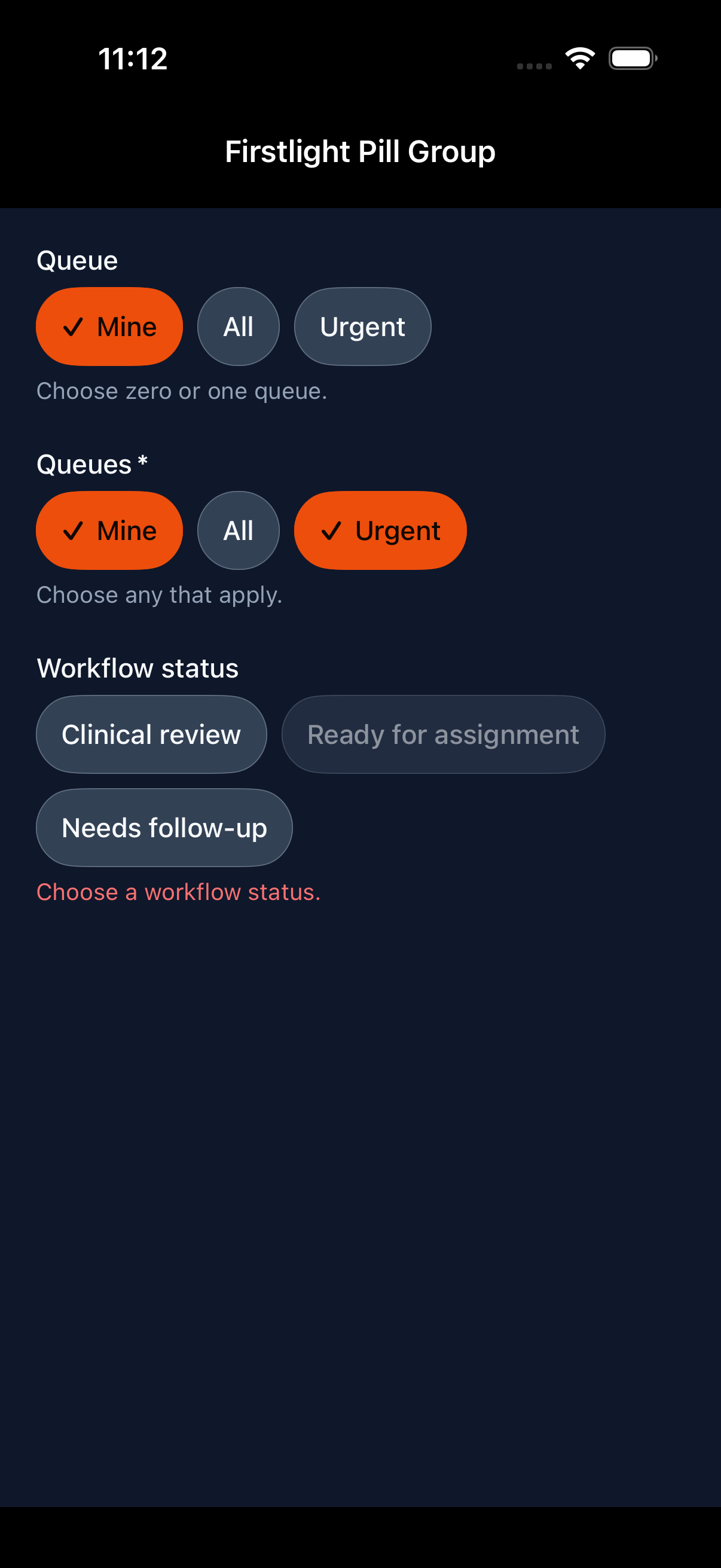
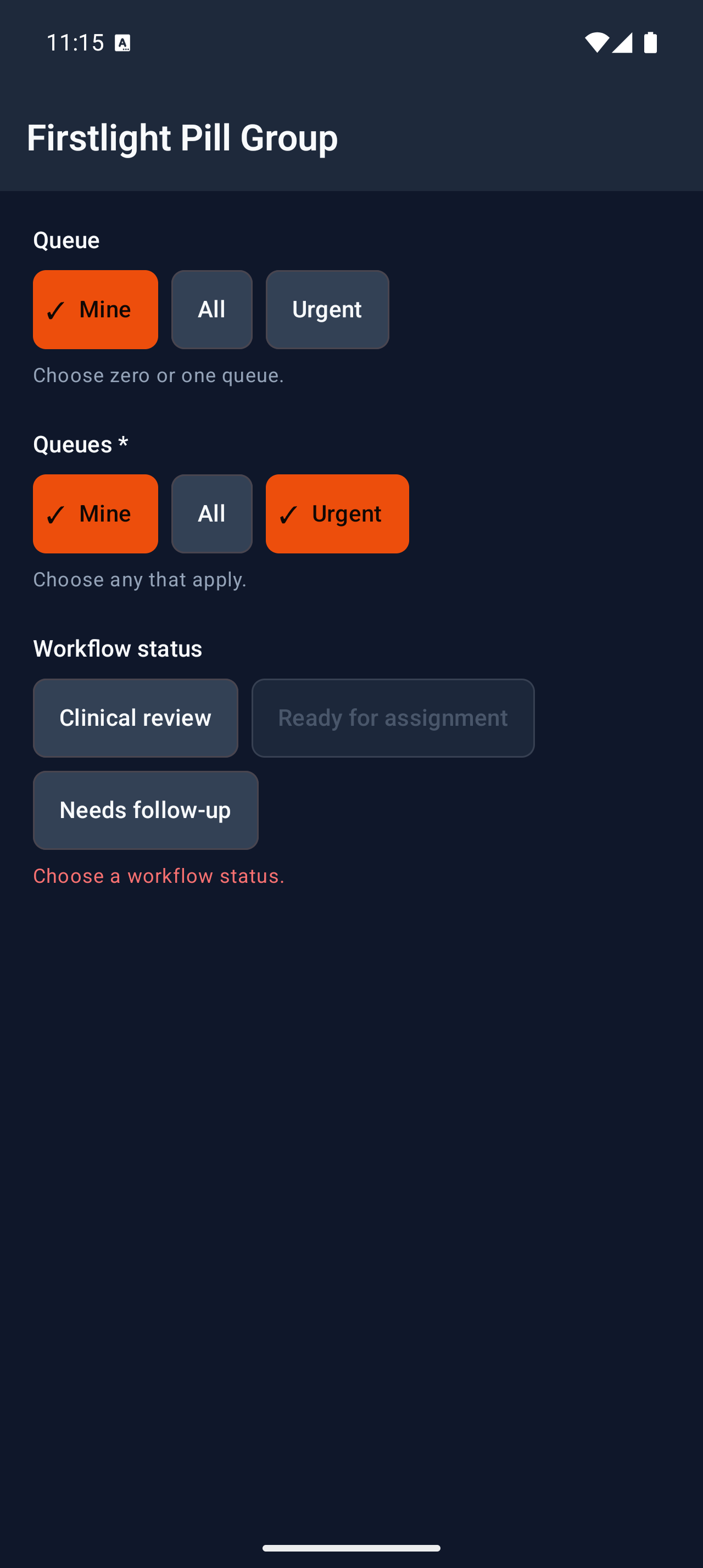
Offer compact, individually shaped options for single or multiple selection.
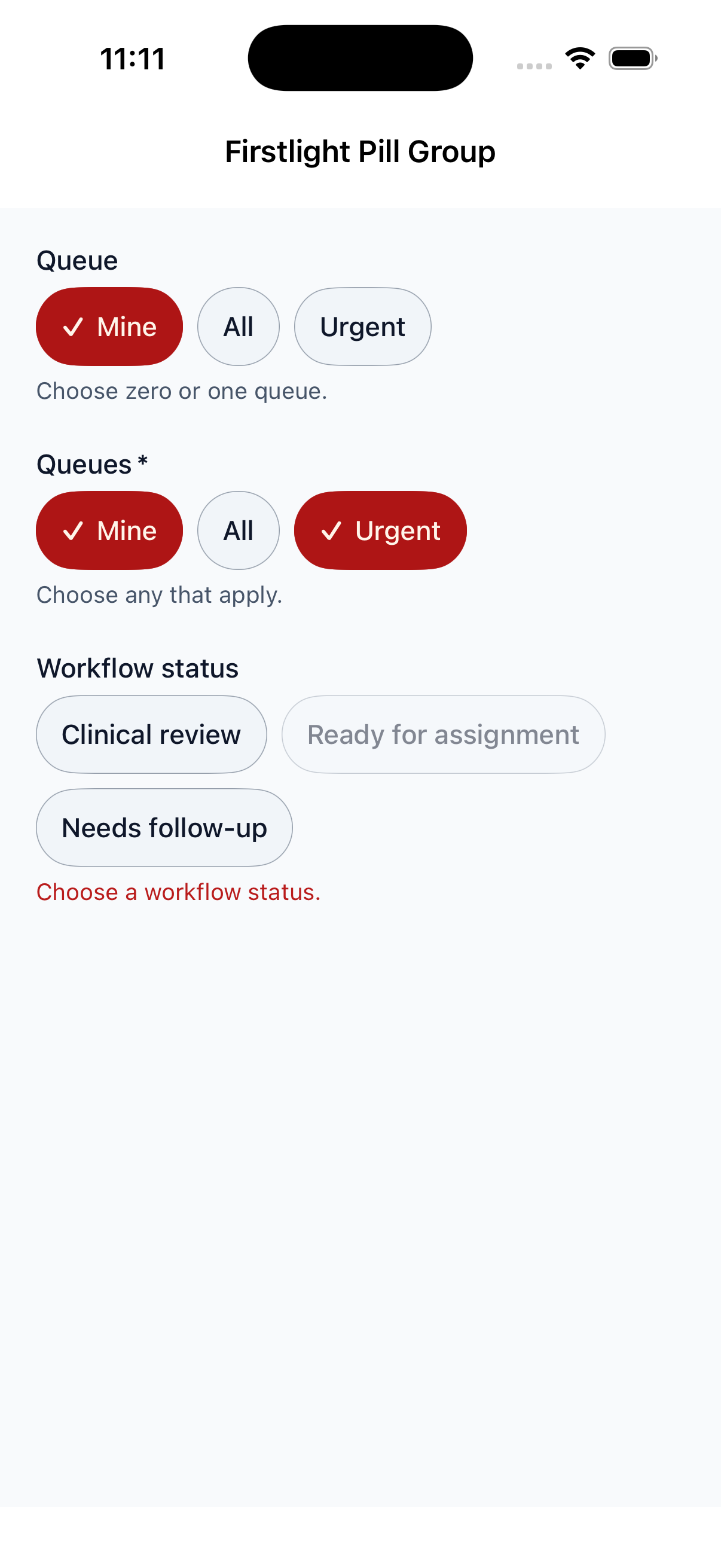
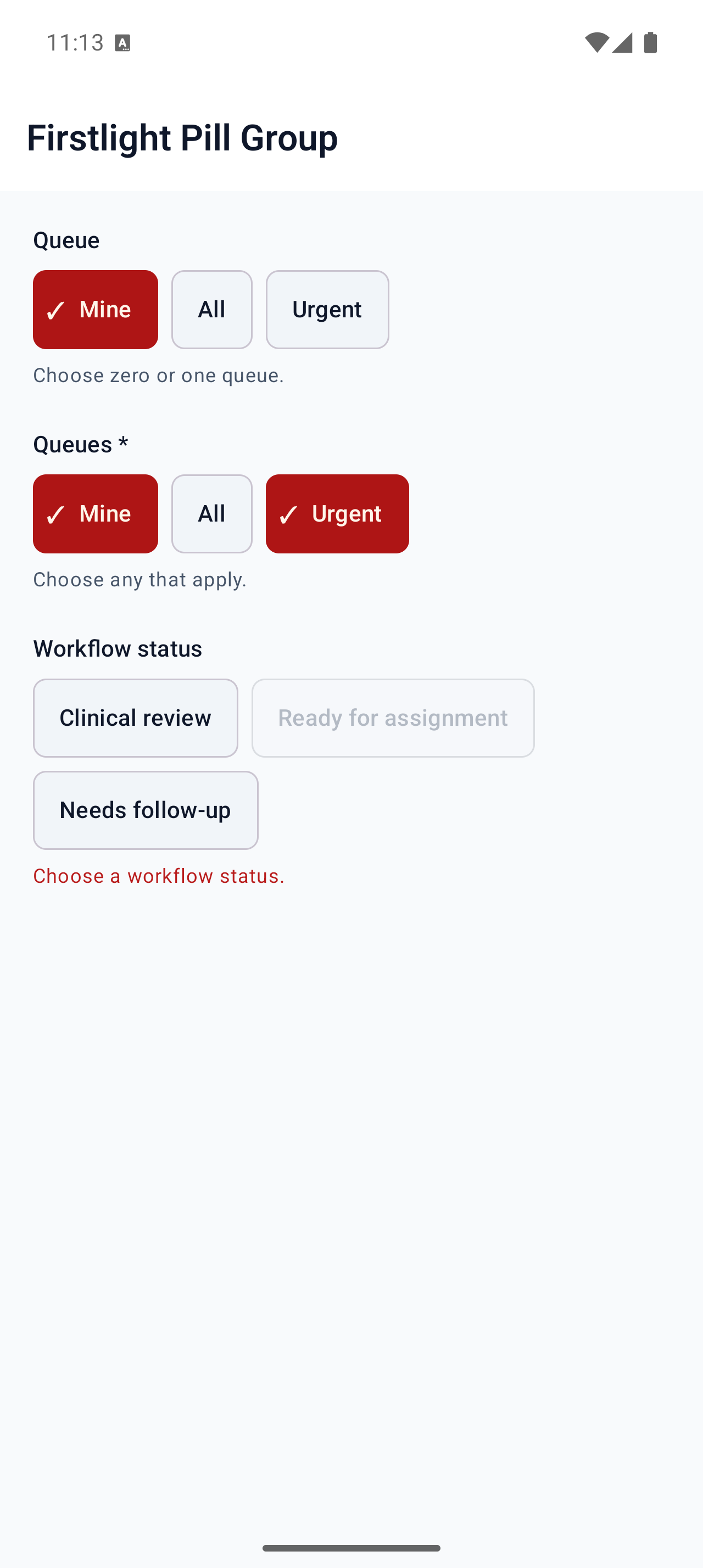
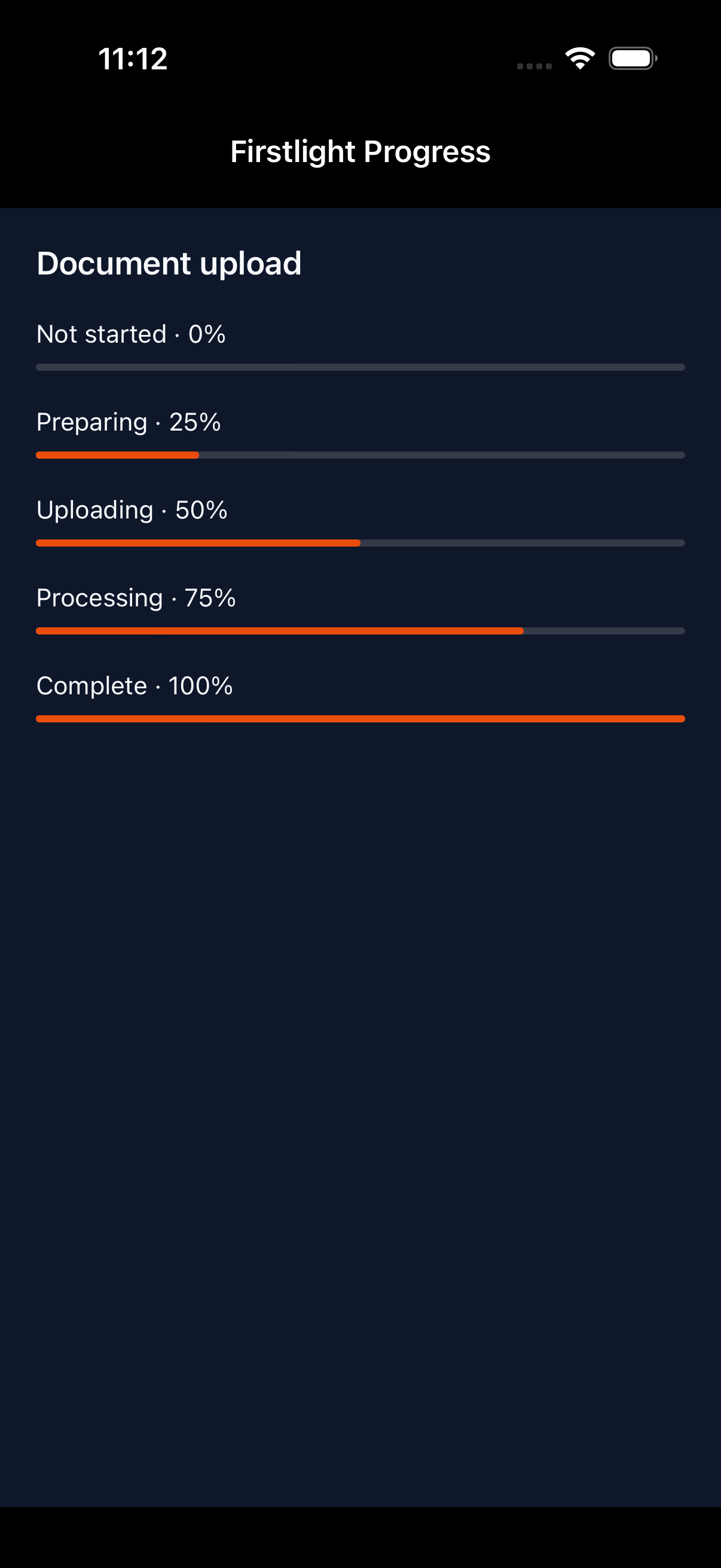
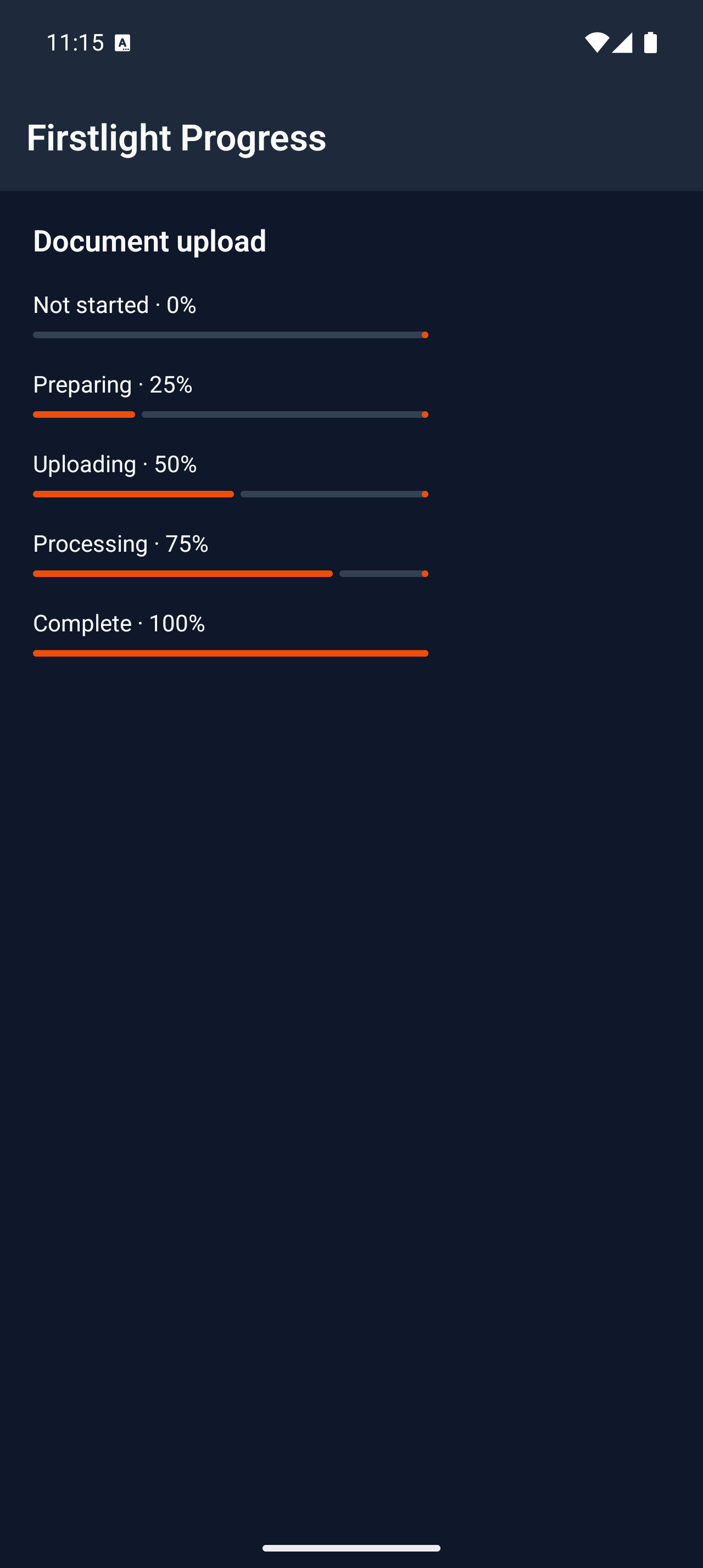
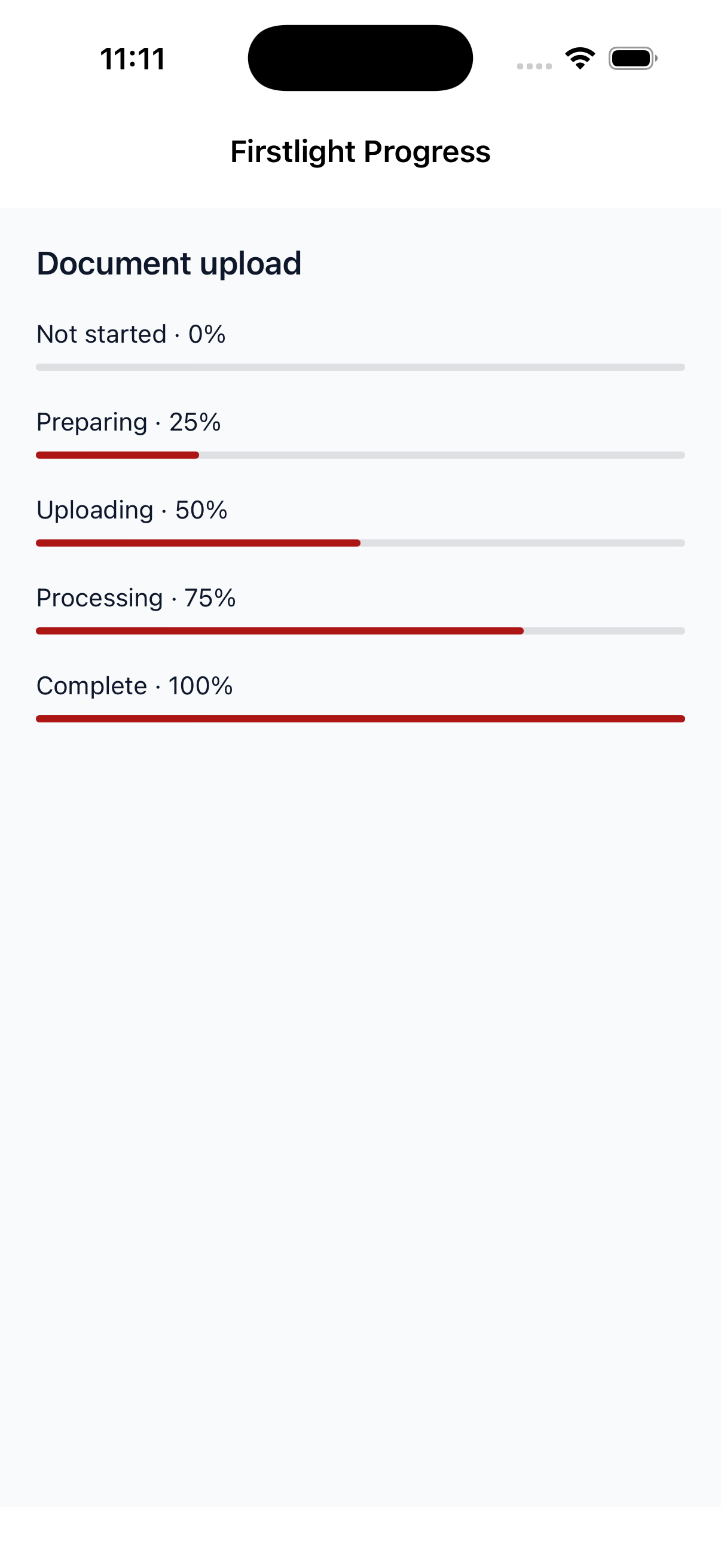
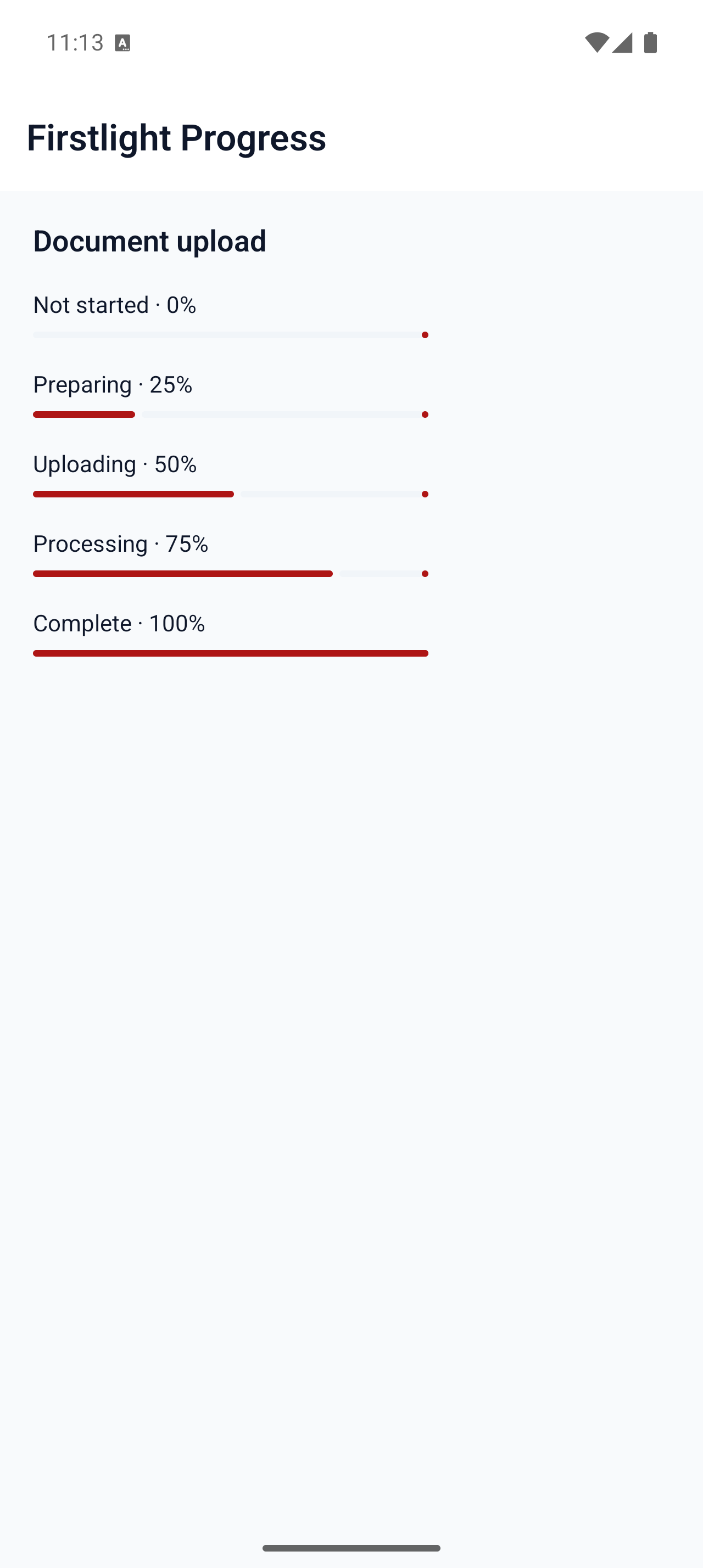
Communicate determinate completion or indeterminate work with the native platform indicator.
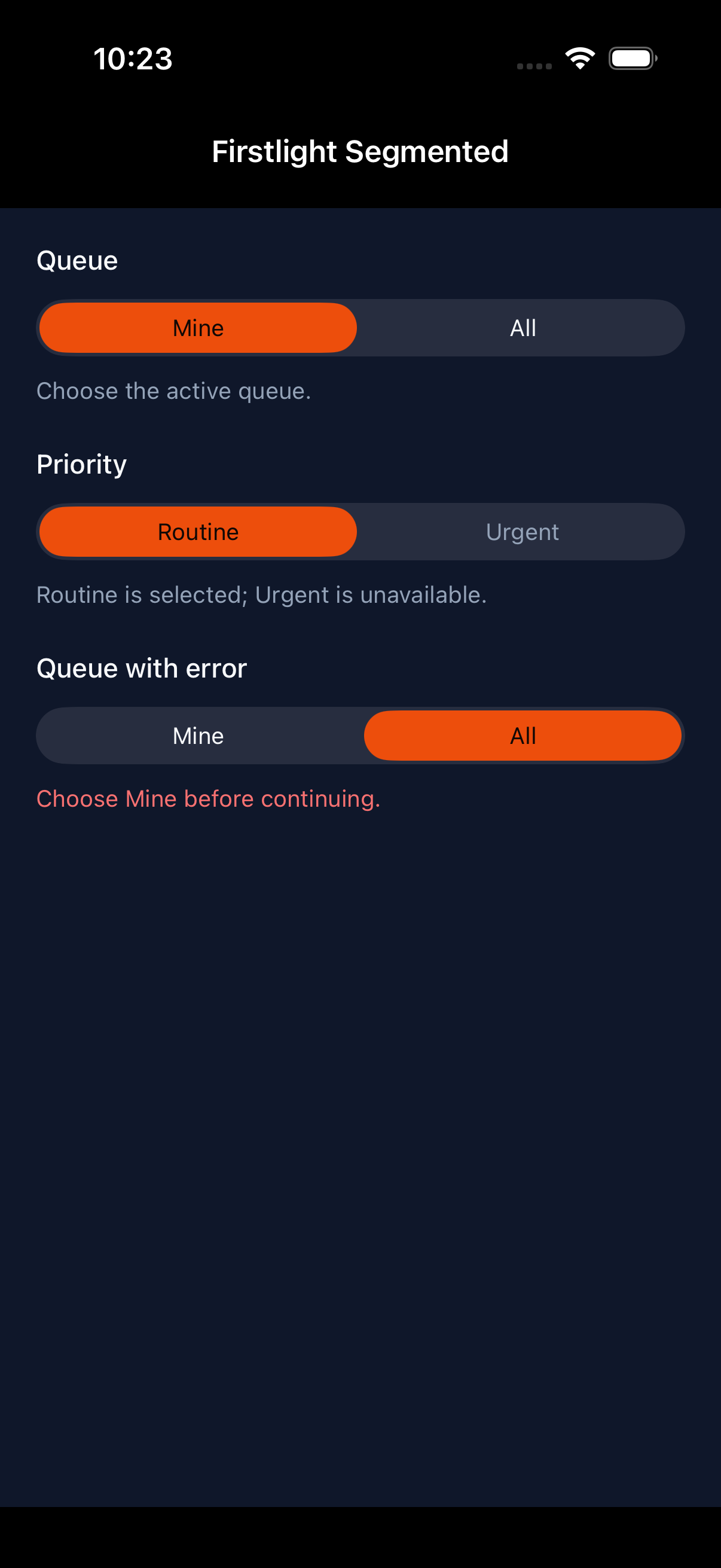
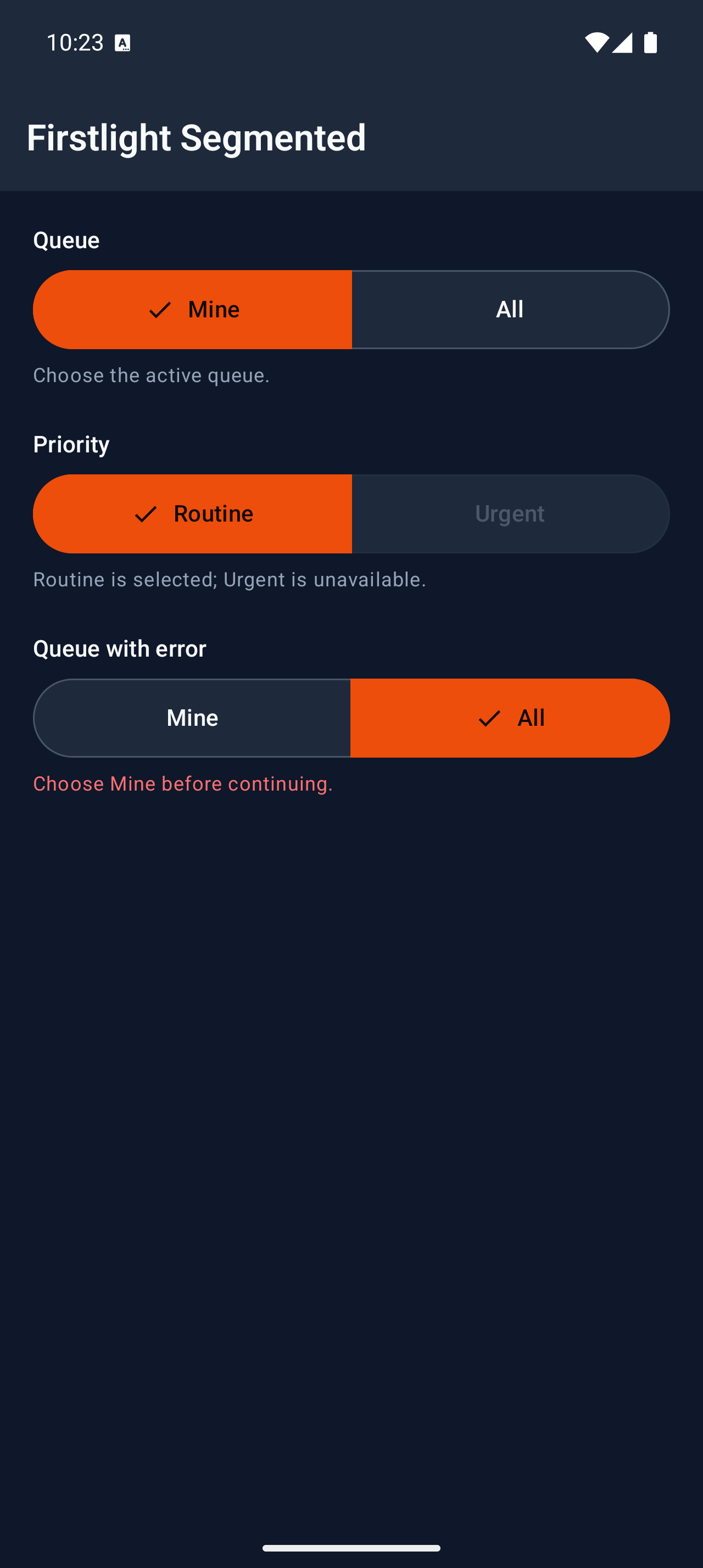
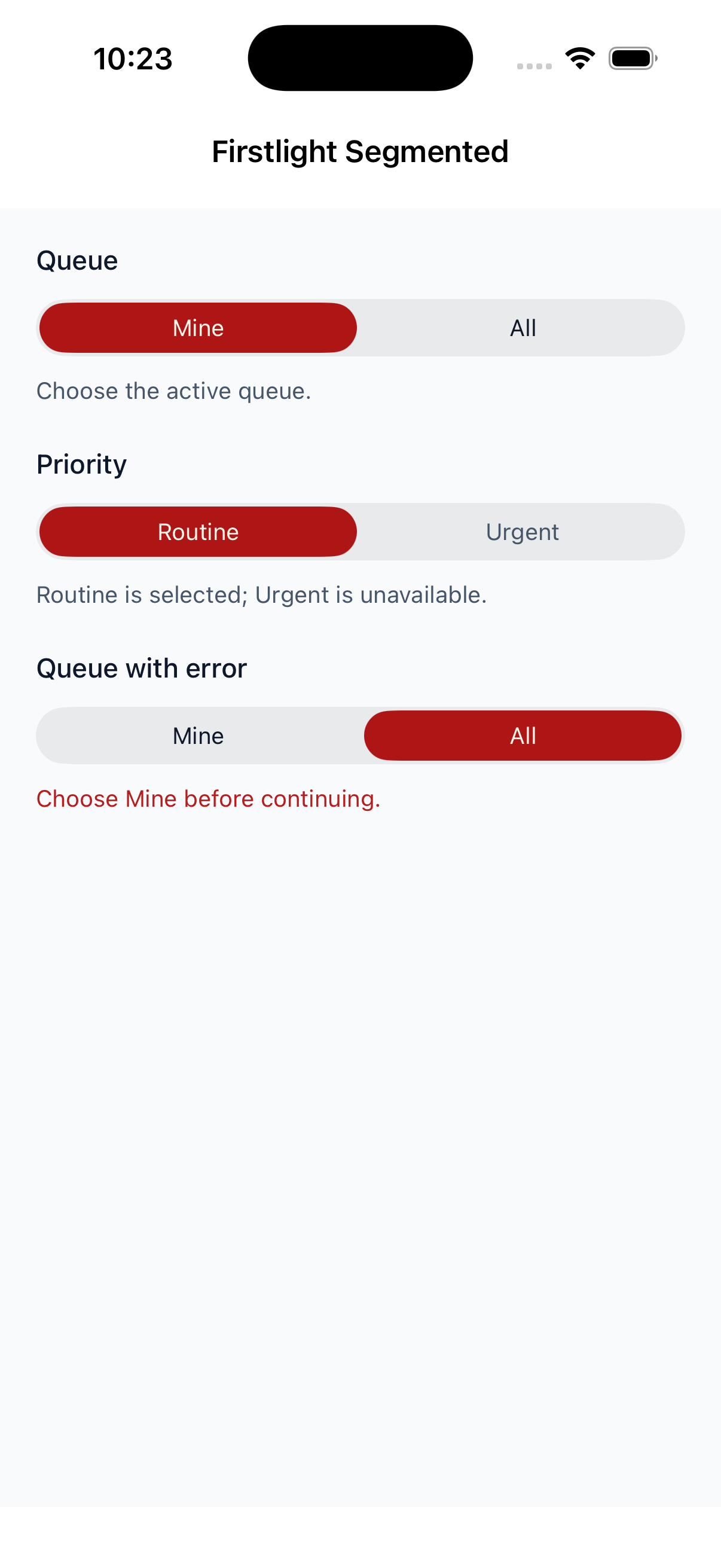
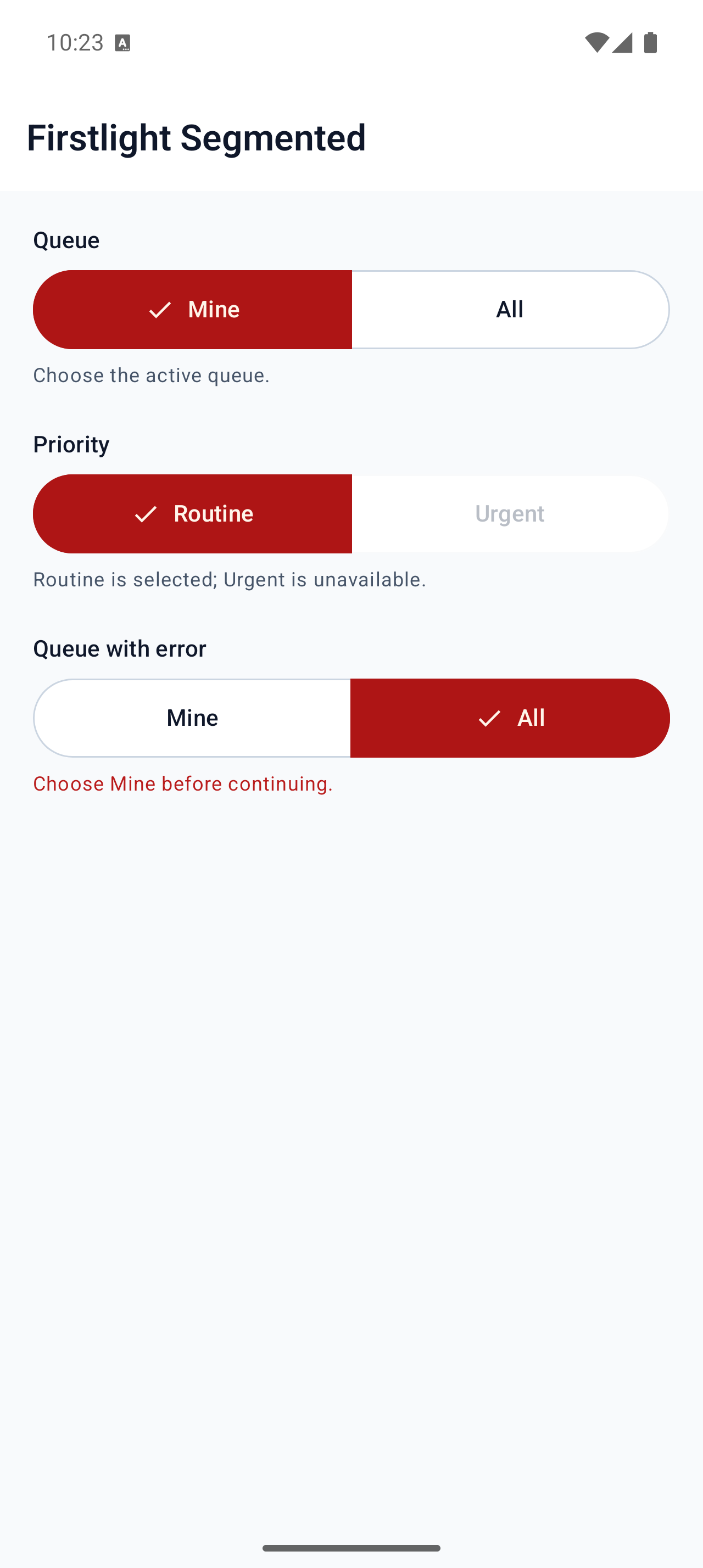
Present a small set of mutually exclusive choices as a genuine native segmented control.
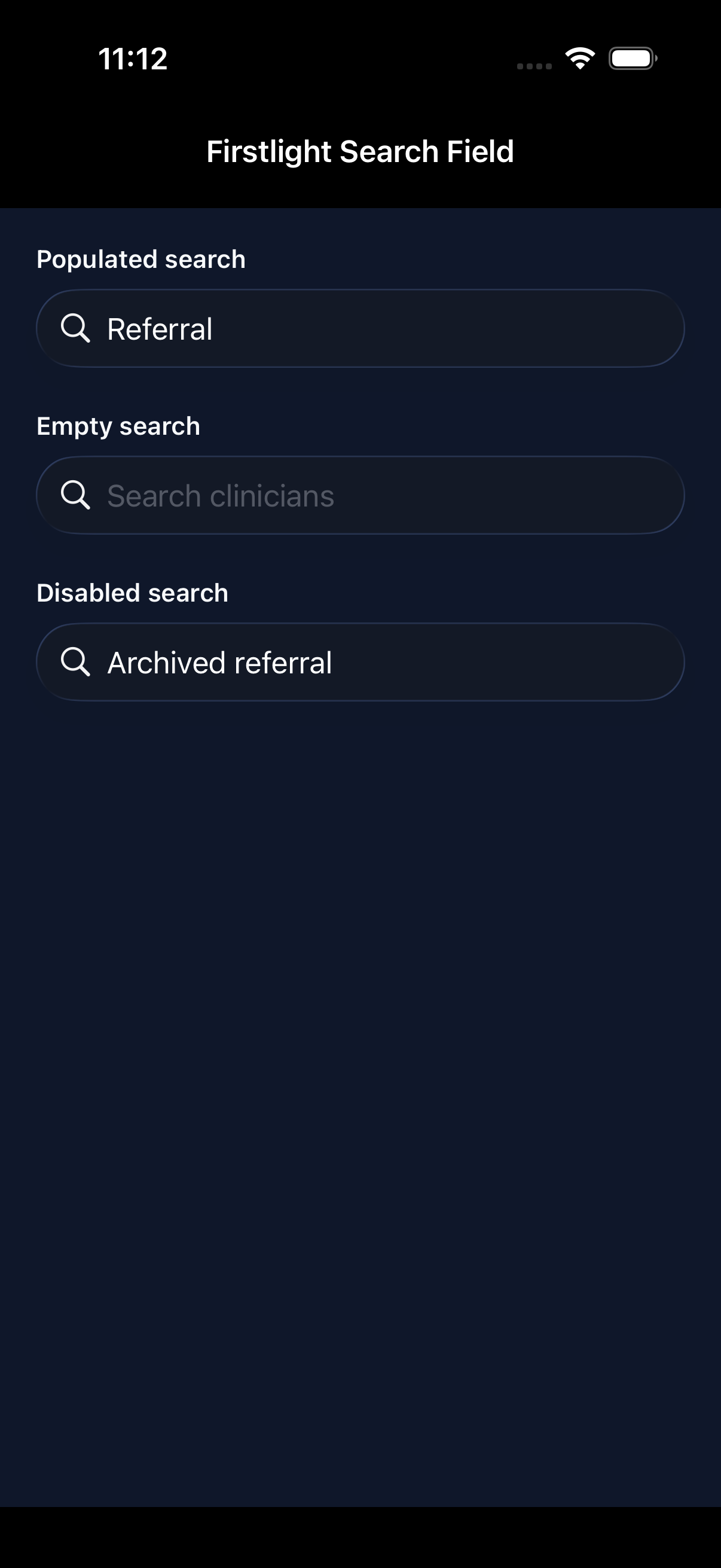
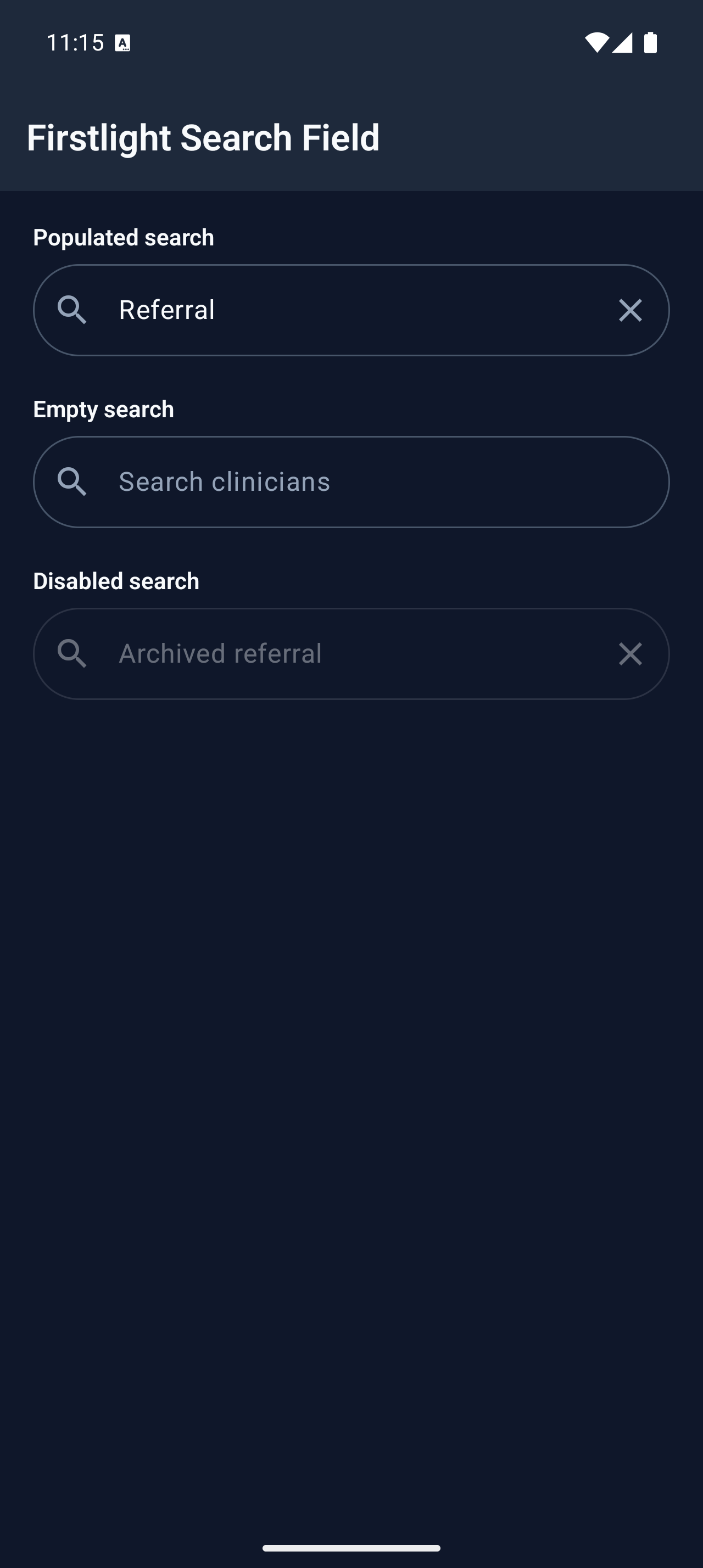
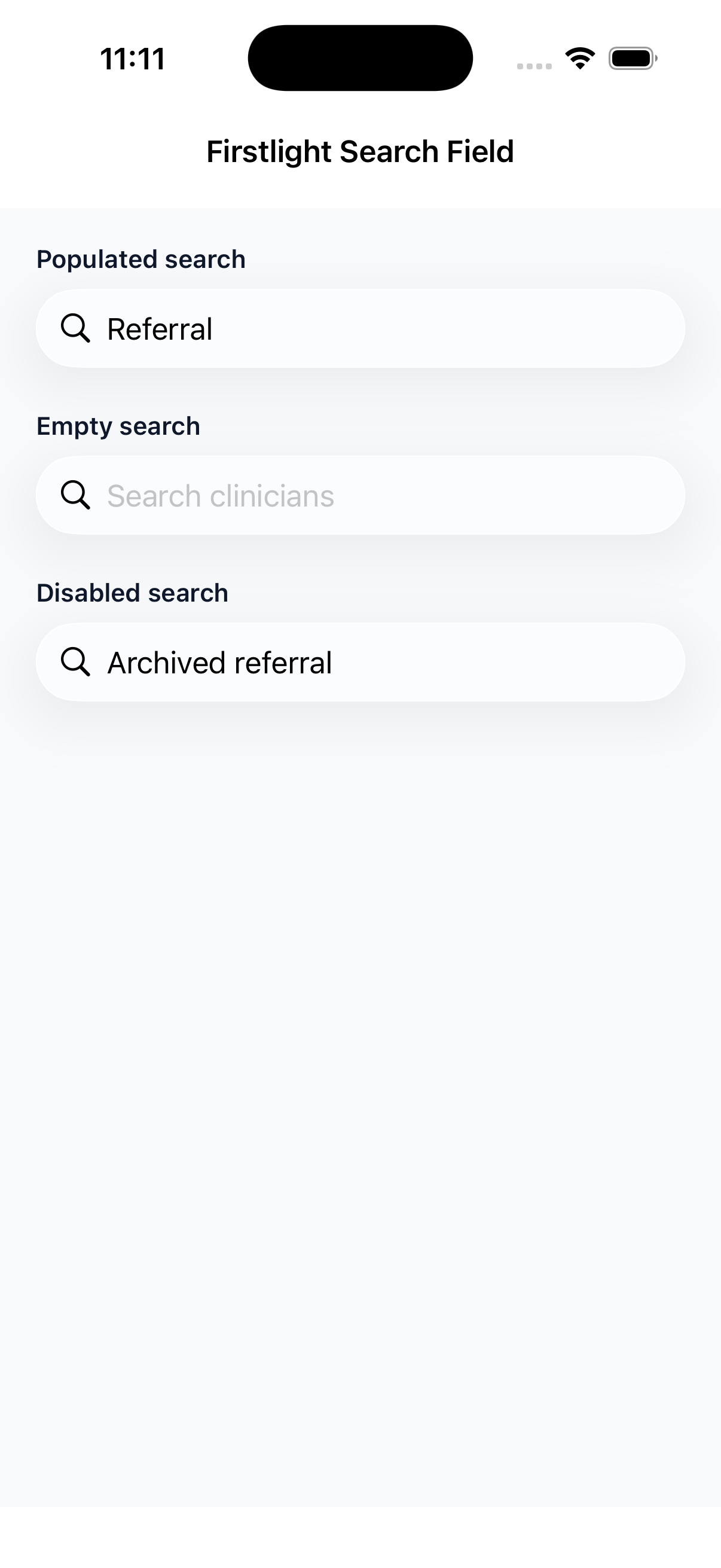
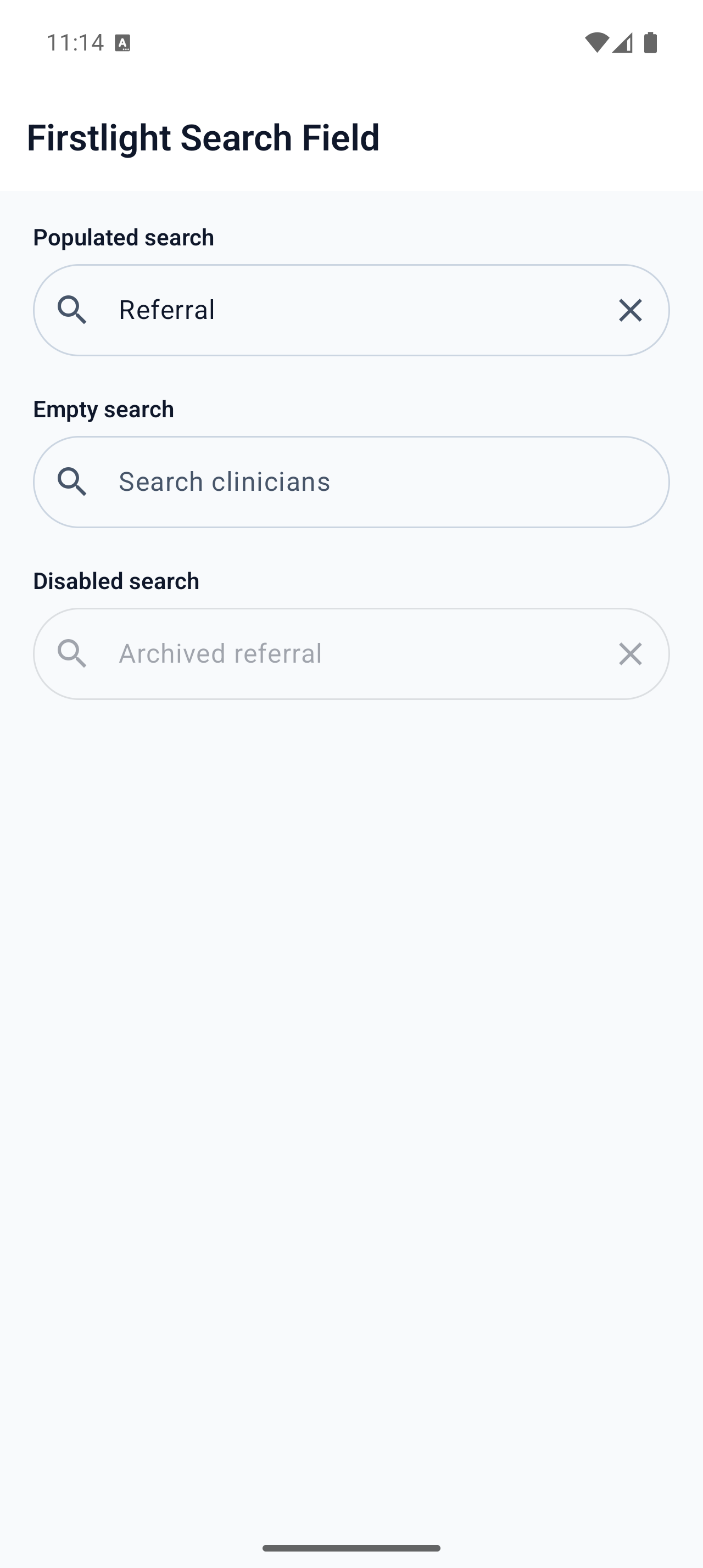
Enter and submit one query with native search, clear, focus, keyboard, and selection behaviour.
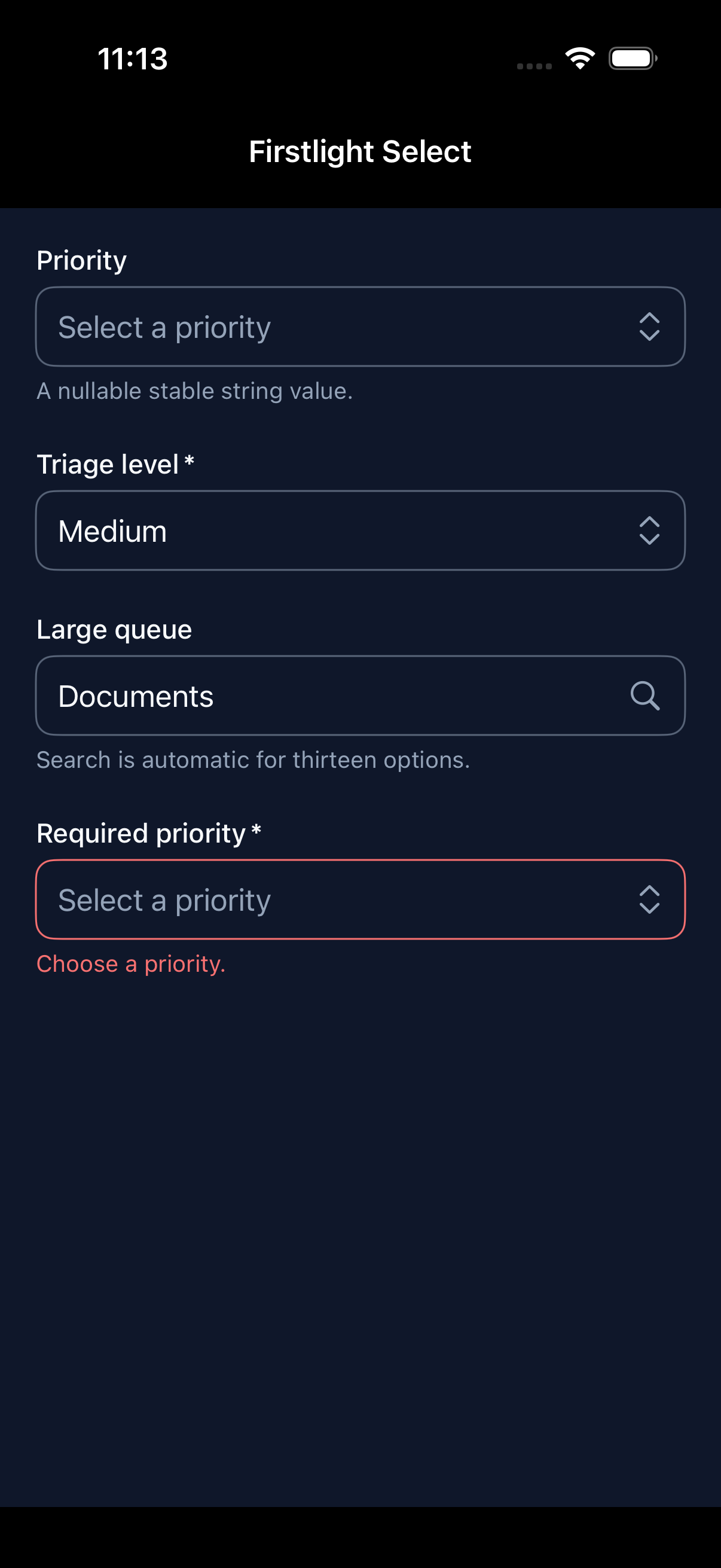
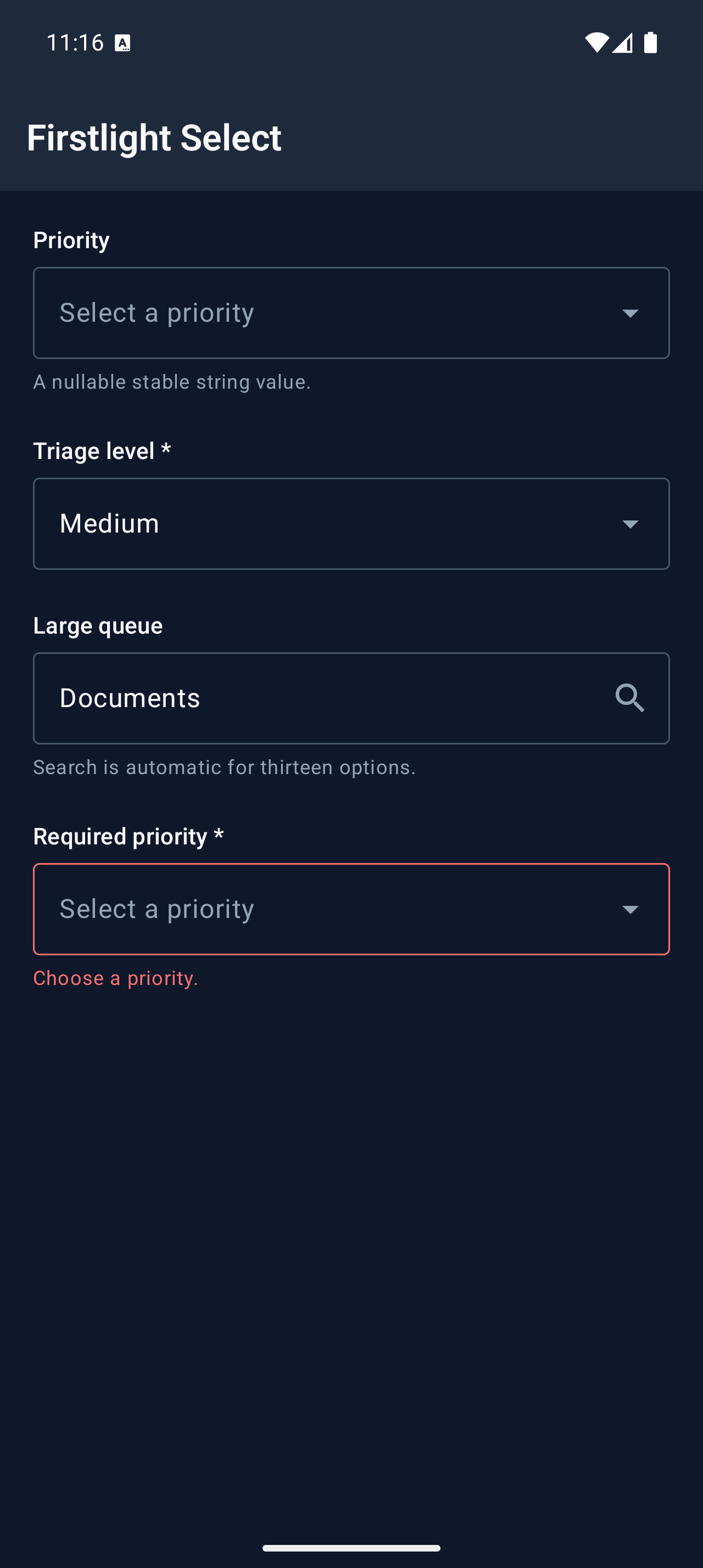
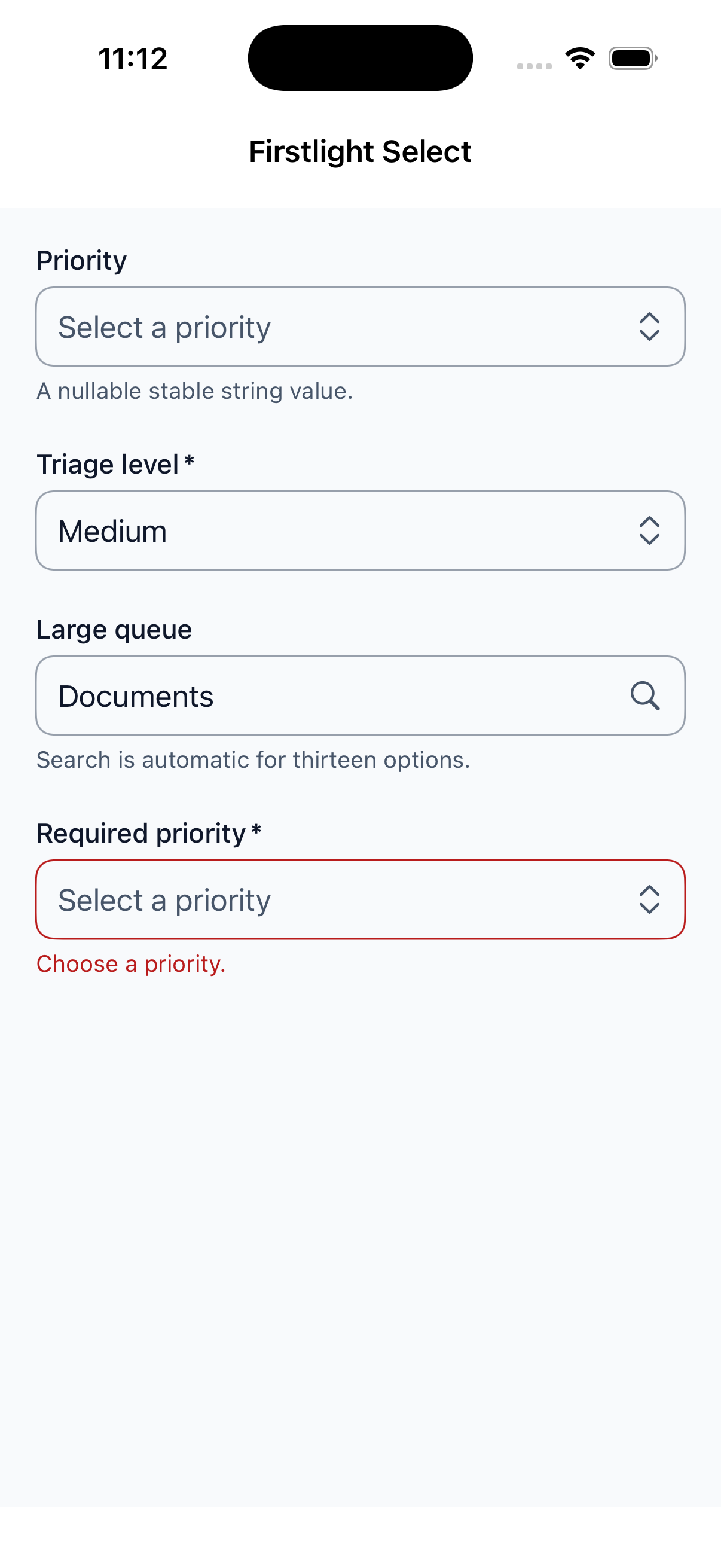
Choose one stable string or integer value from a collapsed native selection field.
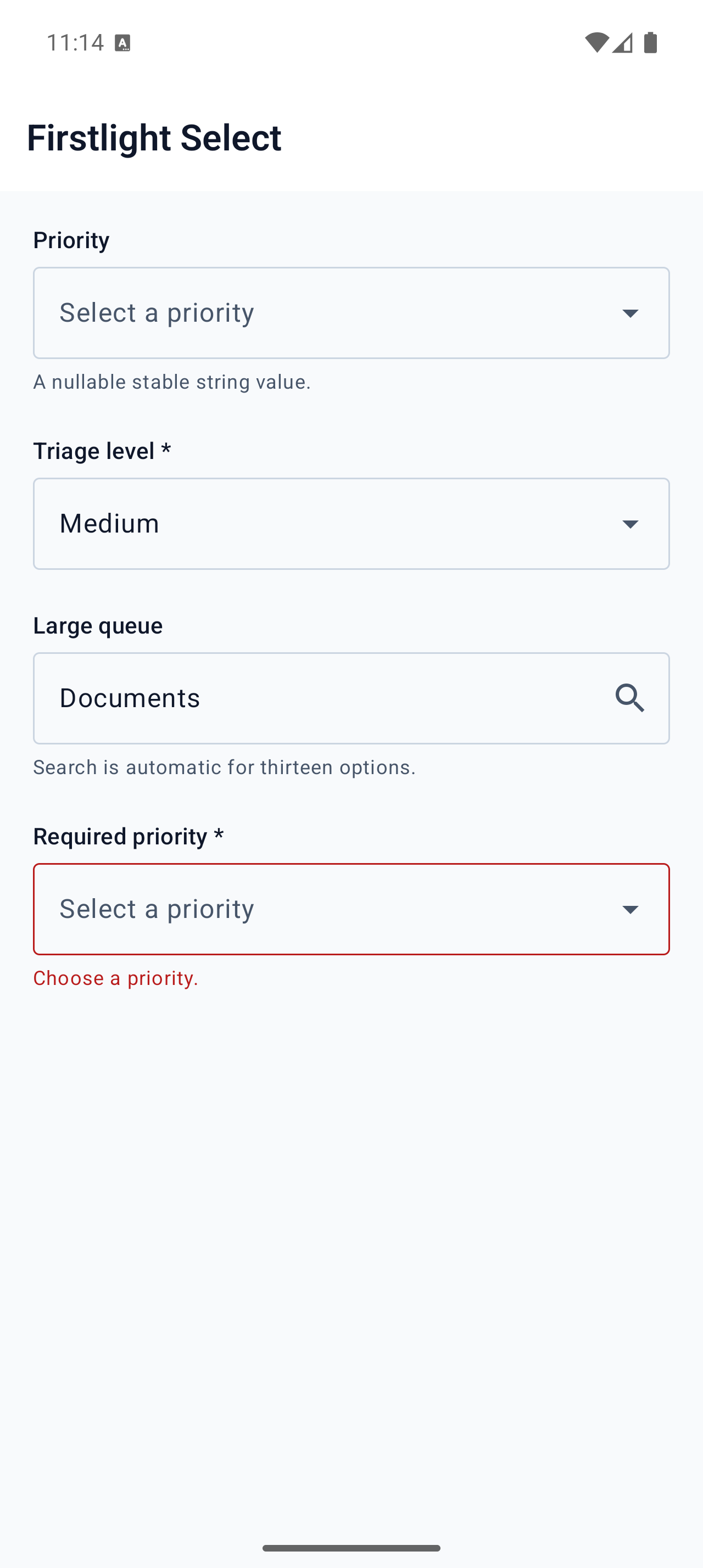
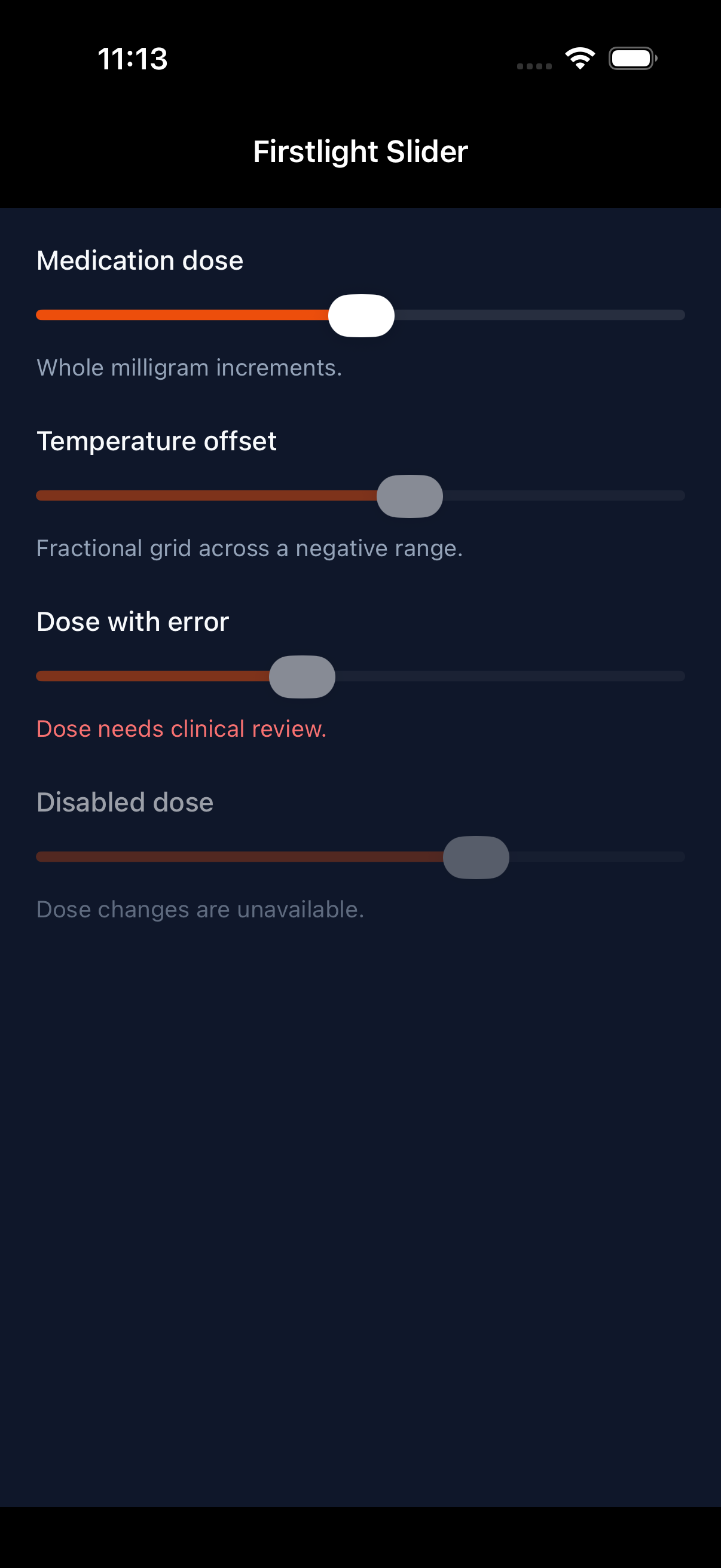
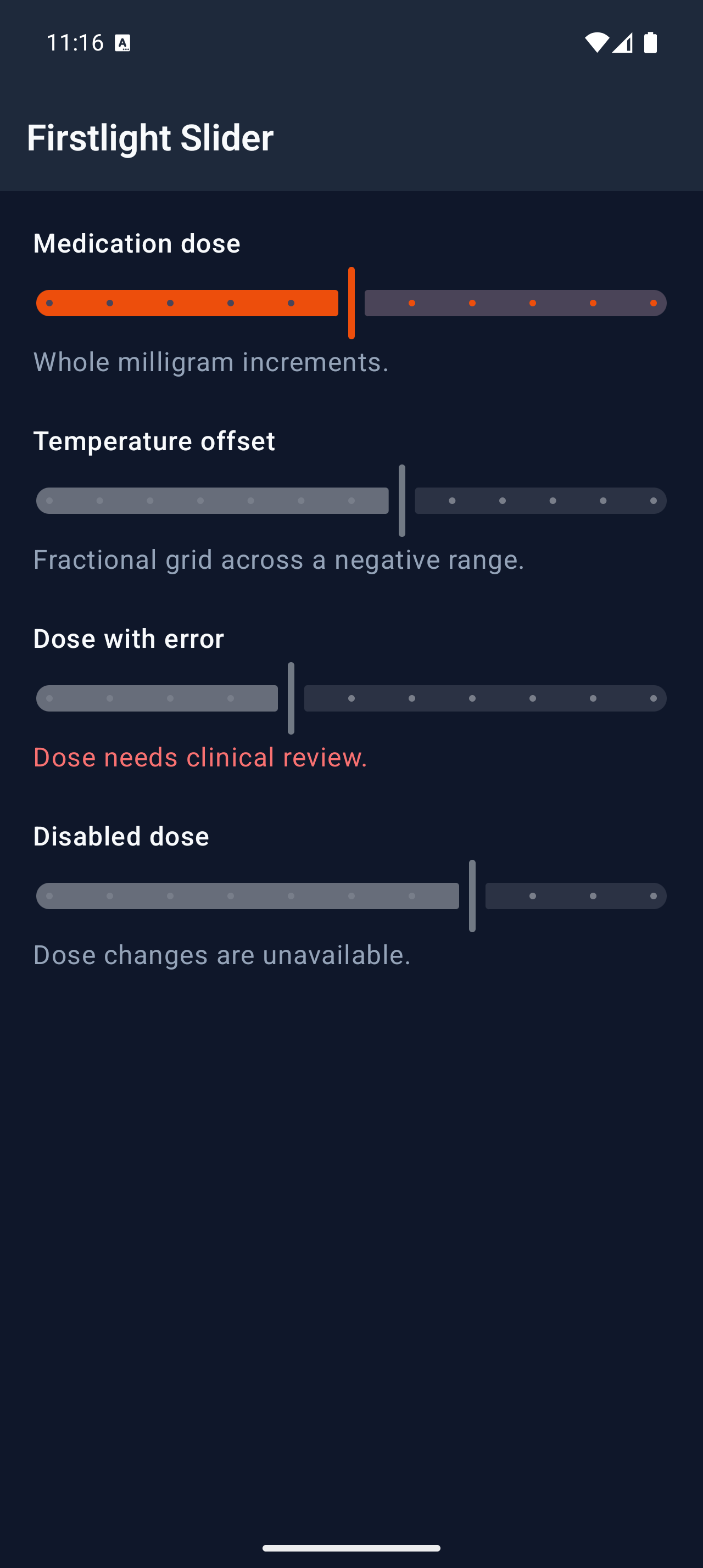
Select one value from an exact numeric grid using each platform’s native slider.
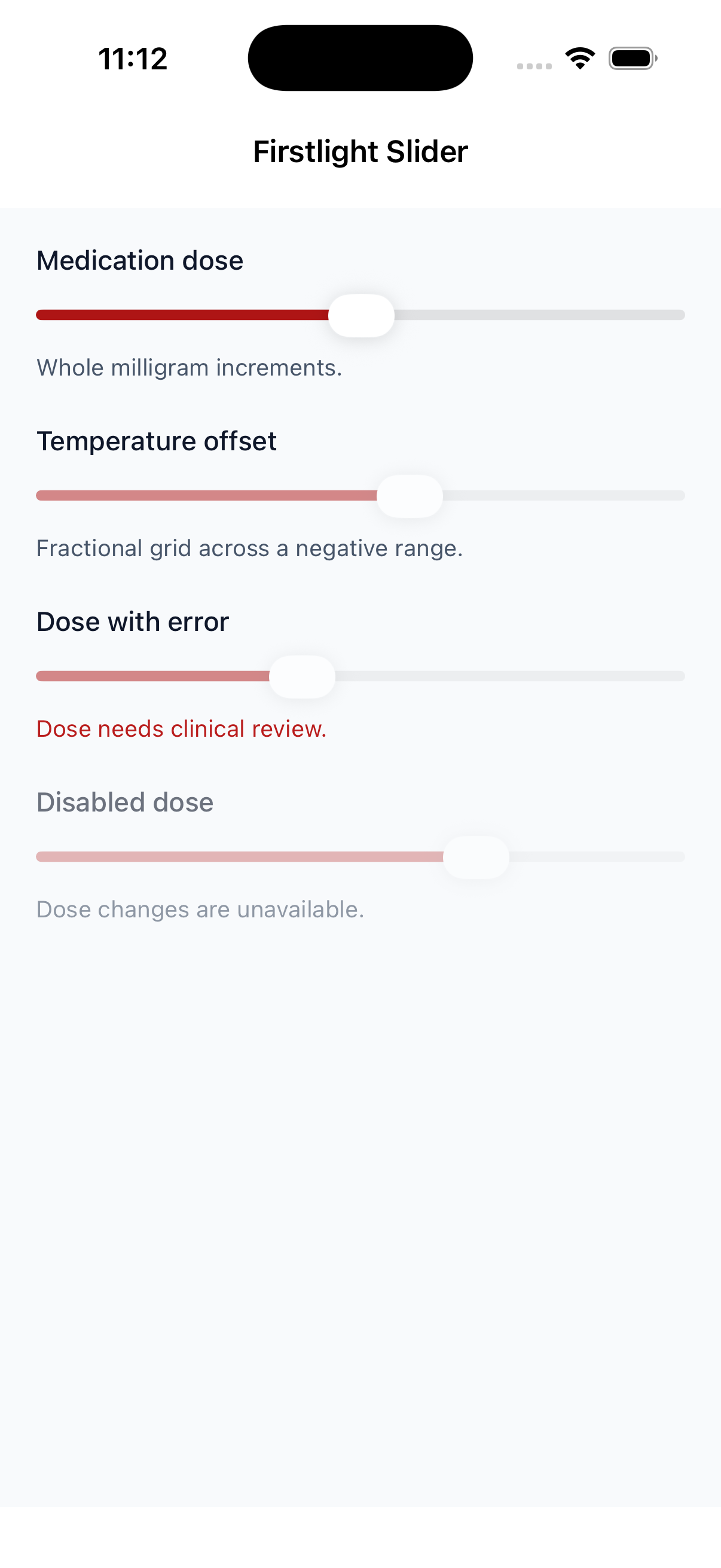
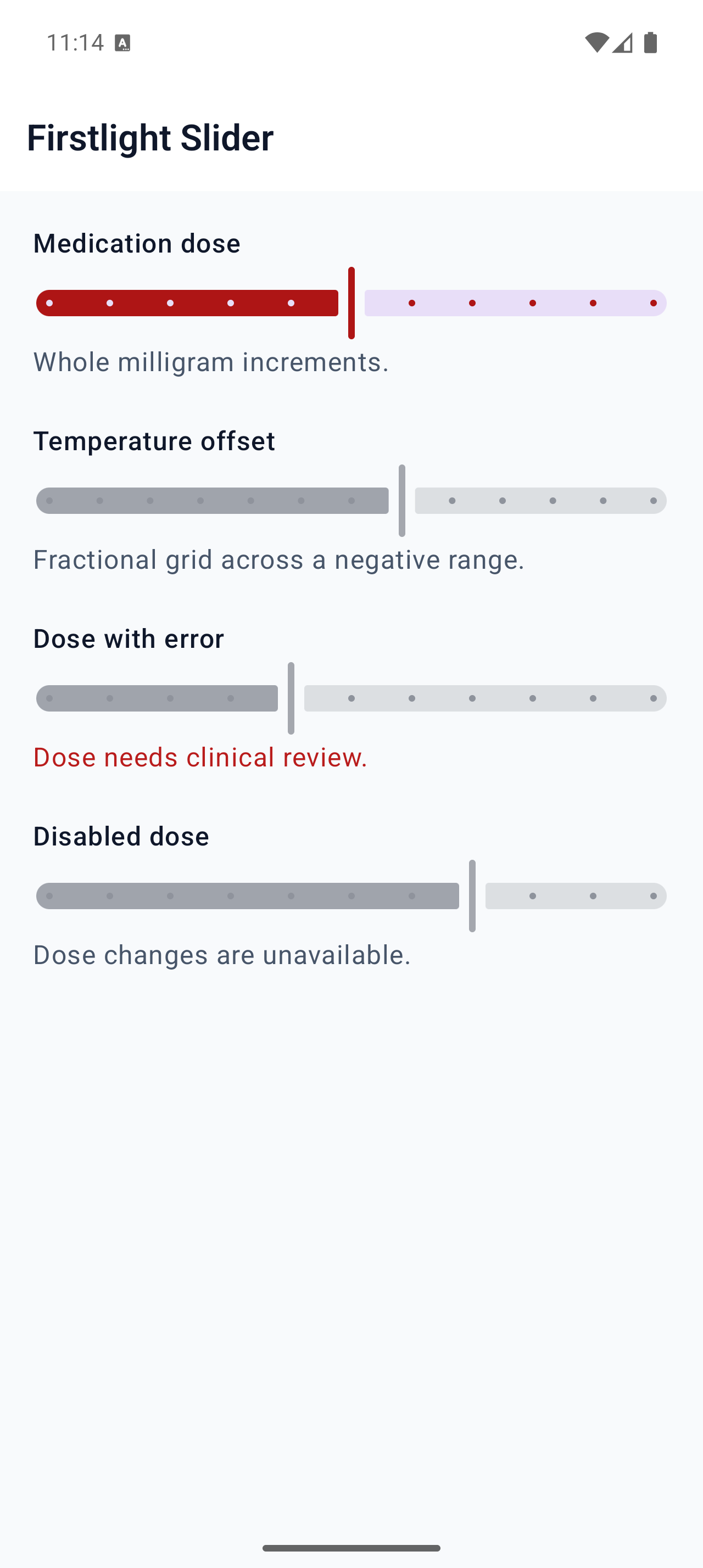
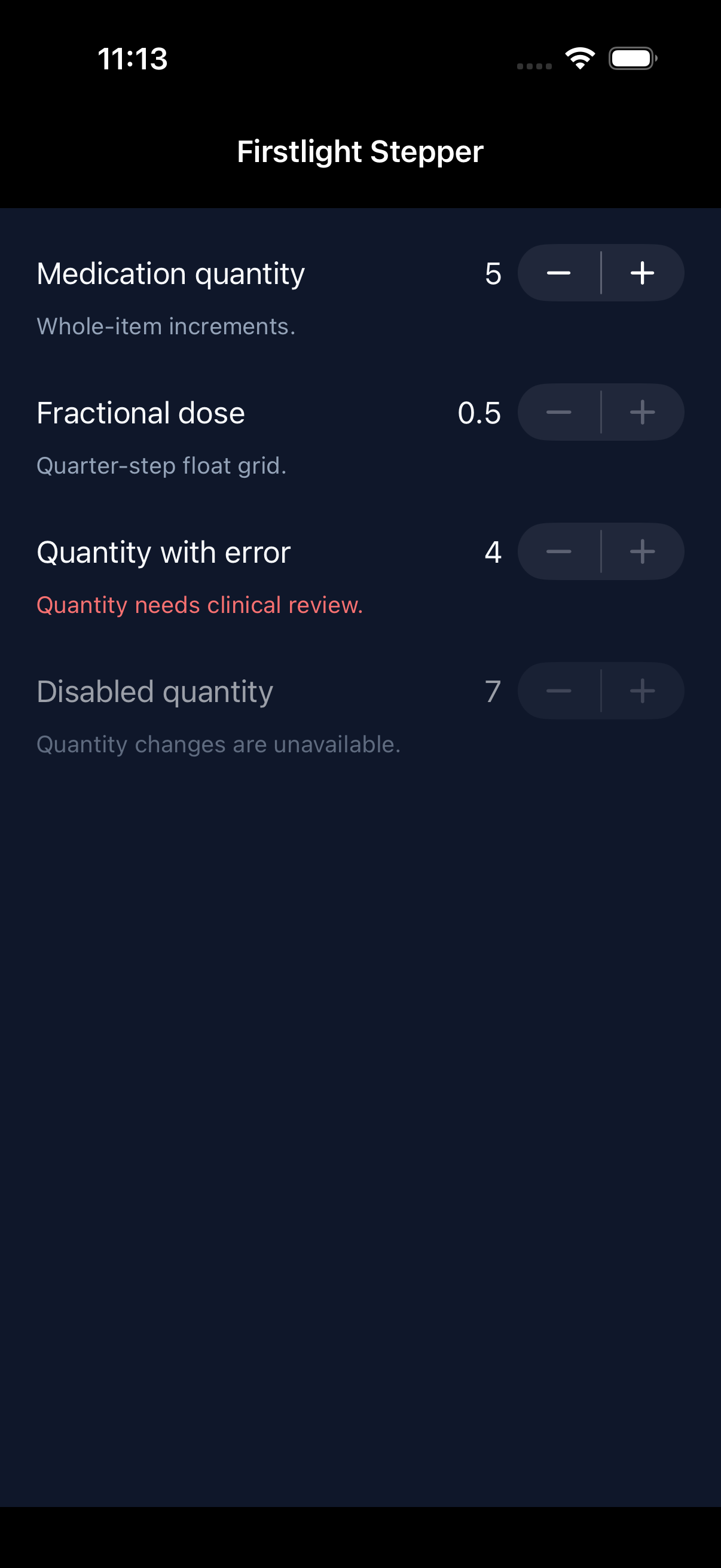
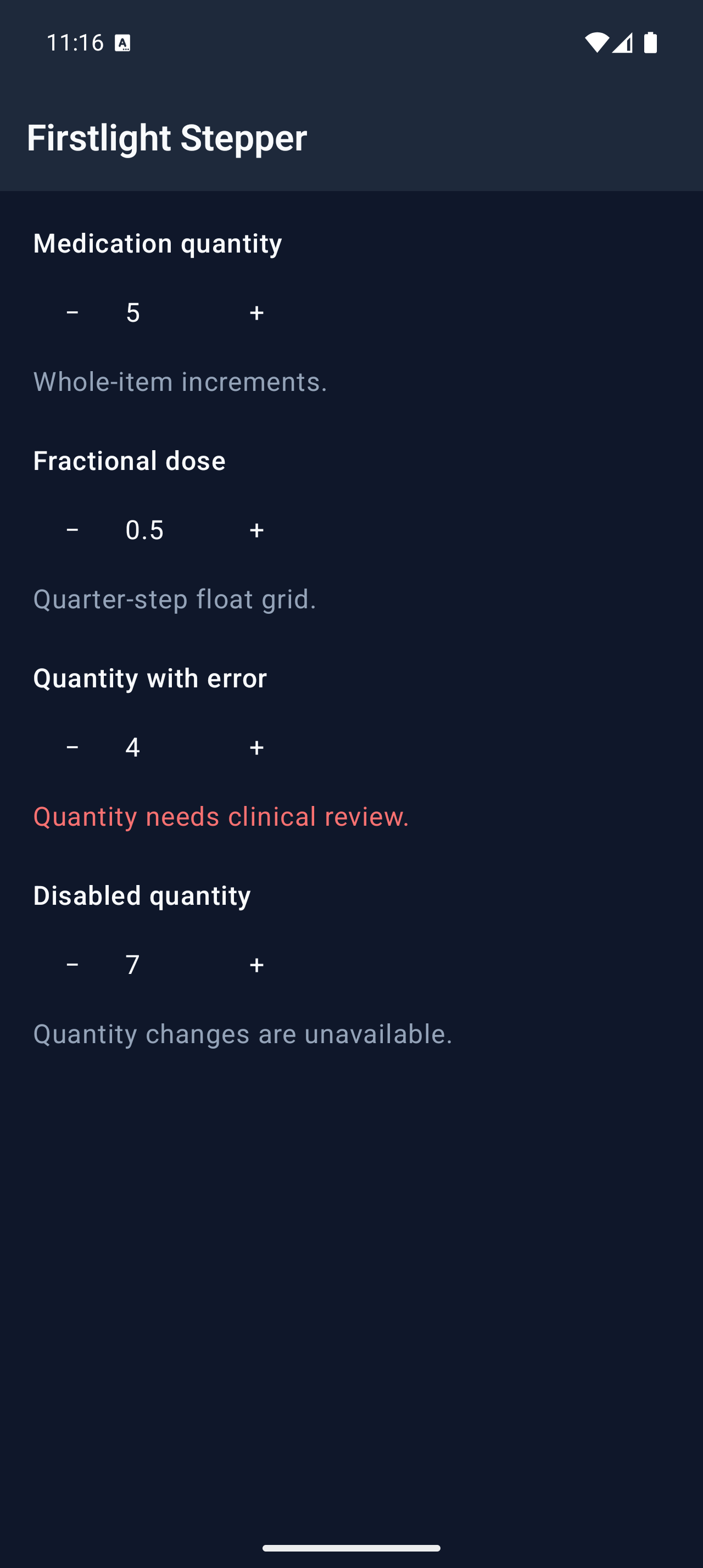
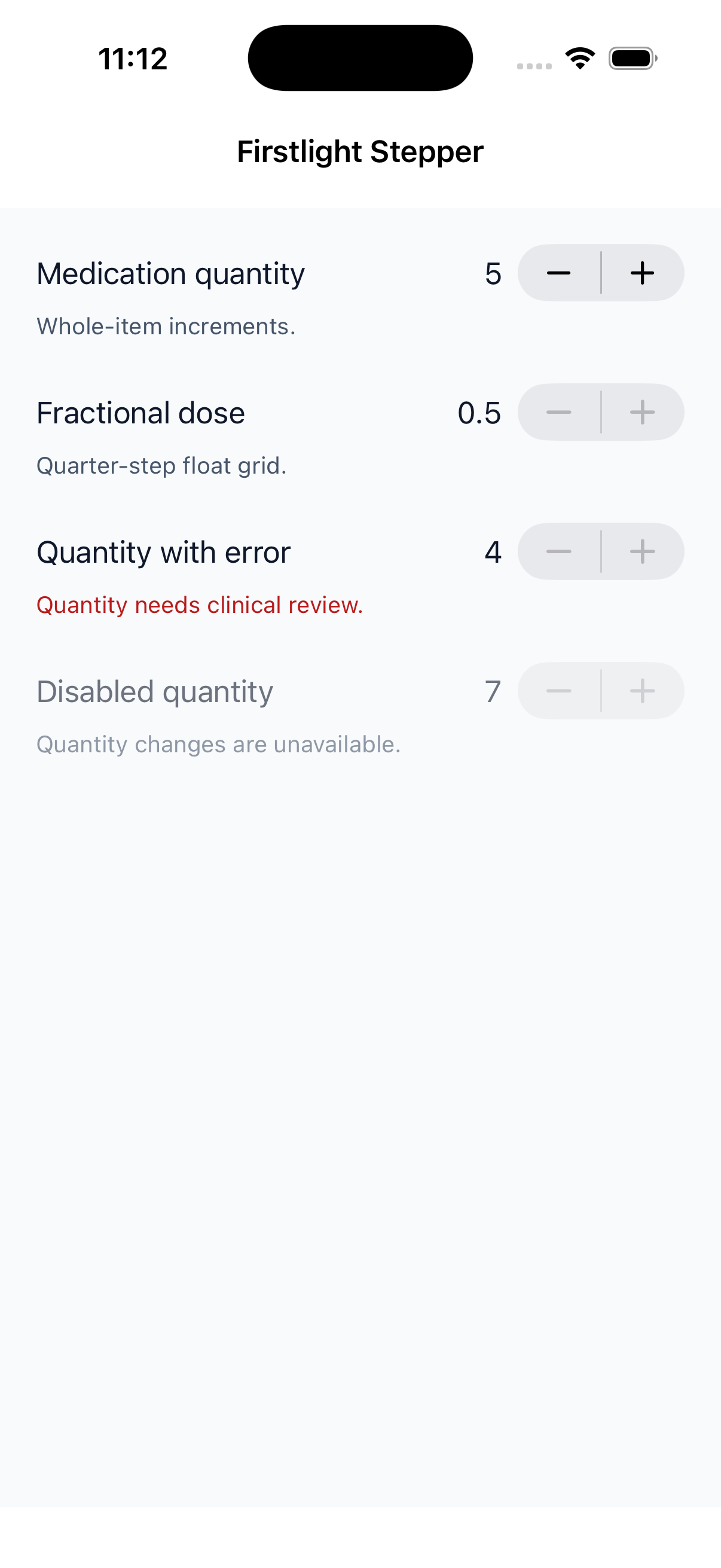
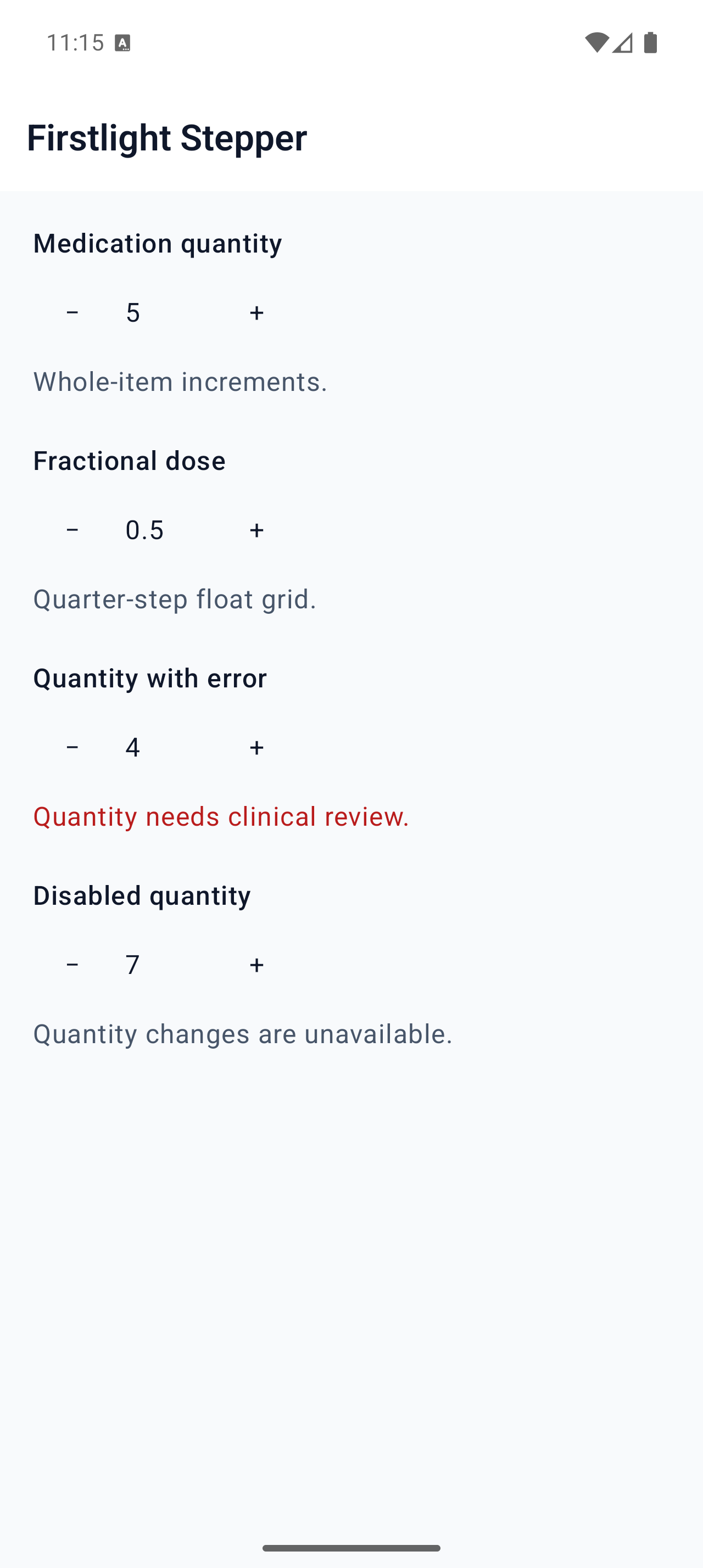
Move an accepted numeric value through a bounded range one exact step at a time.
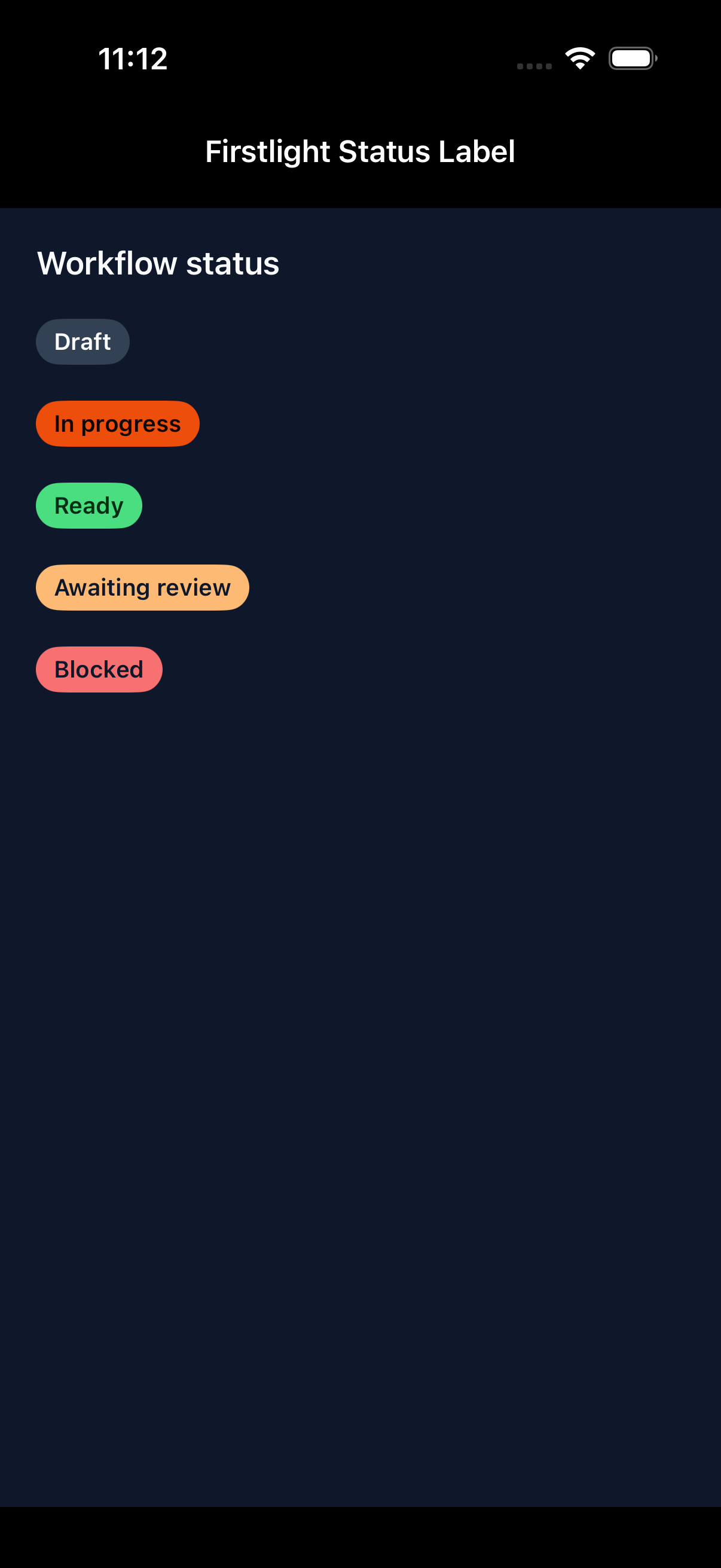
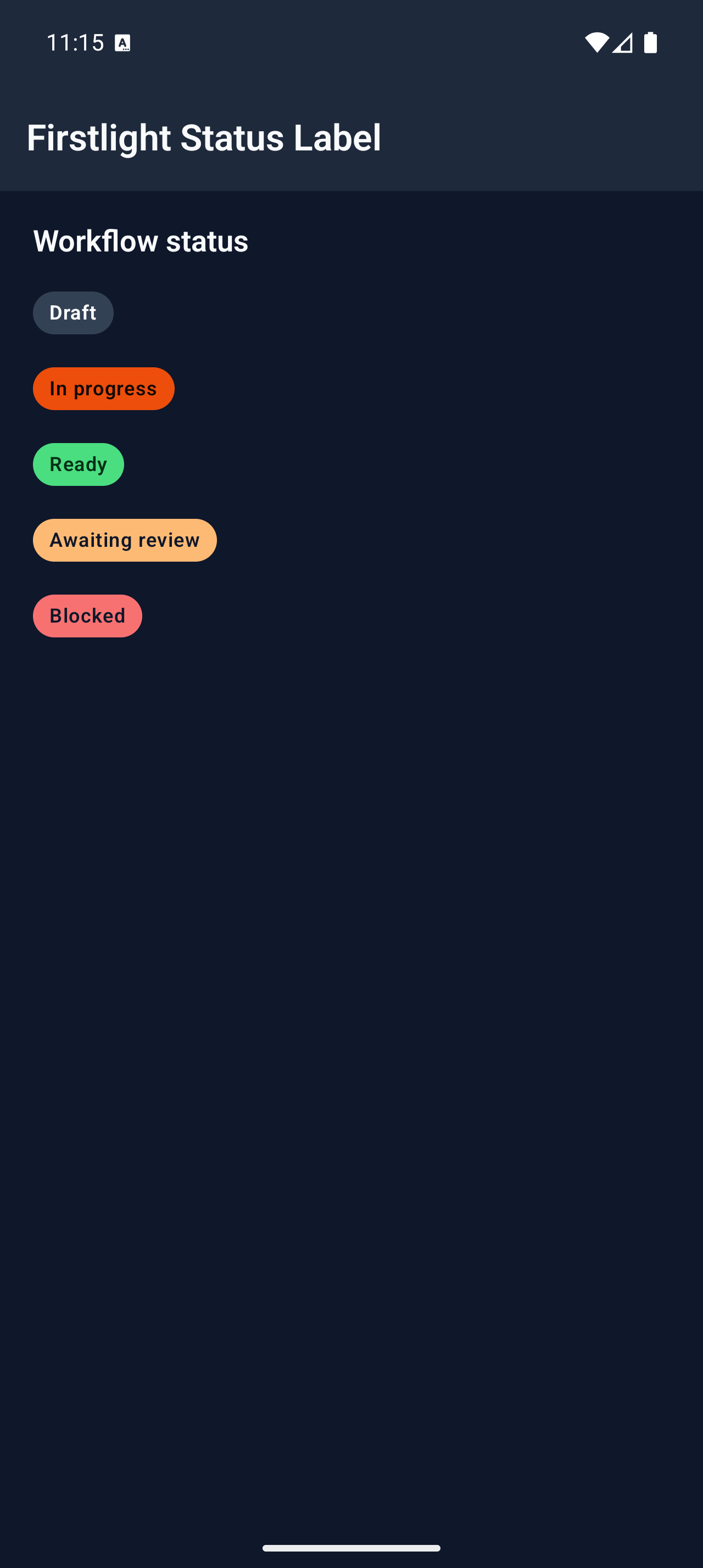
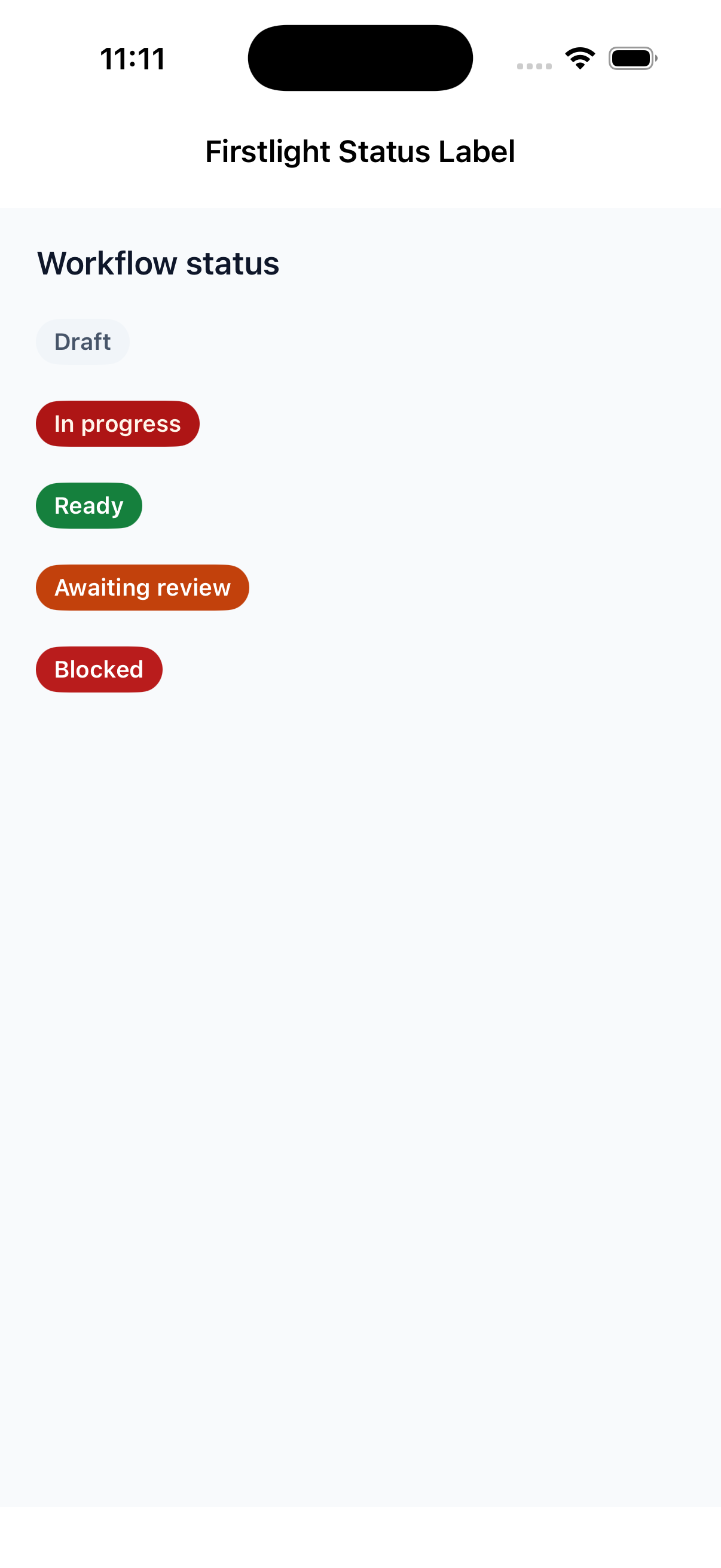
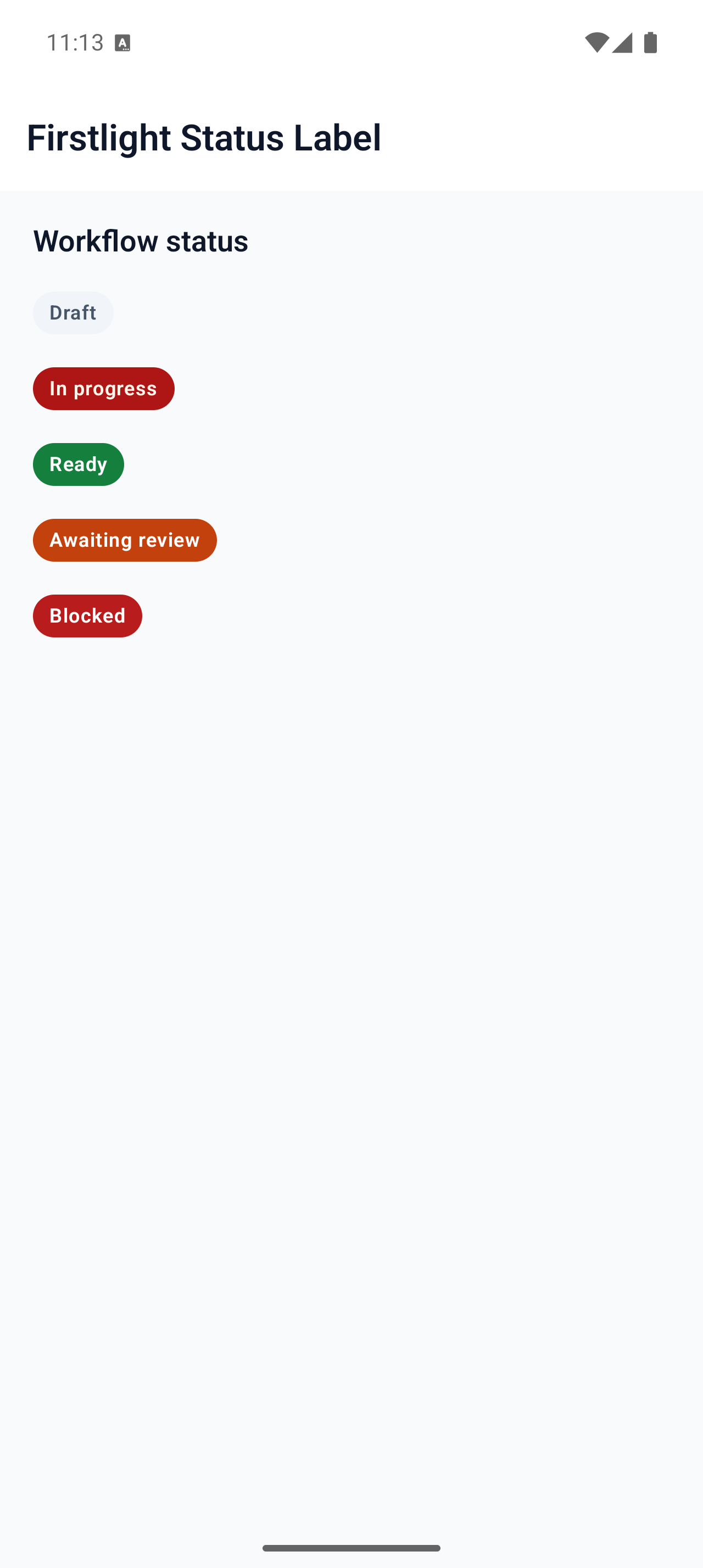
Present short display-only metadata or status text as a native semantic capsule.
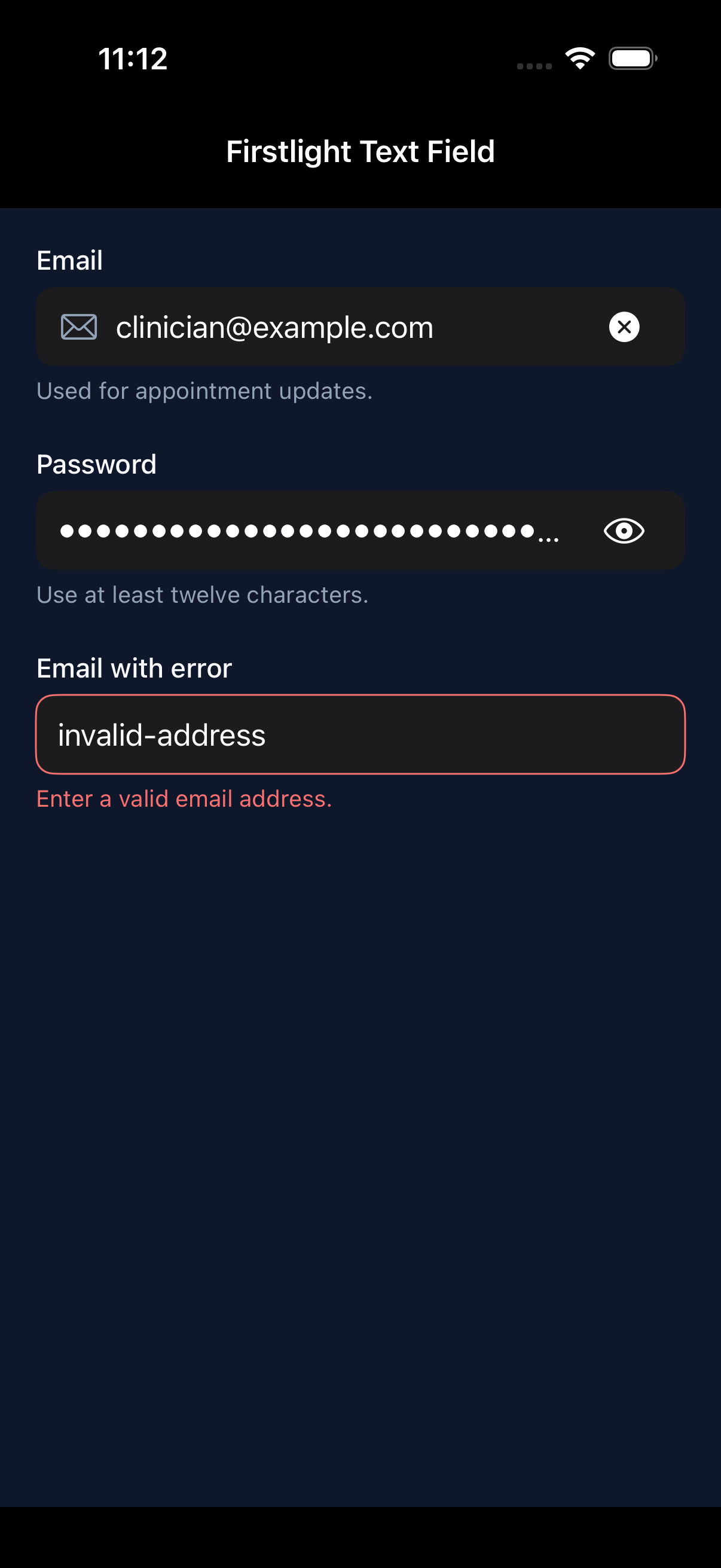
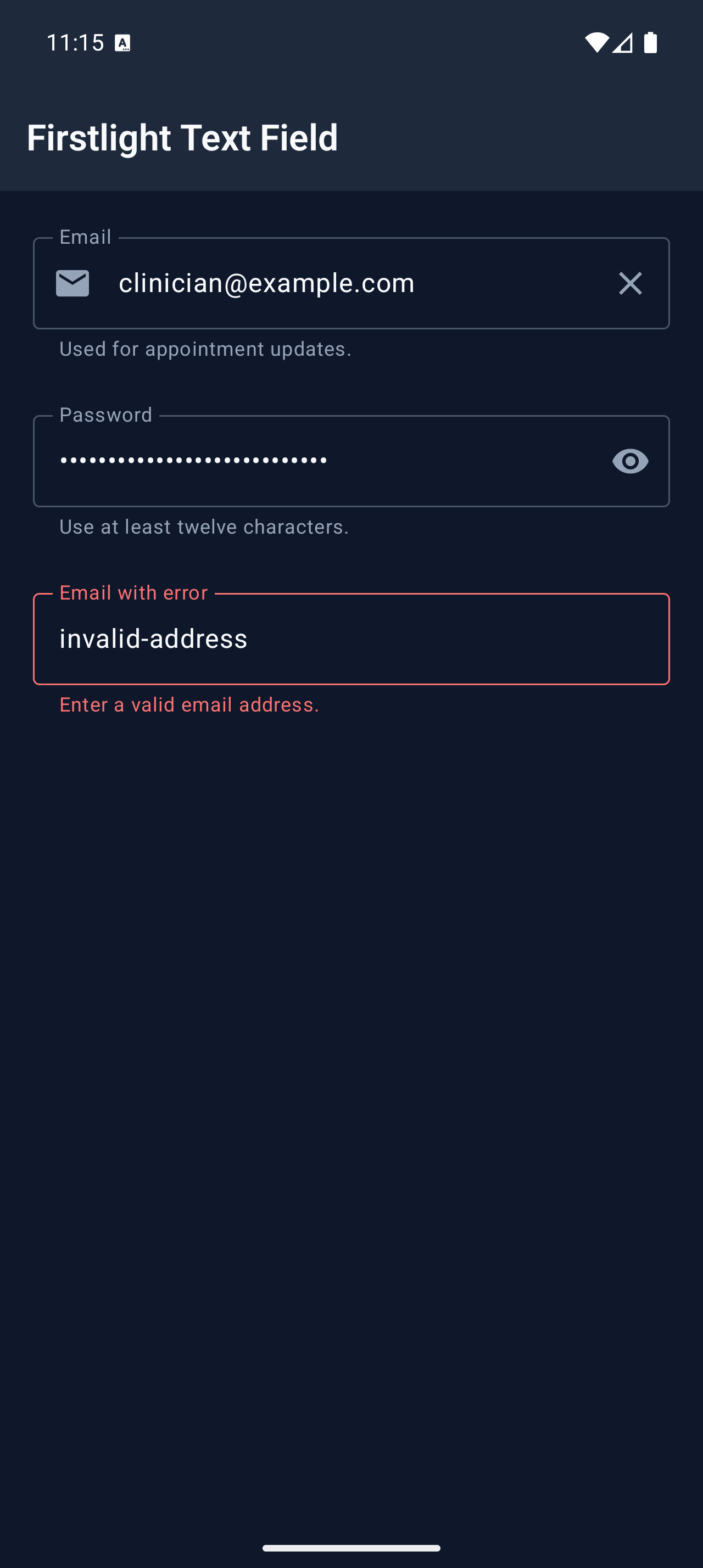
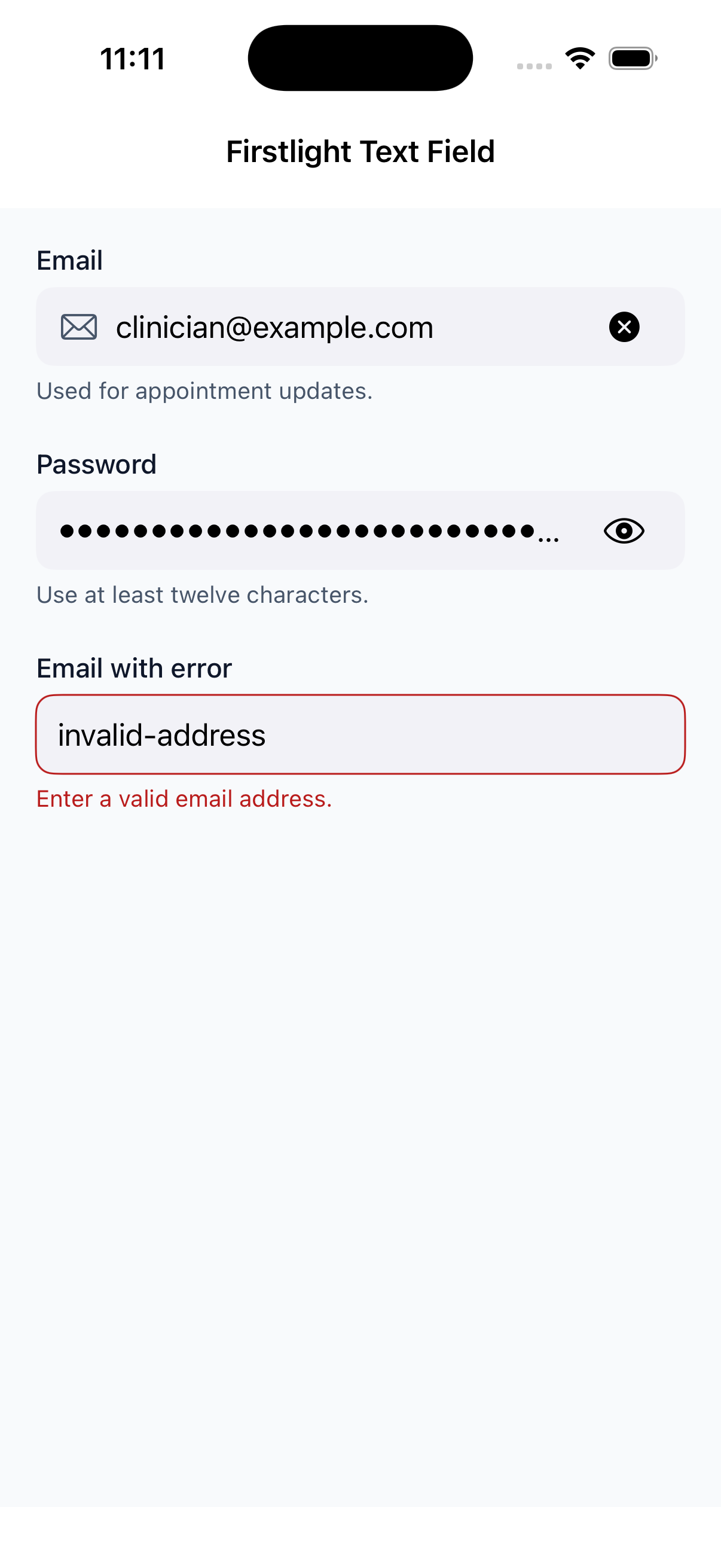
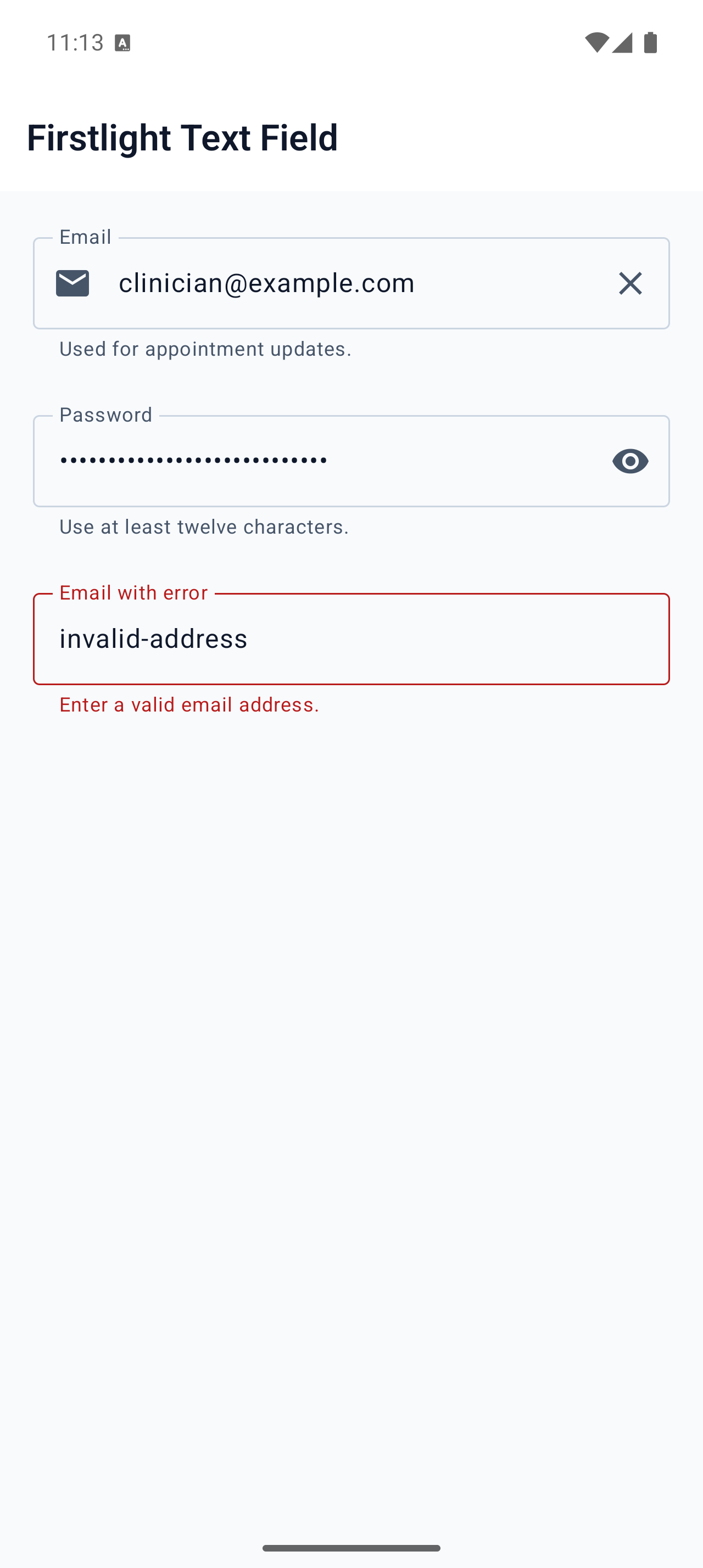
Edit one line of text with each platform’s native keyboard, autofill, selection, and accessibility behaviour.
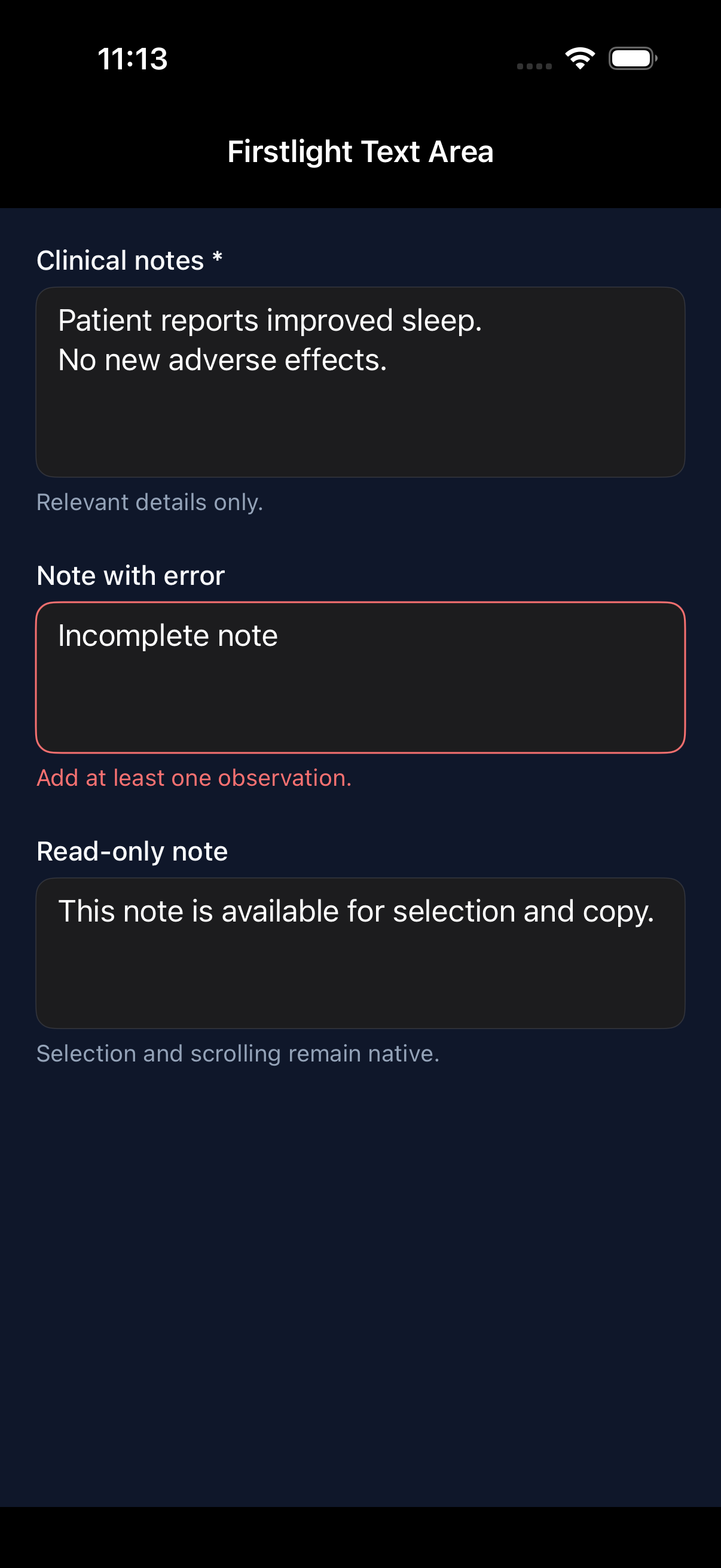
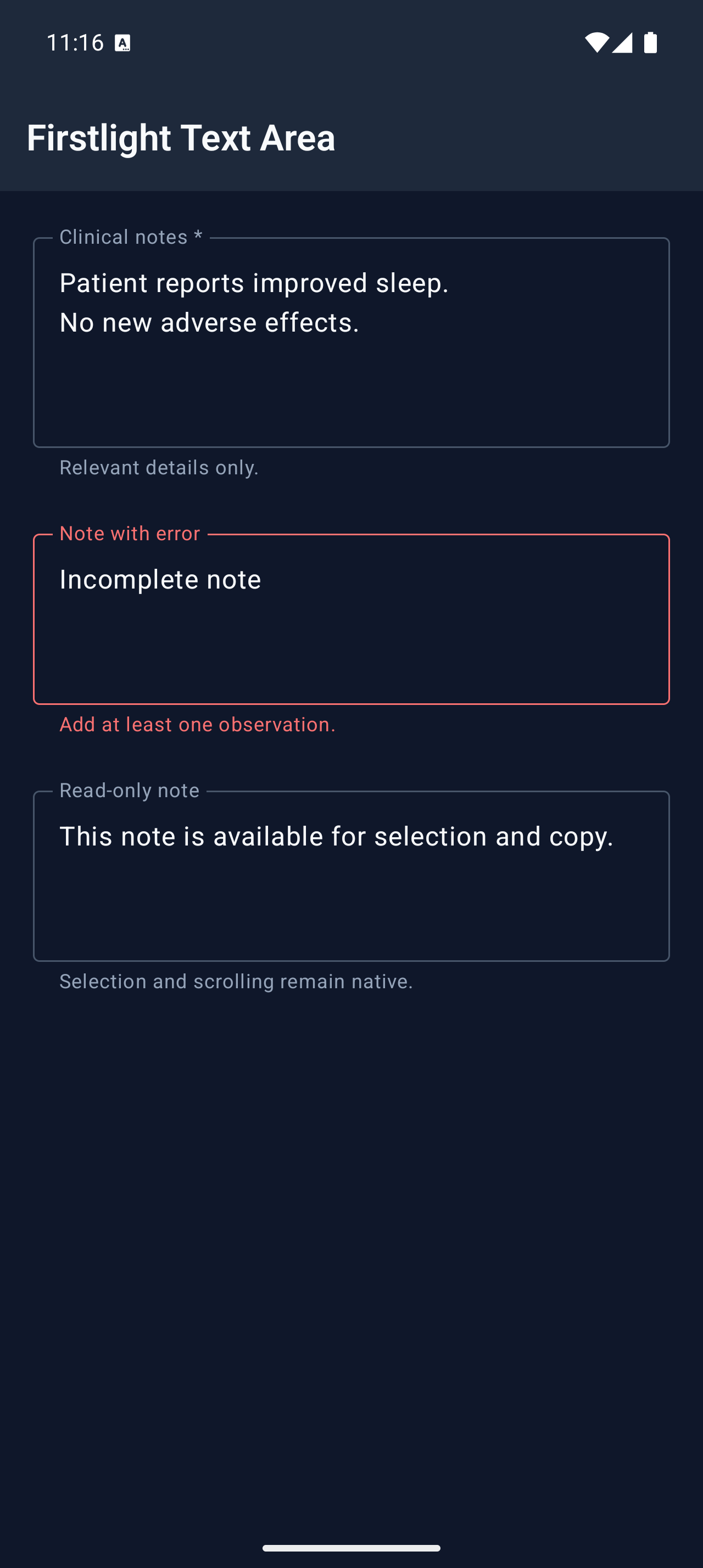
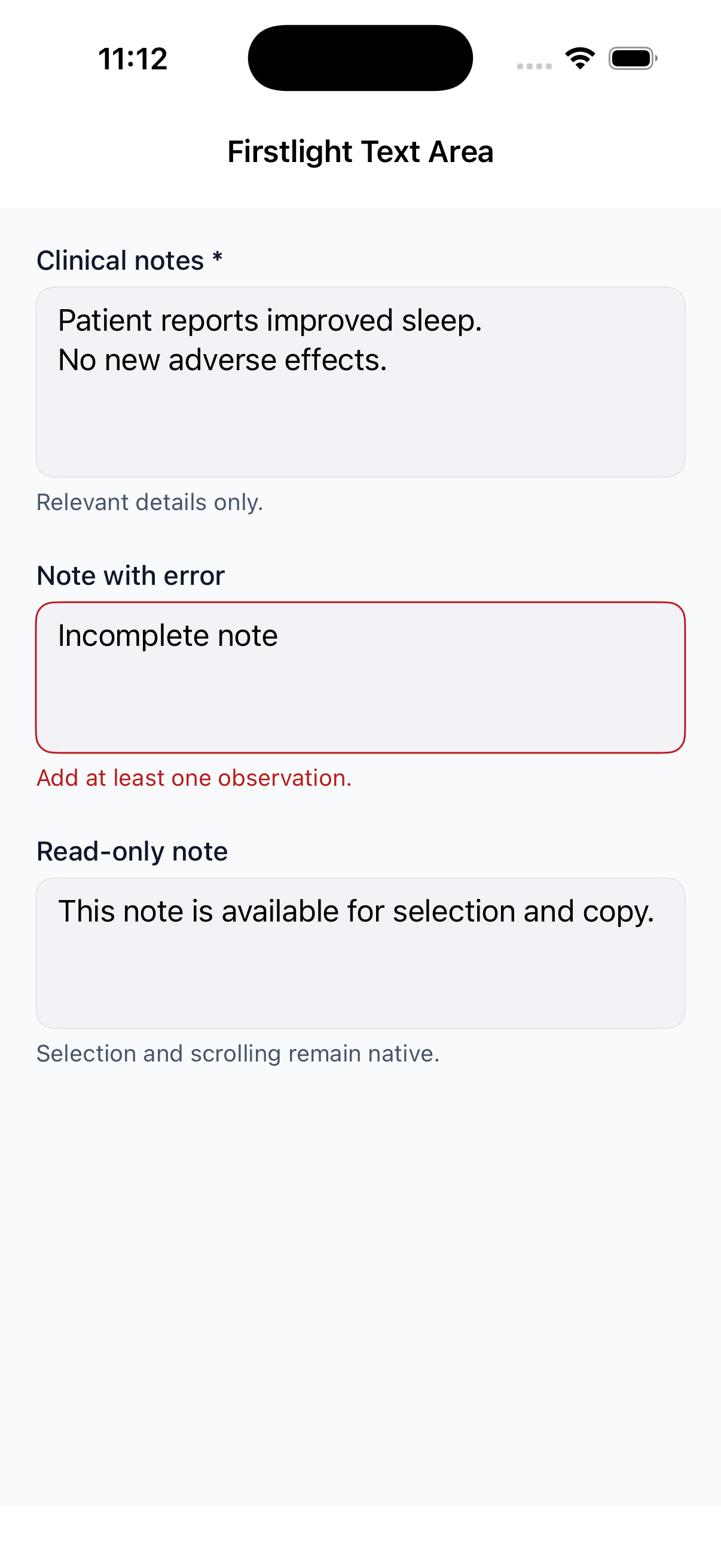
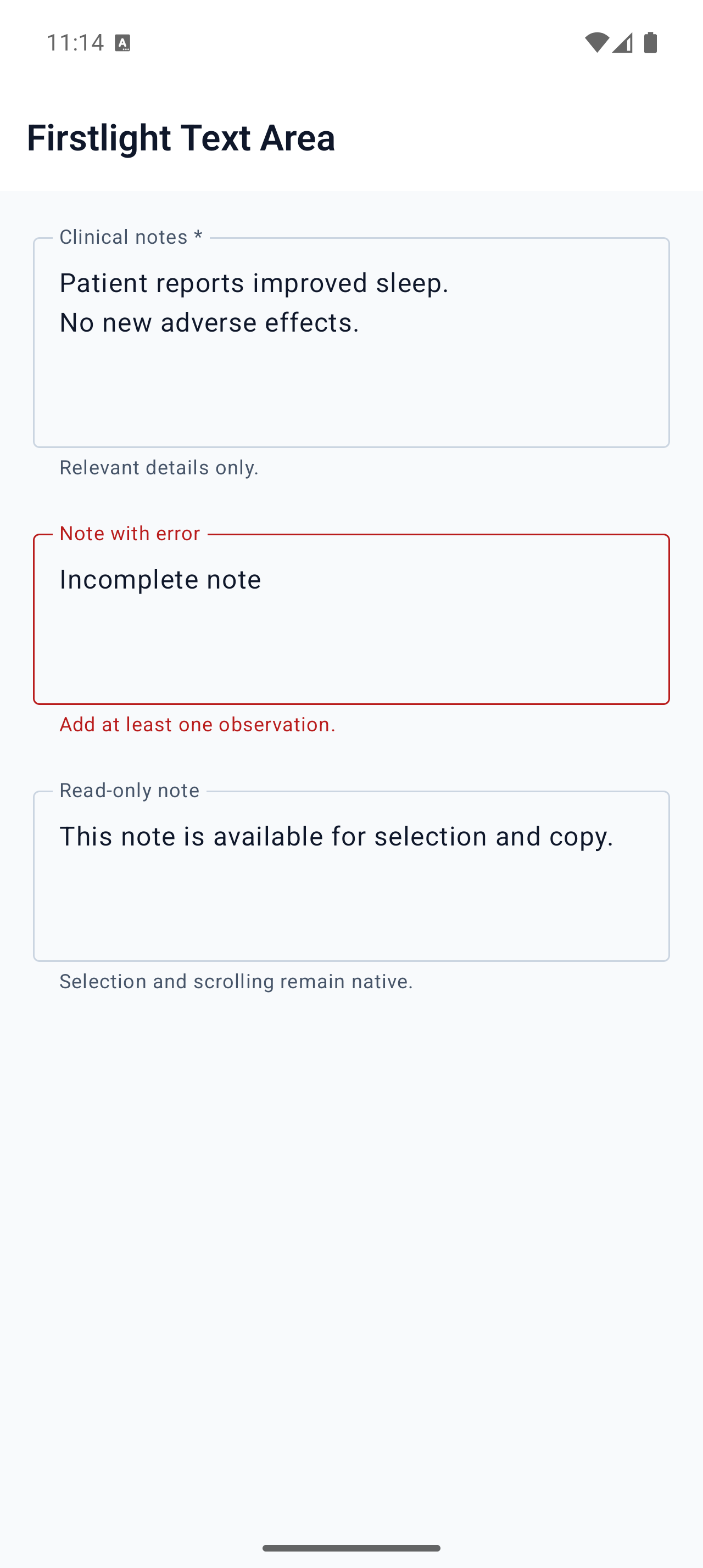
Edit multiline text with native selection, composition, focus, scrolling, and correction behaviour.
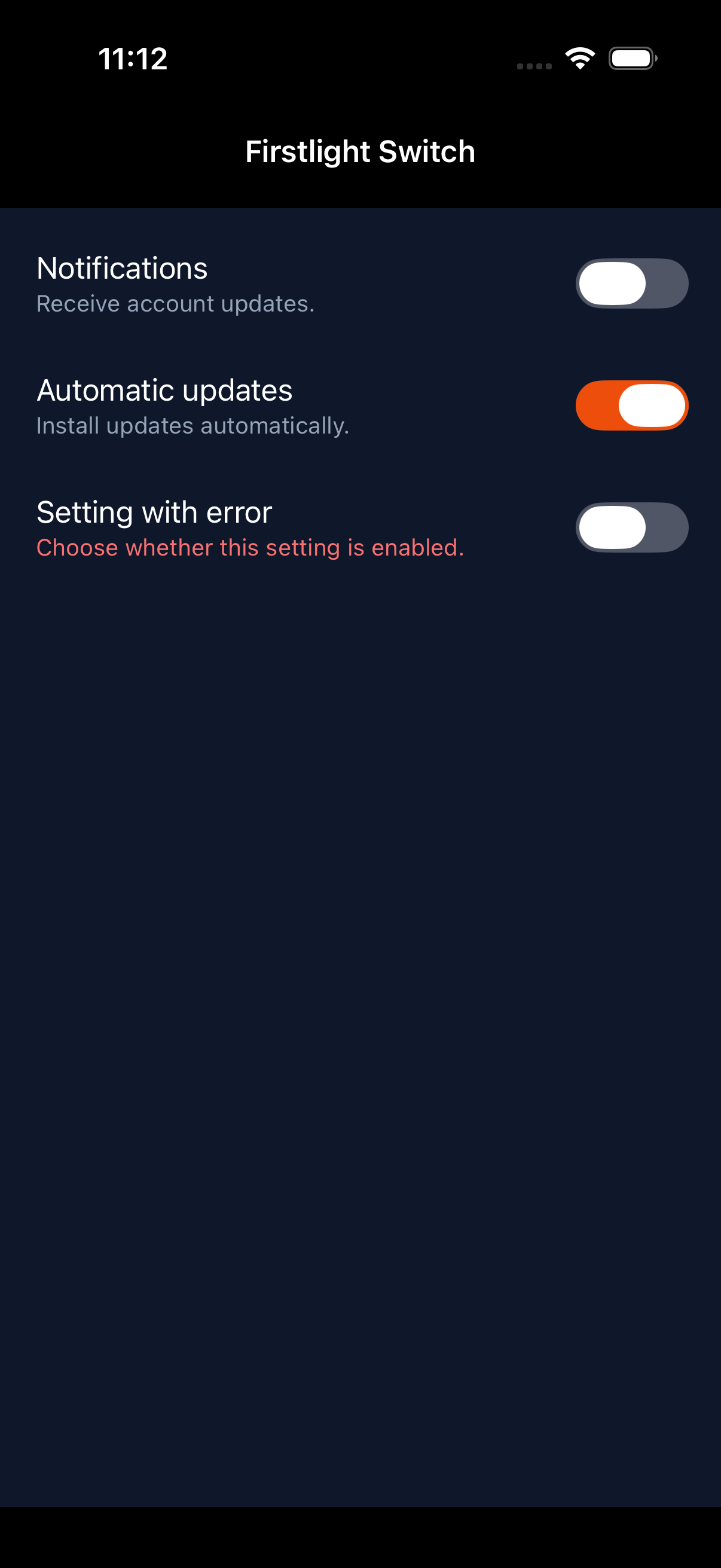
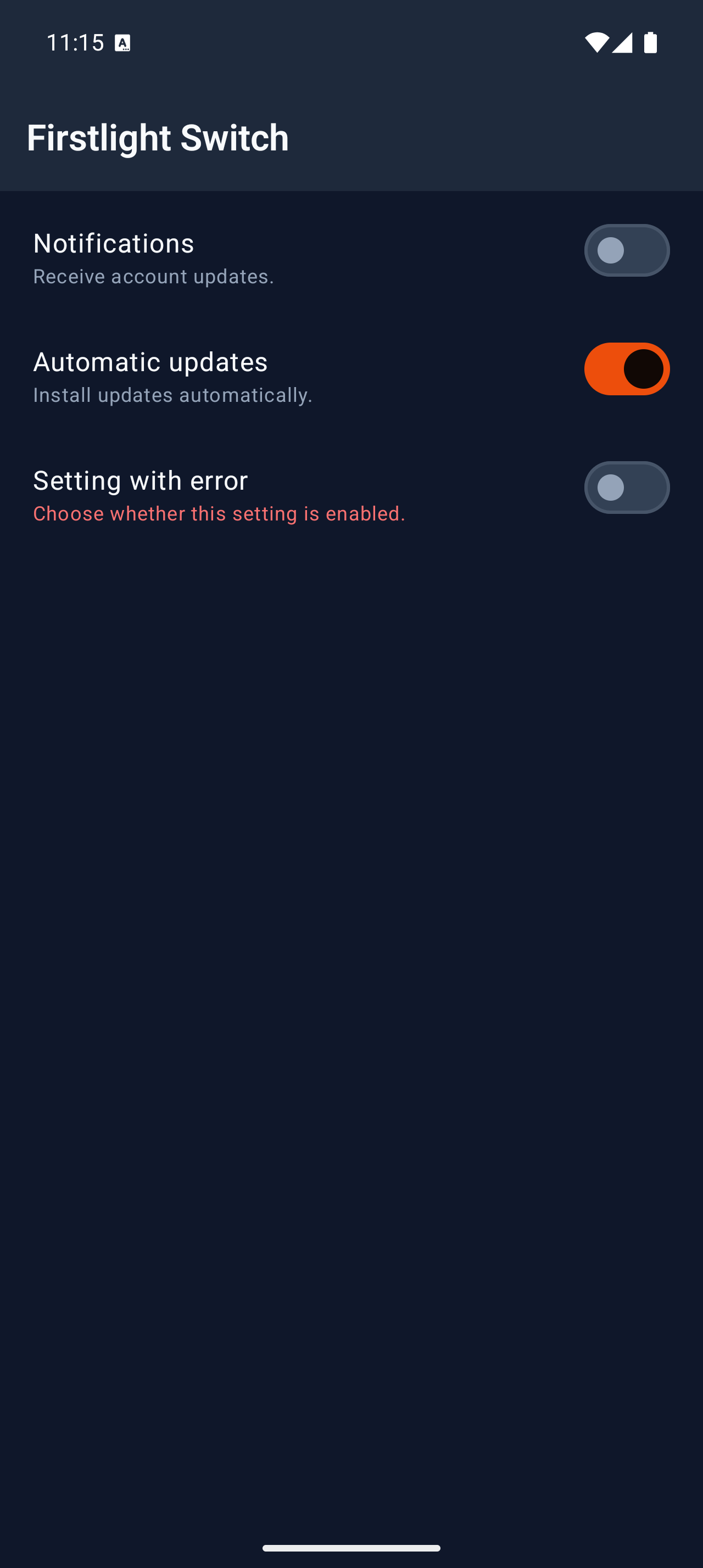
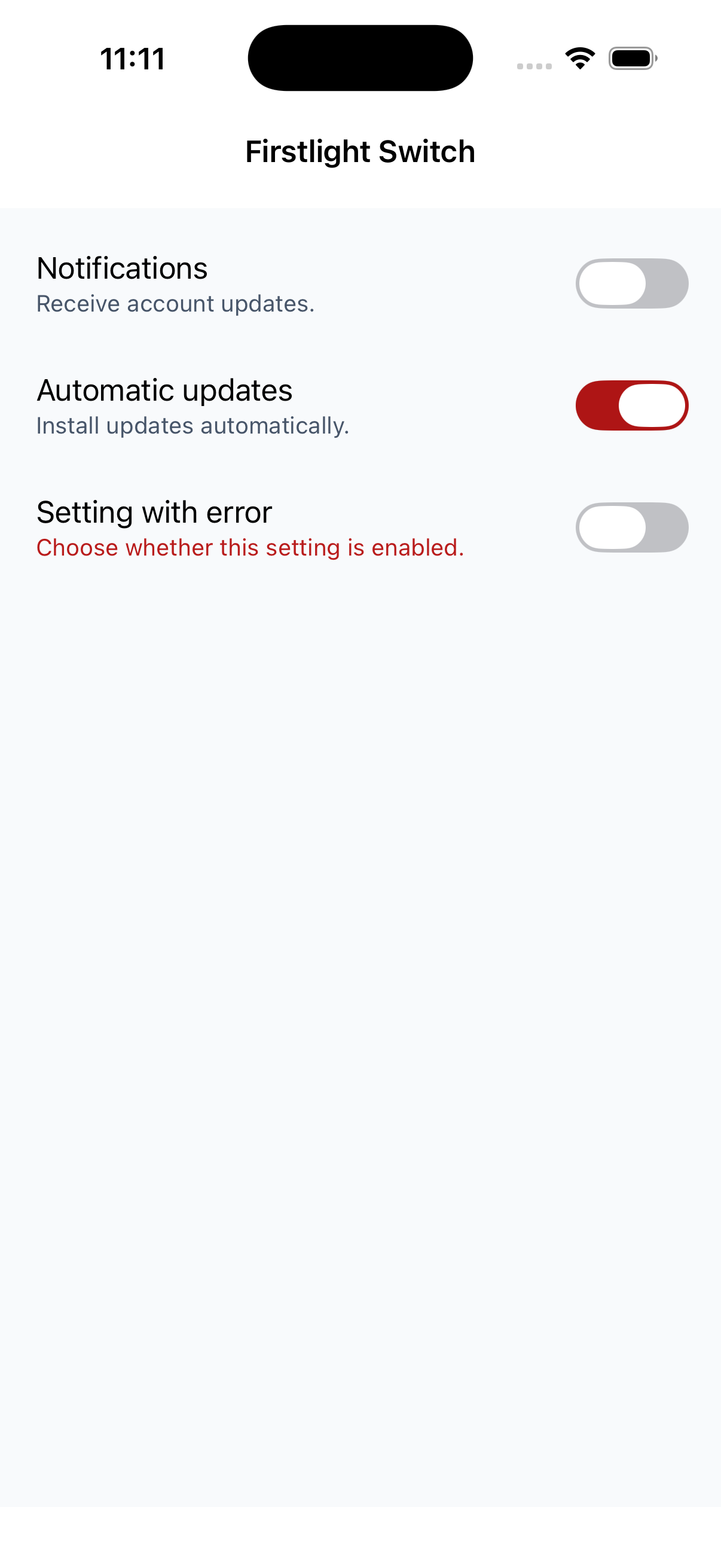
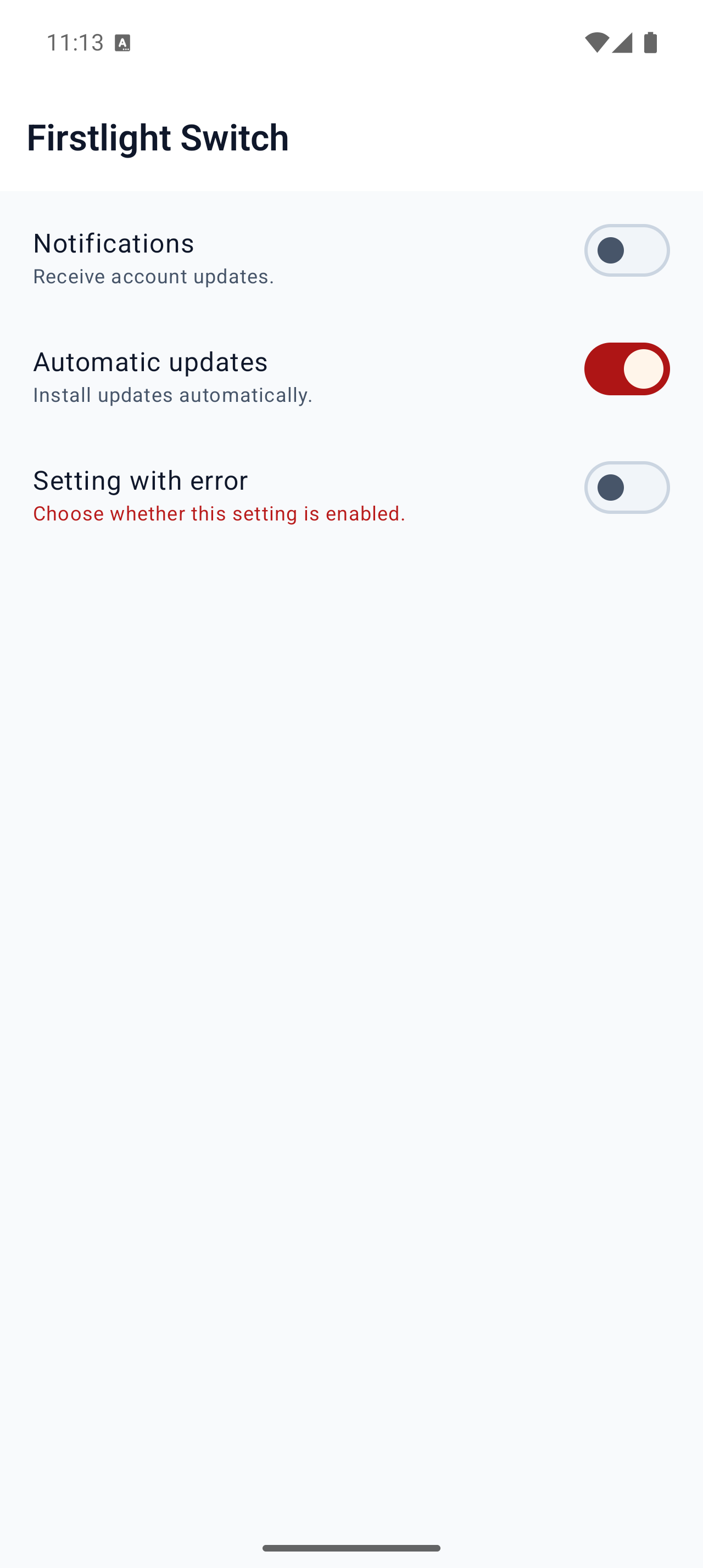
Present one boolean setting through each platform’s familiar native on/off control.
Firstlight in the NativePHP ecosystem
Firstlight uses the same EDGE, Element Tree, shared-memory frame, renderer, theme, and event lifecycle as NativePHP Mobile UI. Ordinary interaction stays on the native UI thread.
Quickstart
Install Firstlight alongside Mobile UI, then author focused form and action controls with familiar Blade markup.
composer require firstlightui/nativephp